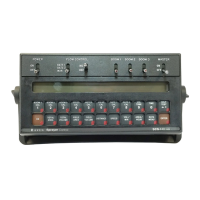
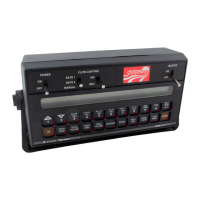
17
15) Enter RATE 1 CAL (lbs/acre) [Kg/ha] target application rate in key labelled .
16) Enter RATE 2 CAL (lbs/acre) [Kg/ha] target application rate in key labelled
(If you do not use a second rate, enter the same rate as RATE 1 CAL).
YOU HAVE NOW COMPLETED PROGRAMMING THE CONSOLE
The flashing "CAL" will now extinguish. If not, repeat procedure starting at Step 9.
ENTERING ADDITIONAL DATA:
You may wish to enter data in the keys labelled
and although it is not
required for the operation of the system.
1) ENTERING VOLUME:
Enter the estimated VOLUME in the TANK (lbs)[kg] in key labelled
. Each
time the tank is refilled, this number must be re-entered.
IMPORTANT:
Both RATE and DATA displays windows are used to enter and view
volume totals. This enables a volume from 1 to 99,999,999 to be
entered into the Console. As information is entered, numbers move
from the DATA display window across to the RATE display window.
2) ENTERING TIME, DATE, AND POWER DOWN:
Definition of Time, Date, and Power Down Key:
Depressing this key displays selected Time features in DATA display.
EXAMPLE: RATE display will display "TInE" and DATA will display 0:00.
Depressing this key after selecting TIME toggles up through desired
features.
EXAMPLE: TIME, MONTH, DAY, YEAR, and POWER DOWN.
Depressing this key after selecting TIME toggles down through desired
features.
EXAMPLE: POWER DOWN, YEAR, DAY, MONTH and TIME.


 To Next Page
 Loading...