80
HSB Series Chartplotter
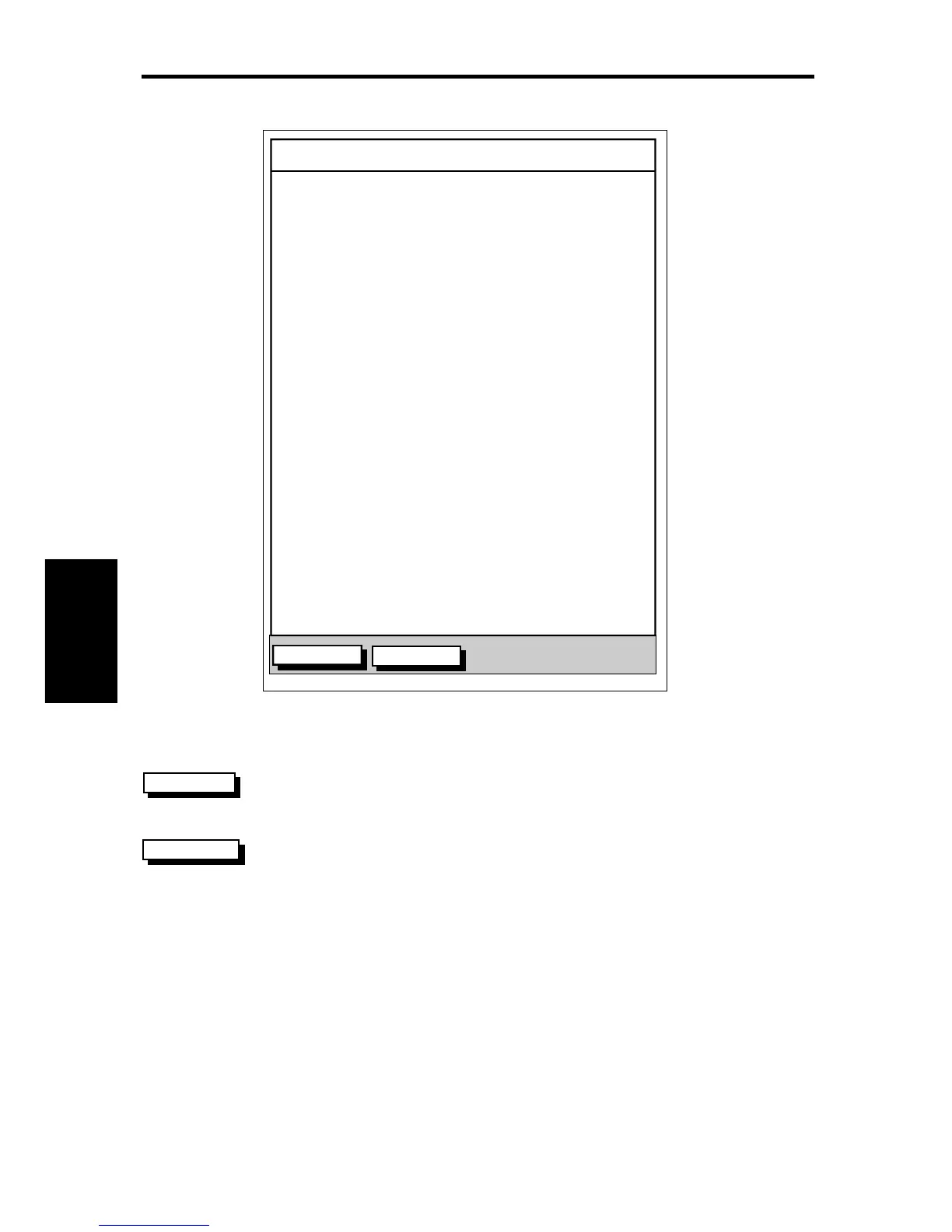
TIME POSITION CMG DMG
CLEAR LOG
STOP LOG
15:30
16:00
16:30
17:00
17:30
18:00
18:30
19:00
19:30
346°
M
180°
M
012°
M
206°
M
043°
M
245°
M
093°
M
302°
M
145°
M
50°21^890N
001°20^610W
50°18^010N
001°20^070W
50°21^850N
001°19^290W
50°18^500N
001°21^300W
50°20^990N
001°18^280W
50°19^660N
001°21^960W
50°19^730N
001°18^030W
50°20^930N
001°21^750W
50°18^550N
001°18^650W
6.86
KM
7.23
KM
7.23
KM
6.67
KM
5.74
KM
5.00
KM
4.63
KM
5.00
KM
5.74
KM
D4284-1
➤ To stop recording log entries:
Press the STOP LOG soft key.
➤ To clear the log entries:
Press the CLEAR LOG soft key, you are prompted “Are You Sure”.
To cancel the CLEAR LOG operation press the NO soft key.
To continue press the YES soft key, all log entries are deleted, but
the data log remains active.
CLEAR LOG
STOP LOG
Data Log Mode





 To Next Page