V1.0 Raytools AG © Copyright 8 |24
www.raytools.ch
BS06K SERIES 6kW All-In-One Smart Laser Cutting Head-User Manual
2.1.2 G5 Fiber Insertion
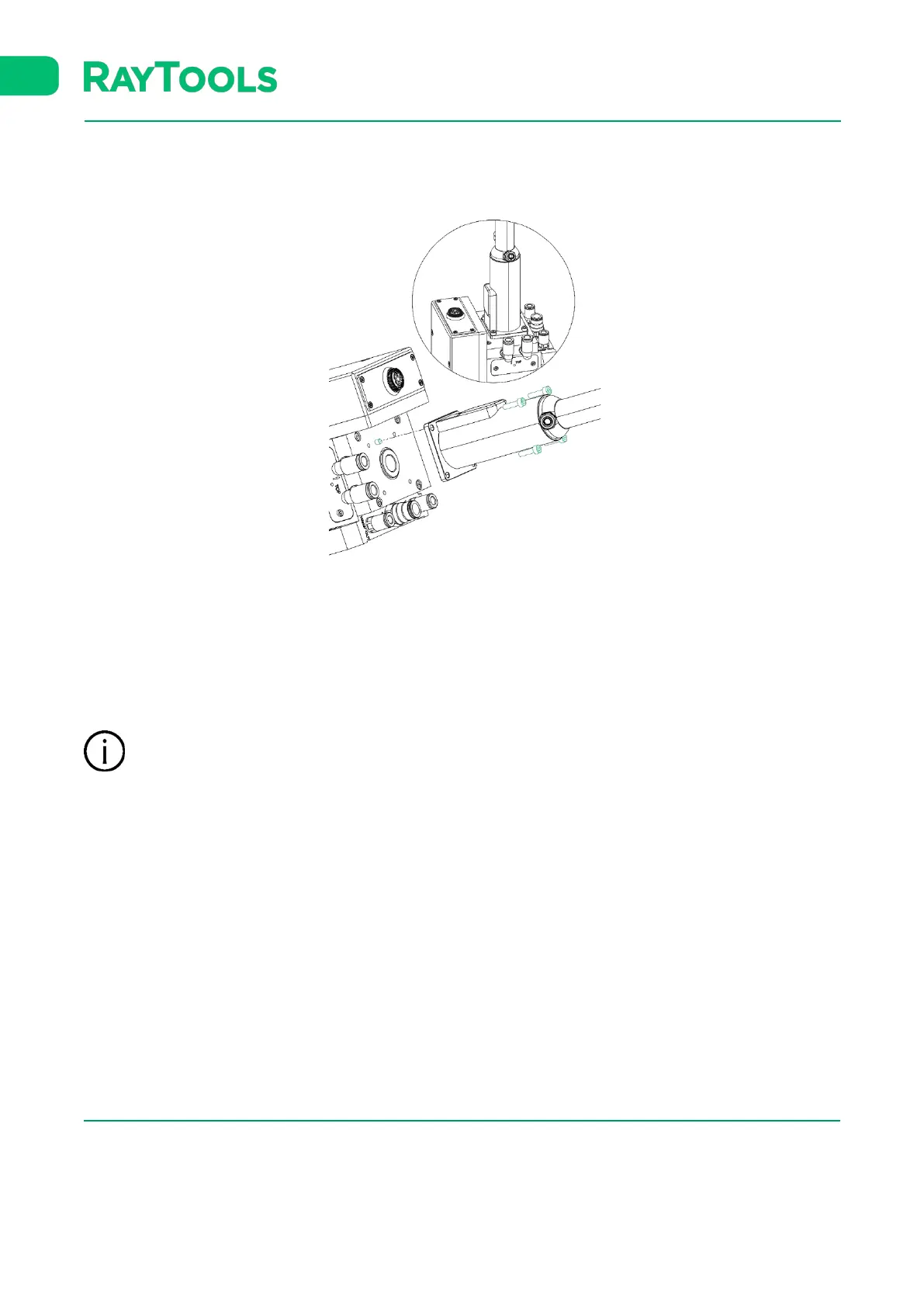
▪ Remove the dust cover of G5 adaptor.
▪ Align the locating pin holes of the fiber end and the laser head.
▪ Lock the fiber end and the laser head with locking screws tightened to the corresponding screw holes.
▪ Shake the fiber gently after locked, to confirm it is tightened prior to use.
It is recommended to use textured tape to seal the connection of female and male fiber interface after the
installation is finished in order to prevent from dust as much as possible in critical dusty environment.



 To Next Page