V1.0 Raytools AG © Copyright 24 |24
www.raytools.ch
BS06K SERIES 6kW All-In-One Smart Laser Cutting Head-User Manual
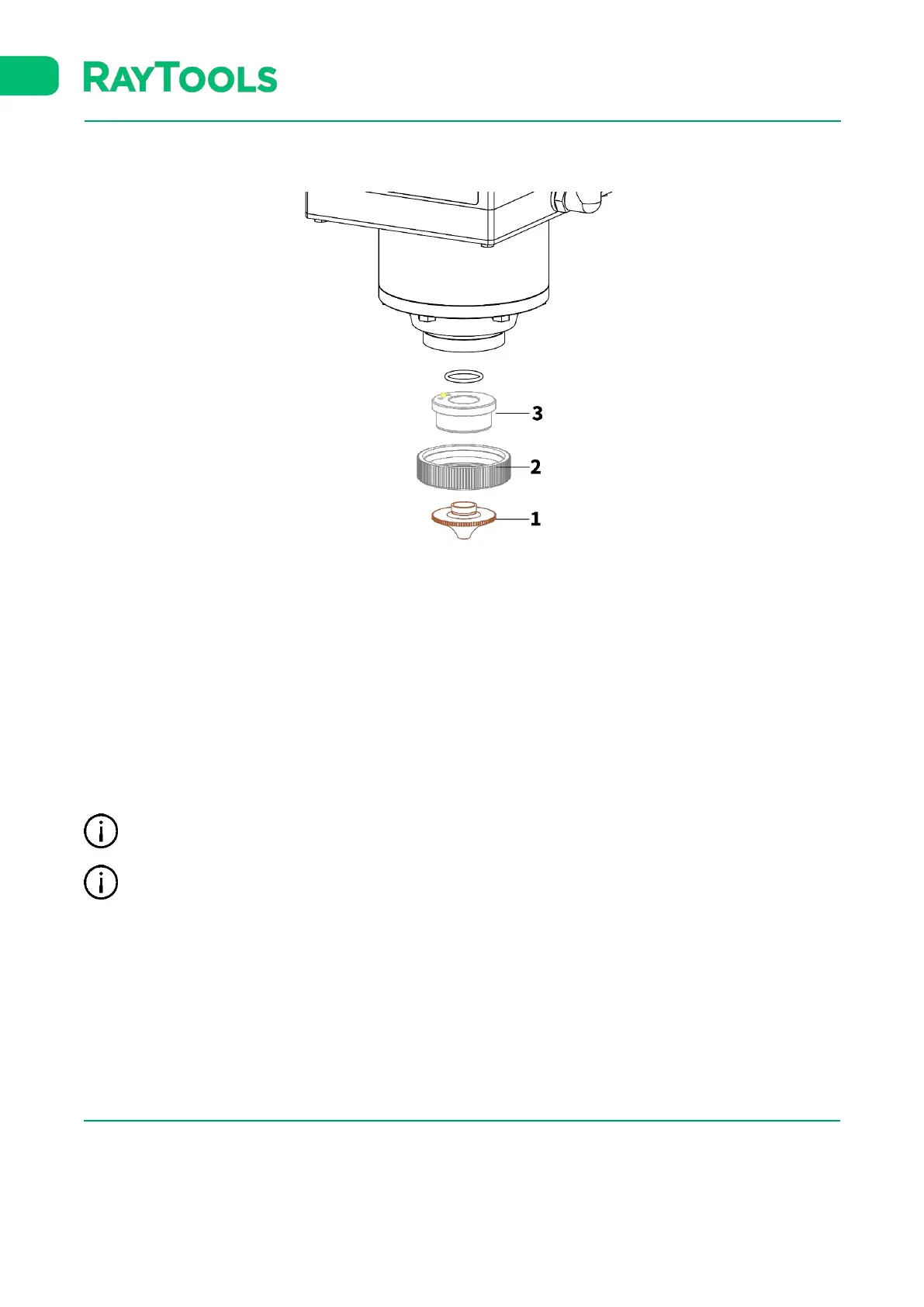
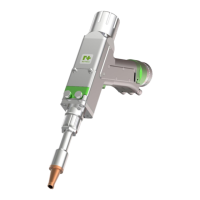
5.3 Replace Ceramic Body and Nozzle
The nozzle is required to be replaced if it gets crash or damaged by laser beam. The dirt on ceramic body is required to
be cleaned or to replace the ceramic body if it gets crash.
▪ Unscrew the nozzle (1).
▪ Press the ceramic body (3) upward by hand to make it fixed without deflection and then unscrew the lock nut (2).
▪ Align the pin hole of the new ceramic body with the locating pin. Press the ceramic body (3) upward by hand and
tighten the lock nut (2).
▪ Screw the new nozzle (1) and get it properly tightened.
▪ Do the capacitance calibration once again after replacing the nozzle or ceramic body.
Only tighten the nozzle and lock nut by hand (without tools) otherwise it could damage the ceramic body.
Keep the contact surface of all parts clean.



 To Previous Page