EC9000i / 9100i / 9600i Series Scanner User Guide Operating the scanner
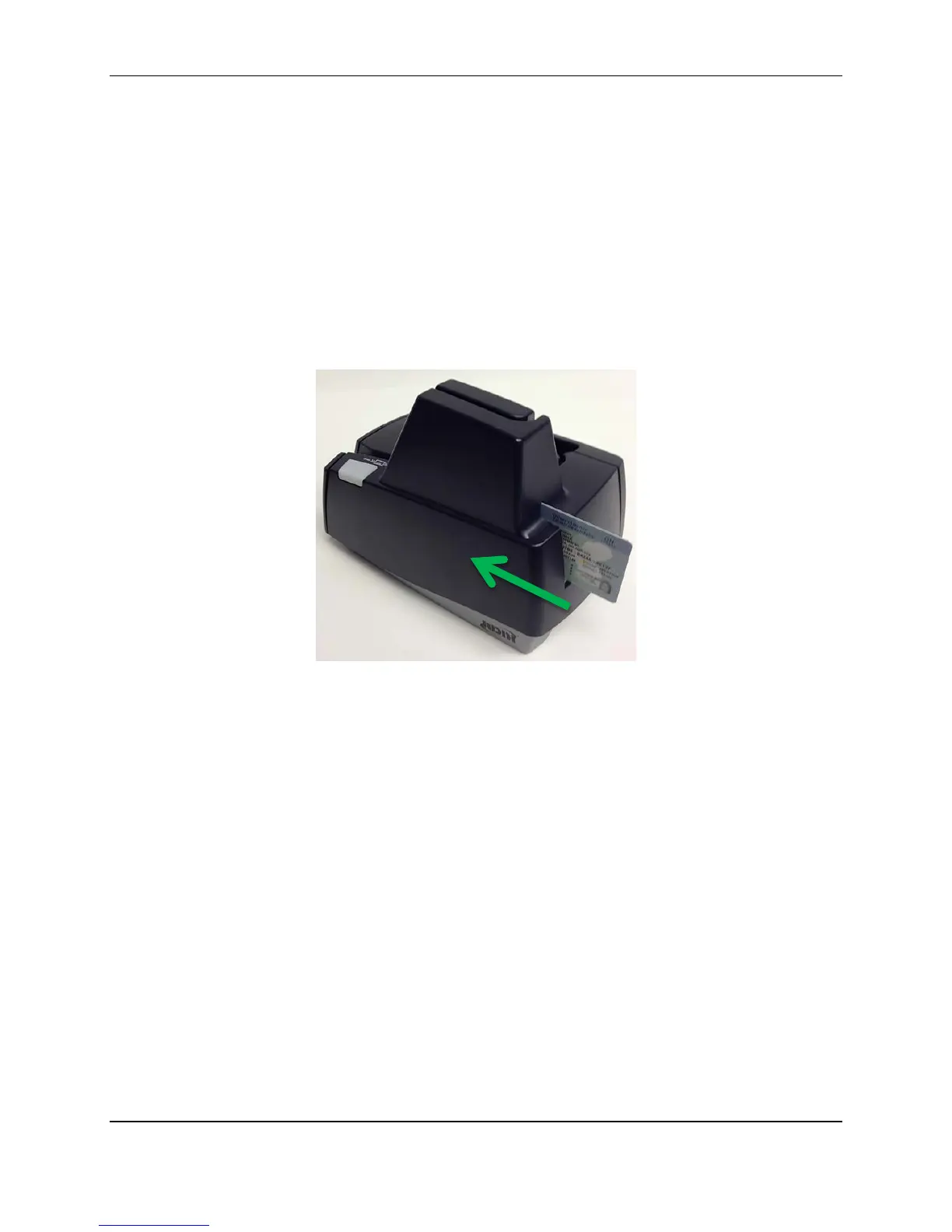
Imaging identification cards
The ID imager uses the same track as the document scanner, but you insert cards at the back of the
scanner. Insert the card into the scanner so that the front of the ID card faces away from the scanner. The
ID imager scans both the front and back of the identification card.
1. Insert the identification card into the back of the scanner track until you feel the scanner pinch the
card.
The scanner pulls the card through the track.
2. Remove the card from the front of the scanner track.
©2015 RDM Corporation Page 23



 To Next Page