PRELIMINARY SETTINGS
9
3. Before Weighing
3.1 Select Channel
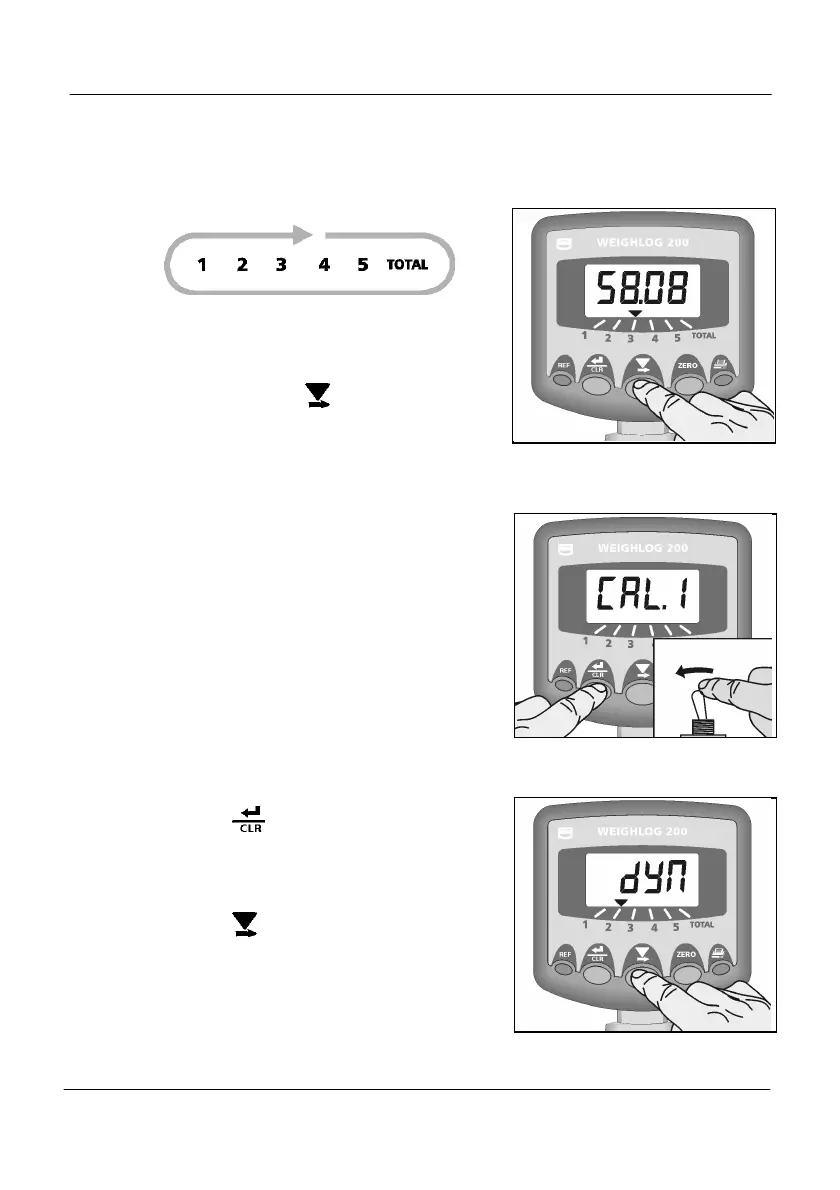
Ensure that the correct channel is selected
for the attachment / commodity / trailer to
be weighed.
Simply press the button to cycle
through the channels.
3.2 Select the Weighing Mode
In the normal operating mode, you cannot
switch between Static and Dynamic
weighing mode on an individual channel.
Separate channels are set up for either
Static weighing or Dynamic weighing, as
part of the weight calibration routine
(6.2.4). You then select the appropriate
channel for the weighing mode you wish
to use.
Checking the Weighing Mode.
1. HOLD the button and power-on the
instrument (Fig. 4). The display will show
“dYn” for dynamic weighing mode or
“StAt” for static weighing mode, for
channel 1.
2. Press the button to cycle through the
other channels.
Figure 3 Select Channel
Figure 4 Enter CAL Mode 1
Figure 5 Select Weighing Mode


 To Next Page