3 – GENERAL SYSTEM SETTINGS
17
Comma-delimited Output
Set the output mode to "Data". The data is output as a comma-delimited string, e.g. in a format compatible for
import into a database program via a PC / PDA (Palm/Psion etc).
Input/Output to the RDS Data Card Module
Set the output to "Card". The instrument writes/reads files in .CSV format to/from the data card.
Input/Output via Radio Modem
Set the output mode to "Radio" for telemetry via a radio modem.
The range of a radio telemetry system generally limits use to a single site.
Input/Output via GSM Modem
Set the output mode to "GSM" for telemetry via a GSM device.
Data can then be transmitted between any other site, since data is transmitted via the cellular telephone
network.
NOTE: As well as configuring the appropriate output port for telemetry operation, the telemetry option must be
switched on from the "System Settings" menu (section 4).
Refer to the manual supplied with the telemetry kit for full information on telemetry operation.
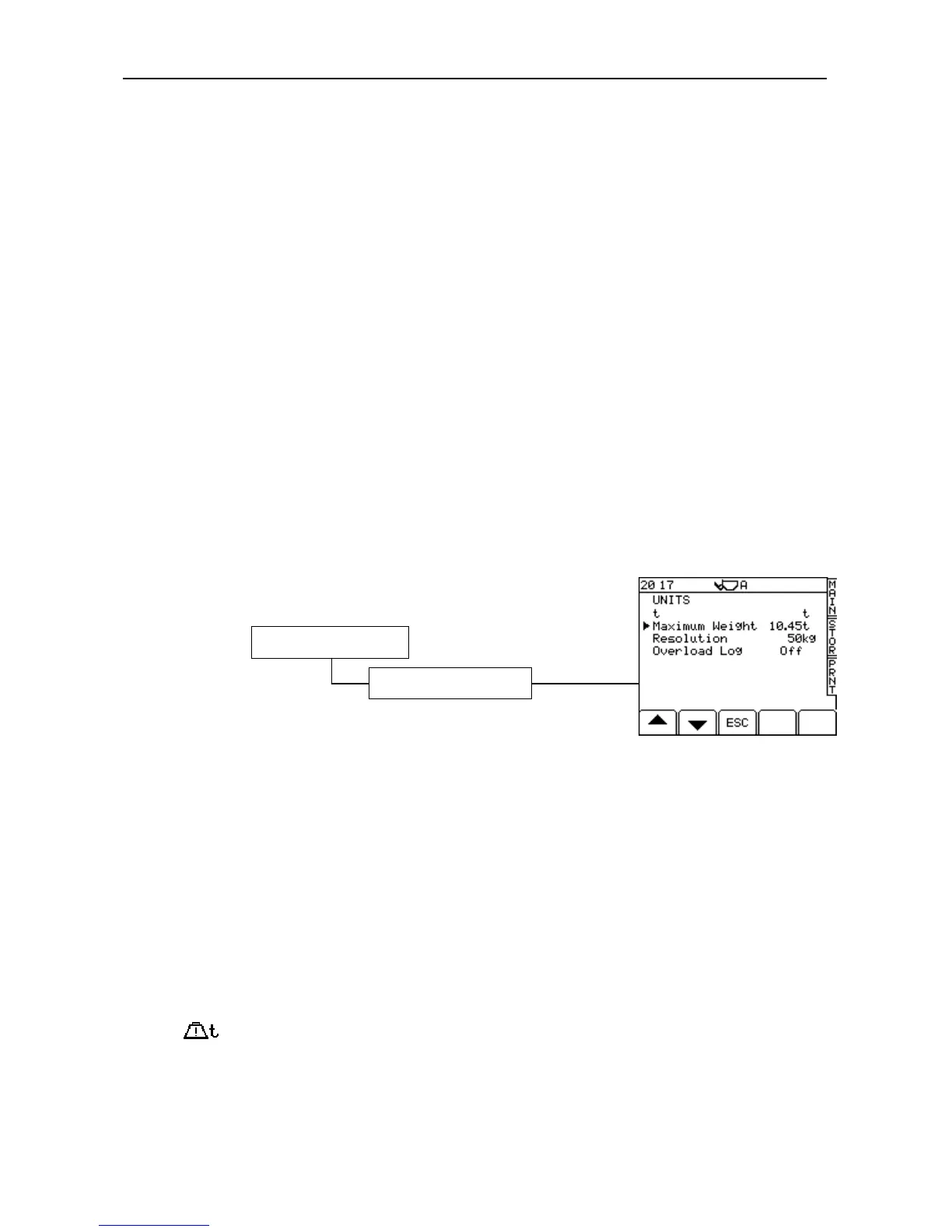
3.2 Weighing Units
Units
Choose units of either kg, lbs., UK tons, US tons, Metric tonnes or cubic metres. If you select volume (m
3
),
then you set density from the MAIN operating screen (see Operating manual).
Resolution
NOTE 1: The weight total is rounded up or down, and it is this rounded off figure that is added to a memory total.
For lbs. or kg units you can set the resolution, i.e. to the nearest 1, 5, 20, 25, 50, or 100 lbs. or kgs.
NOTE 2: When a LM9000 is used in "non-approved" (LM8000) mode, the units are not displayed on screen or on a
printout.
Maximum Weight
flashes on-screen with a 3-second continuous beep when the maximum weight limit is exceeded.
Overload Log
Switch “On” if you want the instrument to log any weight entered above the target weight.. The accumulated
overload weight is displayed on the GRAND TOTAL page (ref. section 4 – Operation Manual).
3. System Settings



 To Next Page