3 – GENERAL SYSTEM SETTINGS
19
3.6 Store / Restore / Print Cal Data
NOTE: Requires the Factory PIN number (default = 4084)
The calibration factors are manually saved to memory store A. This data is NOT overwritten each time the
instrument is switched off, but it WILL be cleared after a Total Software Reset ("RESET FACTORS"). If for
example, any calibration data is unwittingly changed without keeping a record of previous settings or data is
corrupted, you can restore the calibration data from either of these stores at any time.
NOTE: Should the instrument head unit fail, the module can be placed into a new head unit, keeping all relevant
calibration data that is stored using this function. Once the module is re-installed, select "Restore from A". This
will re-install all the original factors.
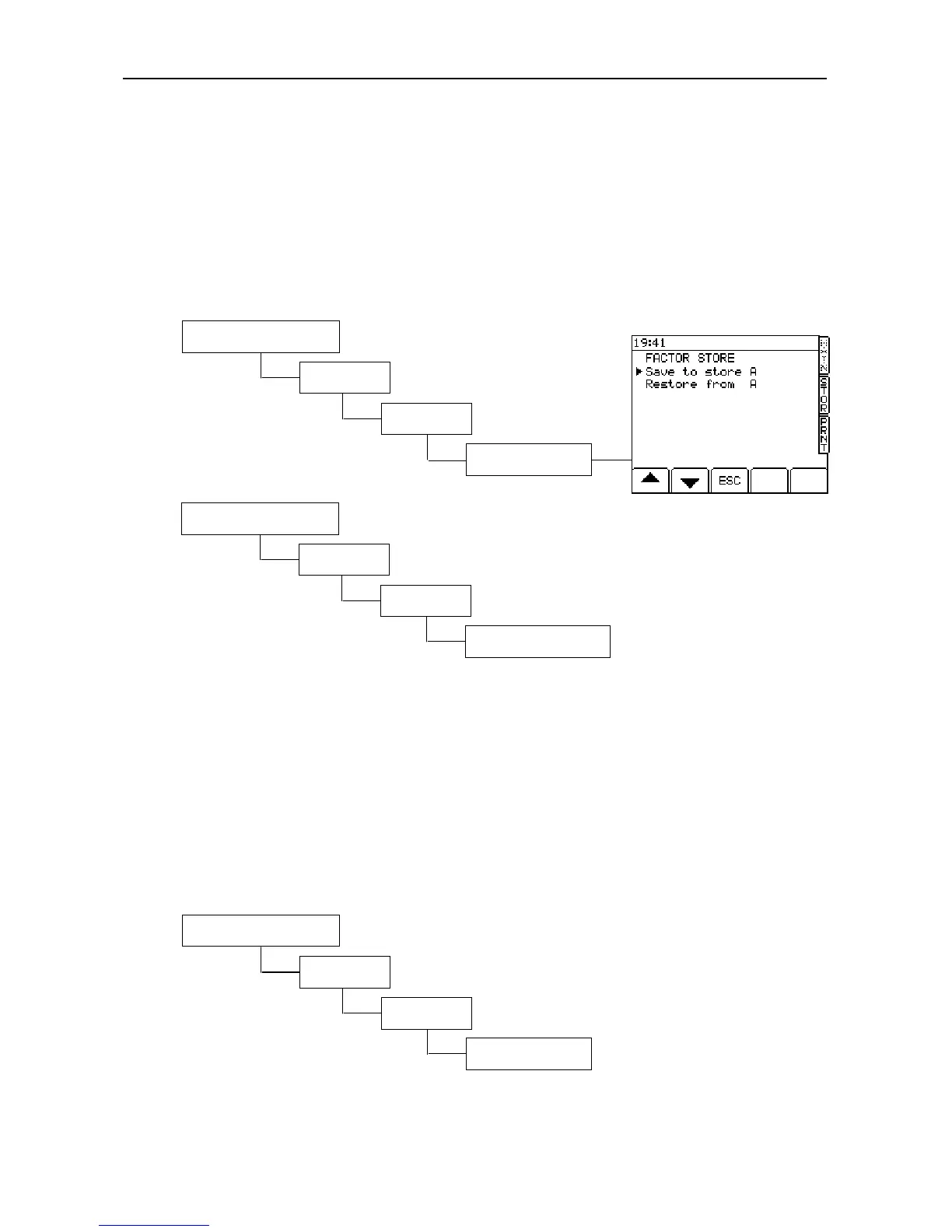
To store or restore Cal Data, press: -
To print out the Cal data press: -
3.7 Telemetry Option - Enable/Disable
As well as configuring the appropriate output port for telemetry operation (section 4.1), the telemetry option
must be enabled.
Set to "On" for one way data transmission i.e. from the mobile unit to the base station.
Set to "Auto" for two way data transmission, i.e. for sending job information to the mobile unit.
Setting to "Off" disables the telemetry option.
NOTE: Refer to the manual supplied with the telemetry kit for full information on telemetry operation.
3.8 ‘Module’
Enables access to the “Secondary Software Module” (the ‘M’ soft key is displayed on the setup menu screen).
3. System Settings
*. More
*. More



 To Next Page