3 – GENERAL SYSTEM SETTINGS
18
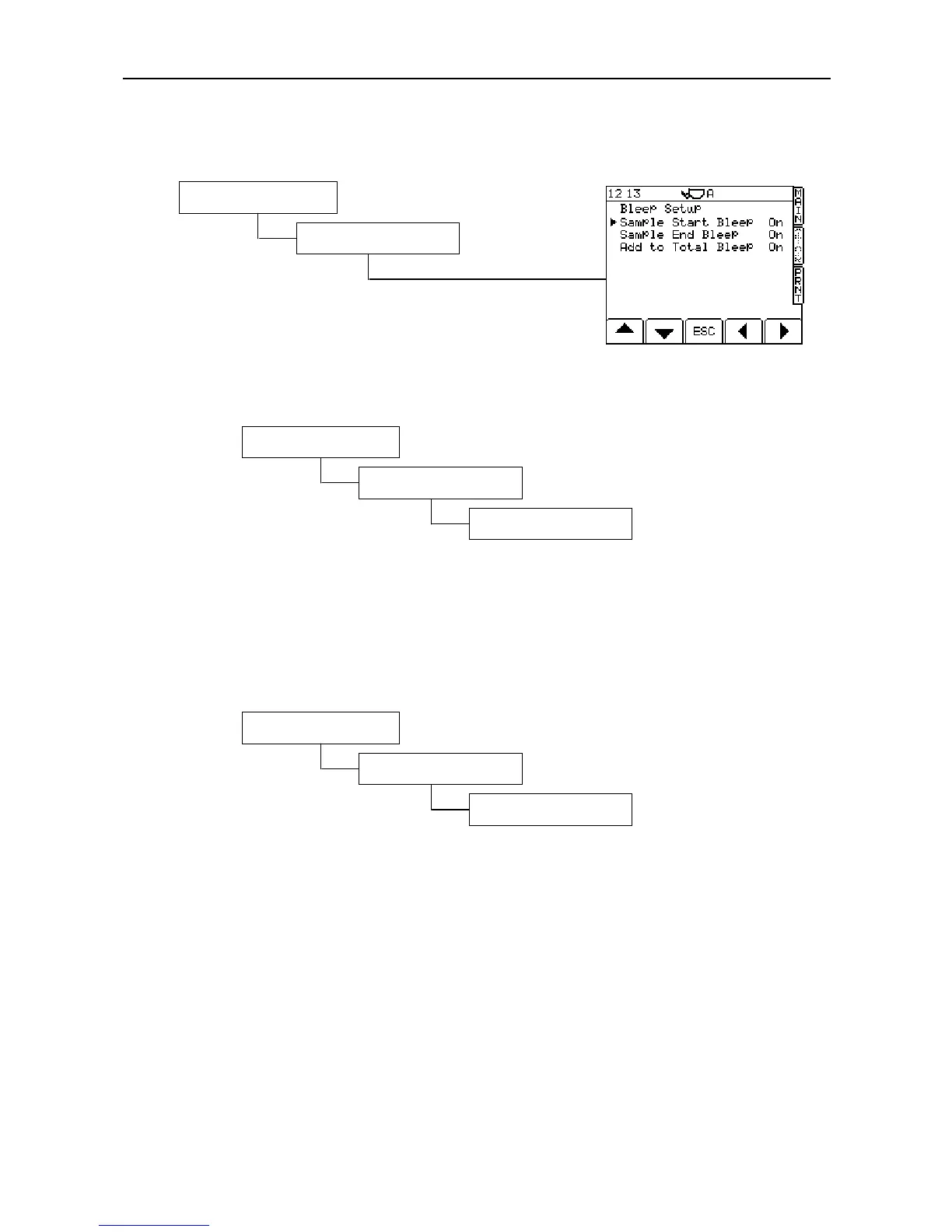
3.3 Bleep Setup
3.4 Change PIN Numbers
NOTE: Requires the Factory PIN number for access (default = 4084)
You can set new PIN numbers as required.
You can then choose to set either the "Technician Pin" (default = 1234) or the "Factory Pin" (default = 4084).
3.5 Reset Factors
NOTE: Requires the Factory PIN number (default = 4084)
Follow the screen prompts to reset the instrument to the factory default settings.
NOTE: All customised factors including customer and stores data will be lost. It is recommended that you keep
a record of the existing calibration data.
3. System Settings
*. More
2. PIN Numbers
3. System Settings
*. More
4. Reset Factors
3. System Settings
6. Bleep Setup



 To Next Page