Installing ECUs Recon Blockage Plus™ Installation Manual
600840-000069, rev 1.0 Page 12 of 35
Installing the ECUs (Horizontal Installation)
NOTE: This section is for installing the ECUs in the horizontal orientation. If you’ve already
installed your ECUs in the standard (vertical) installation, skip this section.
Provided Parts
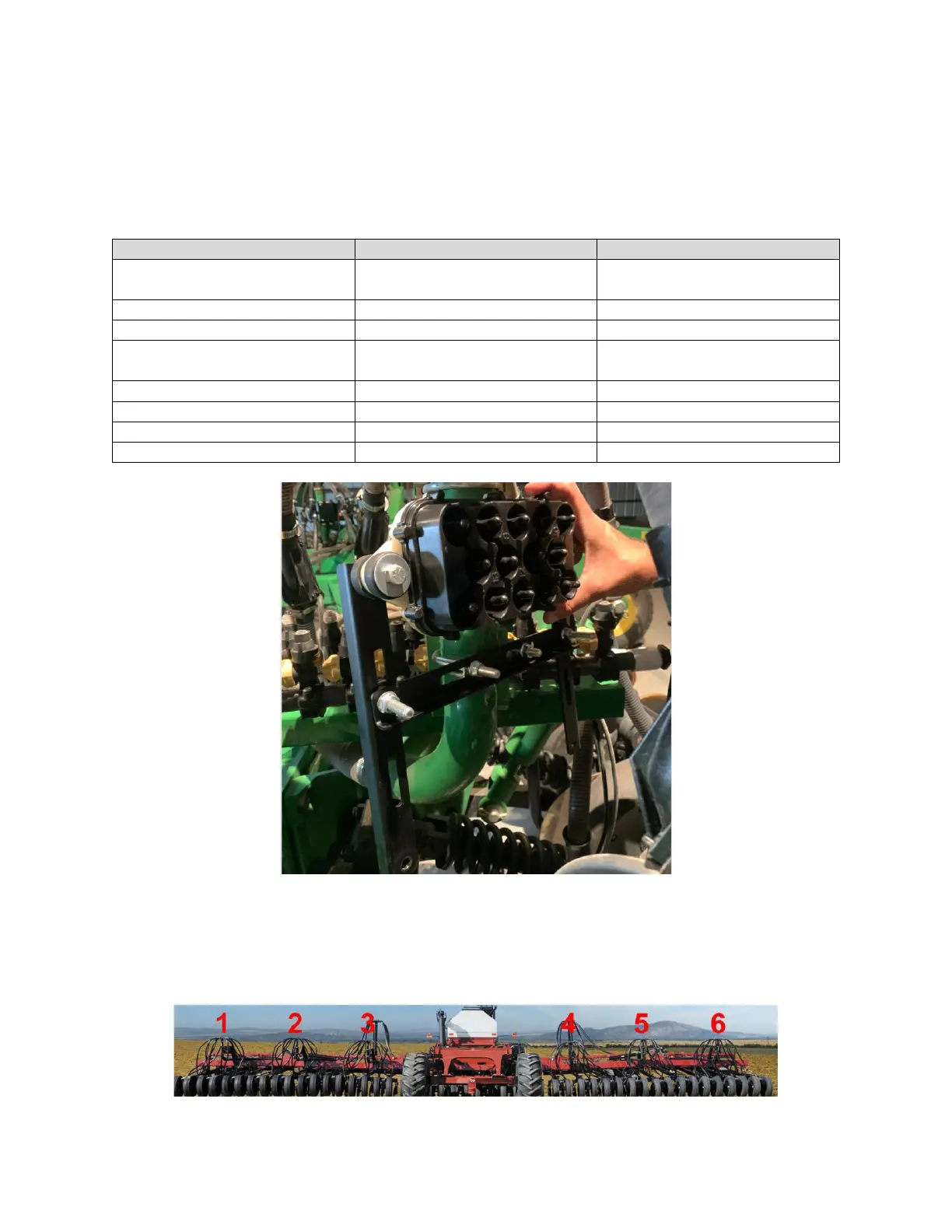
Figure 10: ECU installed on a tower (horizontal installation)
NOTE: ECUs can be mounted in any order; however, we recommend installing the ECUs in
numeric order from left to right (when facing the back of the tractor) based on the ECU’s serial
number. The serial number is located on the front of the ECU. Use the table in Appendix B to
record your system setup.
Figure 11: Installing the ECUs from left to right



 To Next Page