COPYRIGHT © 2015 RED.COM, INC
RED DSMC OPERATION GUIDE
955-0020_V6.0, REV-D | 44
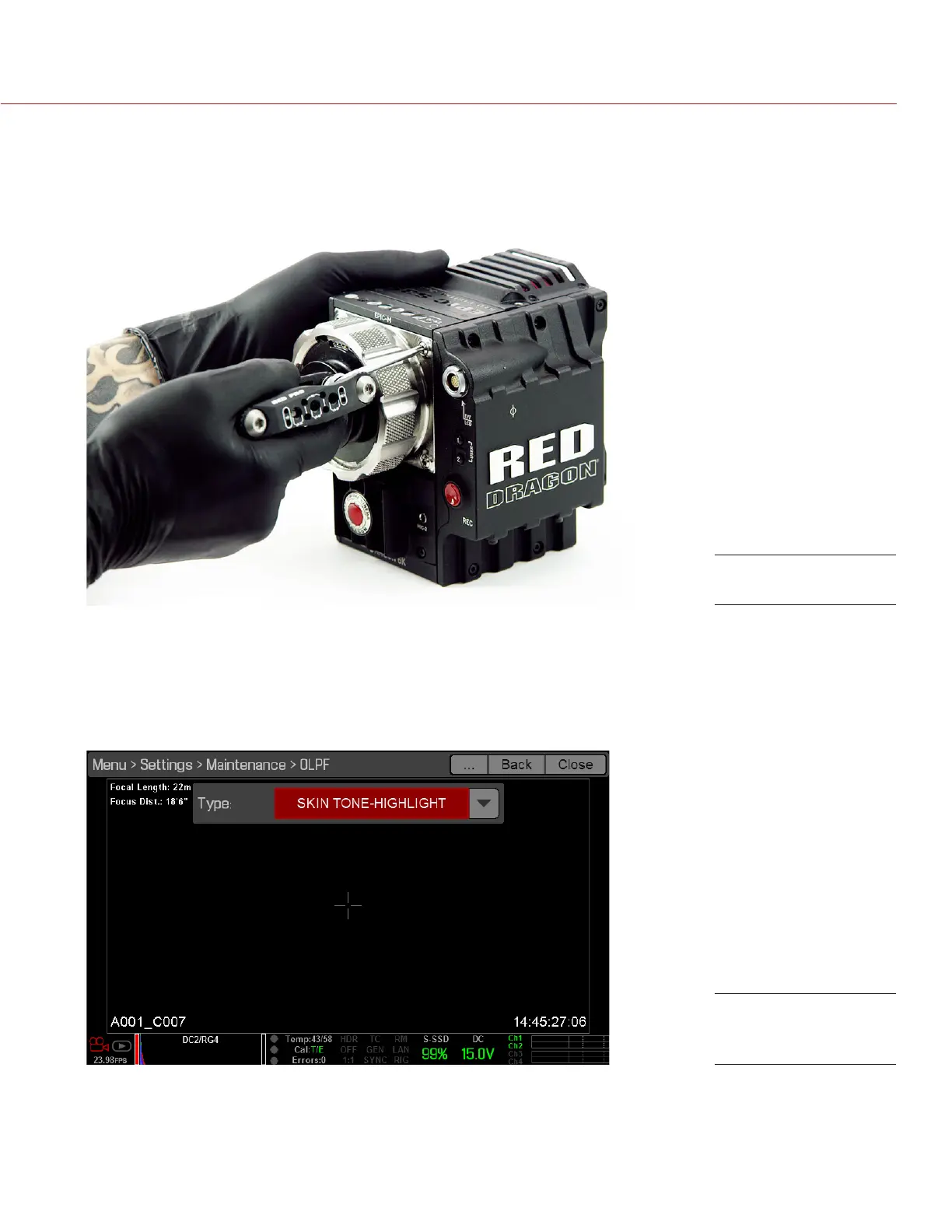
14. Replace and loosely tighten the four (4) M4x0.7 x 8 mm lens mount screws in a cross pattern (“X” pattern)
using a T20 Torx driver. DO NOT FULLY TIGHTEN.
15. Fully tighten the four (4) lens mount screws in a cross pattern (“X” pattern) using a T20 Torx driver. DO NOT
exceed 350 in-oz, or damage may occur.
NOTE: DO NOT OVERTIGHTEN.
16. Turn on the BRAIN.
17. Go to Menu > Settings > Maintenance > OLPF.
18. Select the installed OLPF from the Type drop-down menu.
IMPORTANT: Ensure the correct OLPF type is selected from the drop-down menu. Failure to select the correct
OLPF type will affect color accuracy. For more information, go to “Note: When an SSD is not attached, the
Media Info tab displays “No Active Media is Present”.” on page 119.
Replace Lens Mount
OLPF Type menu
selection



 To Next Page