COPYRIGHT © 2015 RED.COM, INC
RED DSMC OPERATION GUIDE
955-0020_V6.0, REV-D | 50
ACCESS ADVANCED MENUS
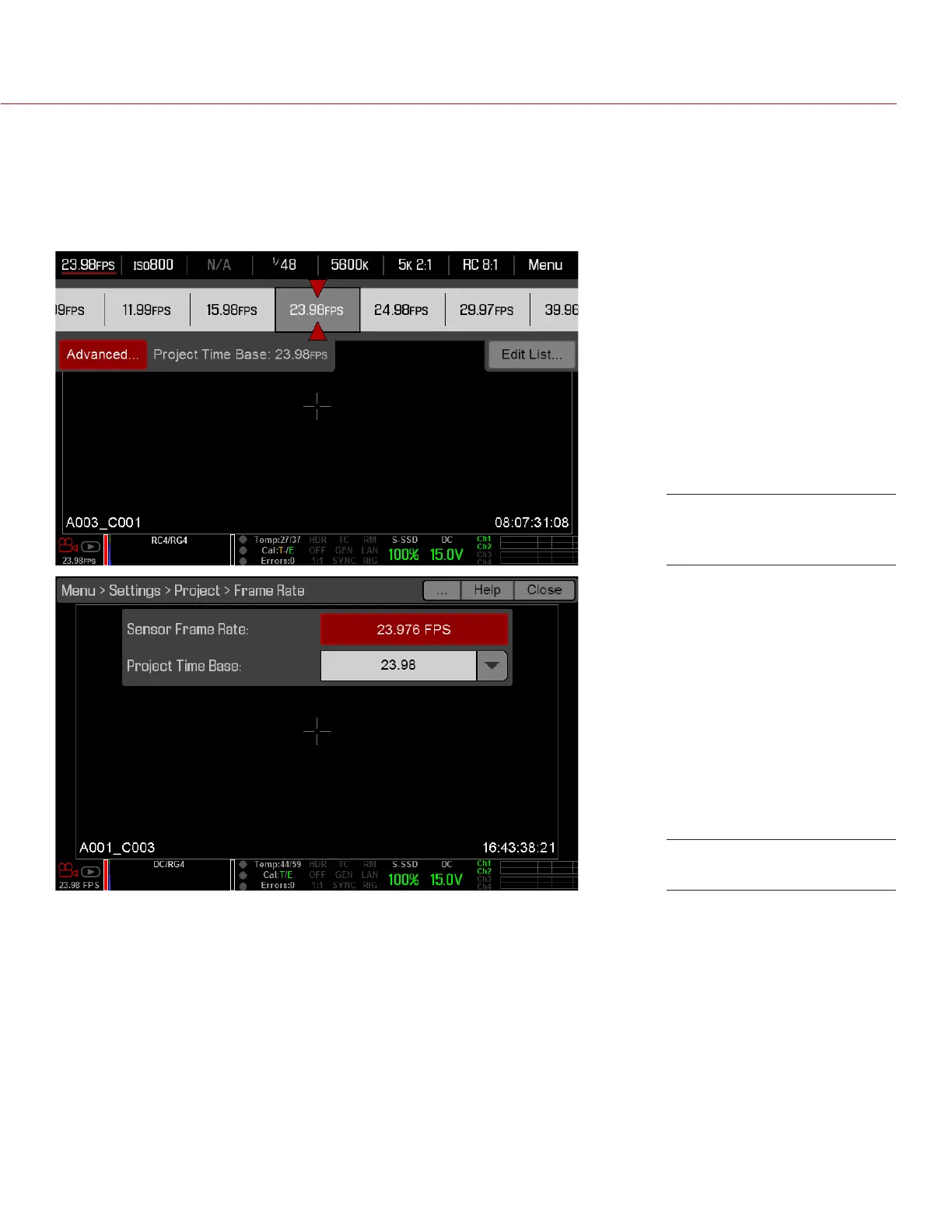
In the menu for every Upper Status Row item (except for REDCODE) you can select the Advanced... button to
access the related menu in the Advanced Menus.
For example, select Advanced... in the Frame Rate menu to open Menu > Settings > Project > Frame Rate.
For more information about Advanced Menus, go to “Advanced Menus” on page 66.
Select “Advanced...”
Button
“Advanced...” Menu



 To Next Page