RED DSMC OPERATION GUIDE: WEAPON/SCARLET-W
COPYRIGHT © 2016 RED.COM, INC 955-0116_V6.1, REV-U | 117
OLPF
RED offers multiple optical low-pass filters (OLPFs) for WEAPON/SCARLET-W. Each OLPF optimizes certain
characteristics to take full advantage and control of each shooting environment. The camera checks the OLPF
type, and adjusts the color scienced based on the selected OLPF.
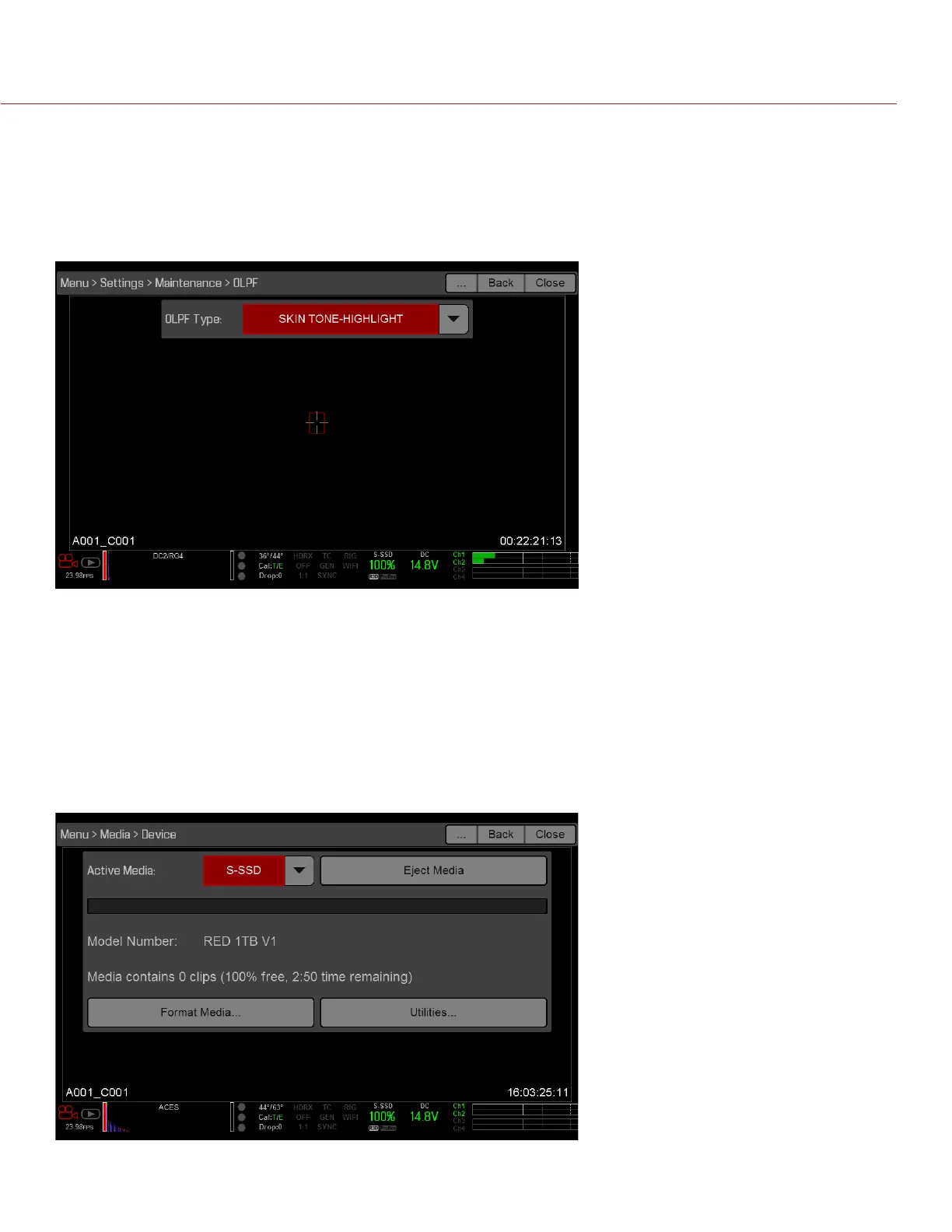
To view your OLPF type, go to Menu > Settings > Maintenance > OLPF. The OLPF that is installed in your camera
displays in the Type field.
The
MEDIA MENU
The Media Menu allows you to format and eject an SSD and to view and load clips on the SSD.
For more information about using media, see the DSMC Media Operation Guide, available at www.red.com/
downloads.
DEVICE
Format and eject (unmount) the SSD.
To see information about the SSD in the camera, select More Info....



 To Next Page