COPYRIGHT © 2016 RED.COM, INC
RED DSMC OPERATION GUIDE: WEAPON/SCARLET-W
955-0116_V6.1, REV-U | 186
LENS MOUNTS
This section describes camera lens mounts. Camera mounts may be configured with 19mm rods to accommodate
most cinematography lenses, matte boxes, and follow focus systems.
RED MOTION MOUNT
The RED
®
MOTION MOUNT
®
is a revolutionary and adjustable lens mount system for your camera. By integrating
a global shutter, temporal anti-aliasing soft shutter, and variable neutral density (ND) system into a single
lens mount, the MOTION MOUNT delivers on-the-fly shutter adjustments to reduce motion blur and temporal
aliasing. The ND filter also includes a linear polarizer and IR filter for improved image color and contrast.
For more information, see the MOTION MOUNT Operation Guide, available at www.red.com/downloads.
NOTE: HDRx is not available while the MOTION MOUNT is installed.
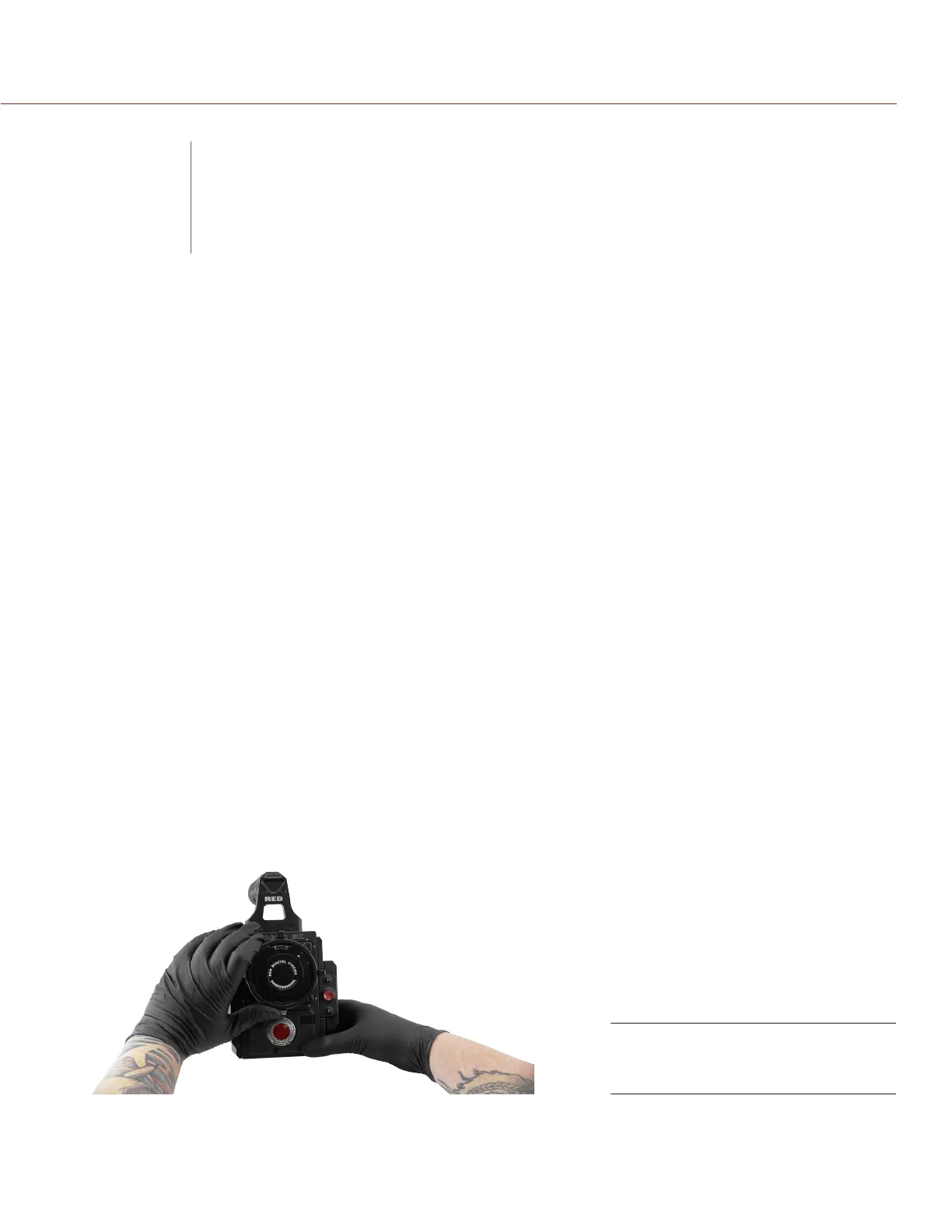
REMOVE A LENS MOUNT
NOTE: You can change lens mounts in the field. However, RED
®
recommends that you change lens mounts only
in a dust-free environment.
REQUIRED TOOL: T20 TORX
®
driver
1. Turn off the camera.
2. Attach the camera to a stable platform or position the camera on a clean and level work surface so that the
lens mount screws are accessible.
3. Remove the lens and any camera modules, cables, or other accessories that might interfere with removing
the lens mount.
4. If removing the DSMC Mg PL Mount 2.0, turn the locking ring slightly counter-clockwise so that you can
acess the lens mount screws.
Turn Locking Ring
Counter-Clockwise
C
LENS MOUNTS
AND LENSES



 To Next Page