RED DSMC OPERATION GUIDE: WEAPON/SCARLET-W
COPYRIGHT © 2016 RED.COM, INC 955-0116_V6.1, REV-U | 187
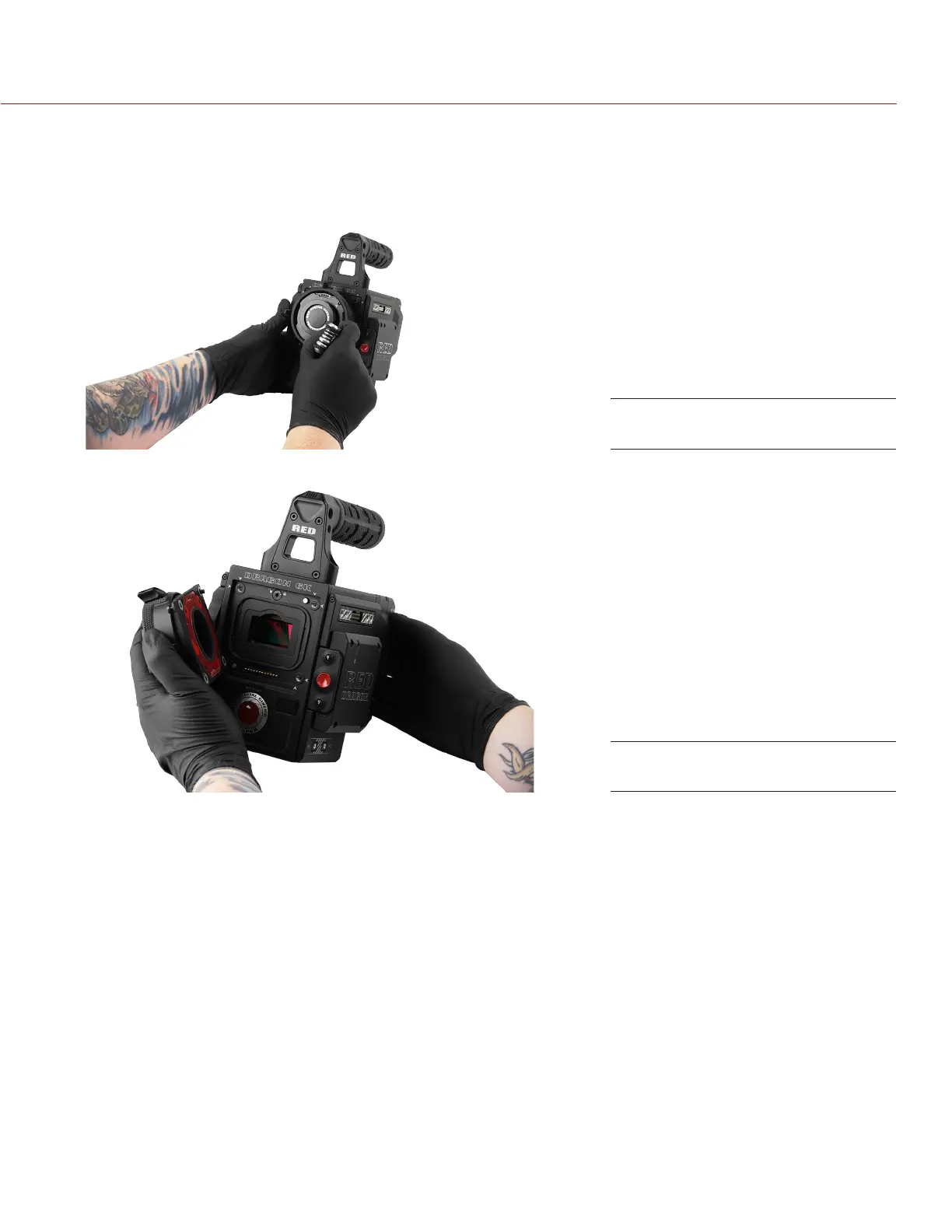
5. Loosen and remove the four (4) M4x0.7 x 8 mm lens mount screws in a cross pattern (“X” pattern) using a
T20 TORX driver.
NOTE: The DSMC Mg PL Mount 2.0 has captive screws that are not removable from the mount.
NOTE: Screw removal may require a large handle T20 TORX driver and additional leverage.
6. Remove the lens mount from the camera.
Remove the Lens Mount Screws
Remove the Lens Mount



 To Next Page