RED DSMC OPERATION GUIDE: WEAPON/SCARLET-W
COPYRIGHT © 2016 RED.COM, INC 955-0116_V6.1, REV-U | 33
APPROVED EXTERNAL DC POWER
The camera accepts input voltages of 11.5 V to 17 V DC, and can draw a maximum current of 9 A. The camera
can be powered continuously by connecting one (1) of the following to an attached module or expander:
DSMC AC Power Adaptor
XLR DC power source: Requires an XLR Power Cable.
TURN ON THE CAMERA
1. Attach a power source to the camera.
The Power Status LED illuminates red, indicating that an appropriate power source is connected.
2. Press and release the PWR/REC key on the right side of the camera.
The Power Status LED turns off, and within five (5) seconds illuminates yellow as the camera turns on.
The Power Status LED then illuminates green to confirm that the camera is turned on and ready to use.
NOTE: The Power Status LED flashes red when there is less than five (5) minutes of operating time remaining.
TURN OFF THE CAMERA
Use one of the following methods to turn off the camera:
Go to Menu > Power and select Shutdown.
Press and hold PWR/REC until the Shutting Down... notification shows on the display.
NOTE: The camera turns off automatically if the supply voltage drops to 11.5 V.
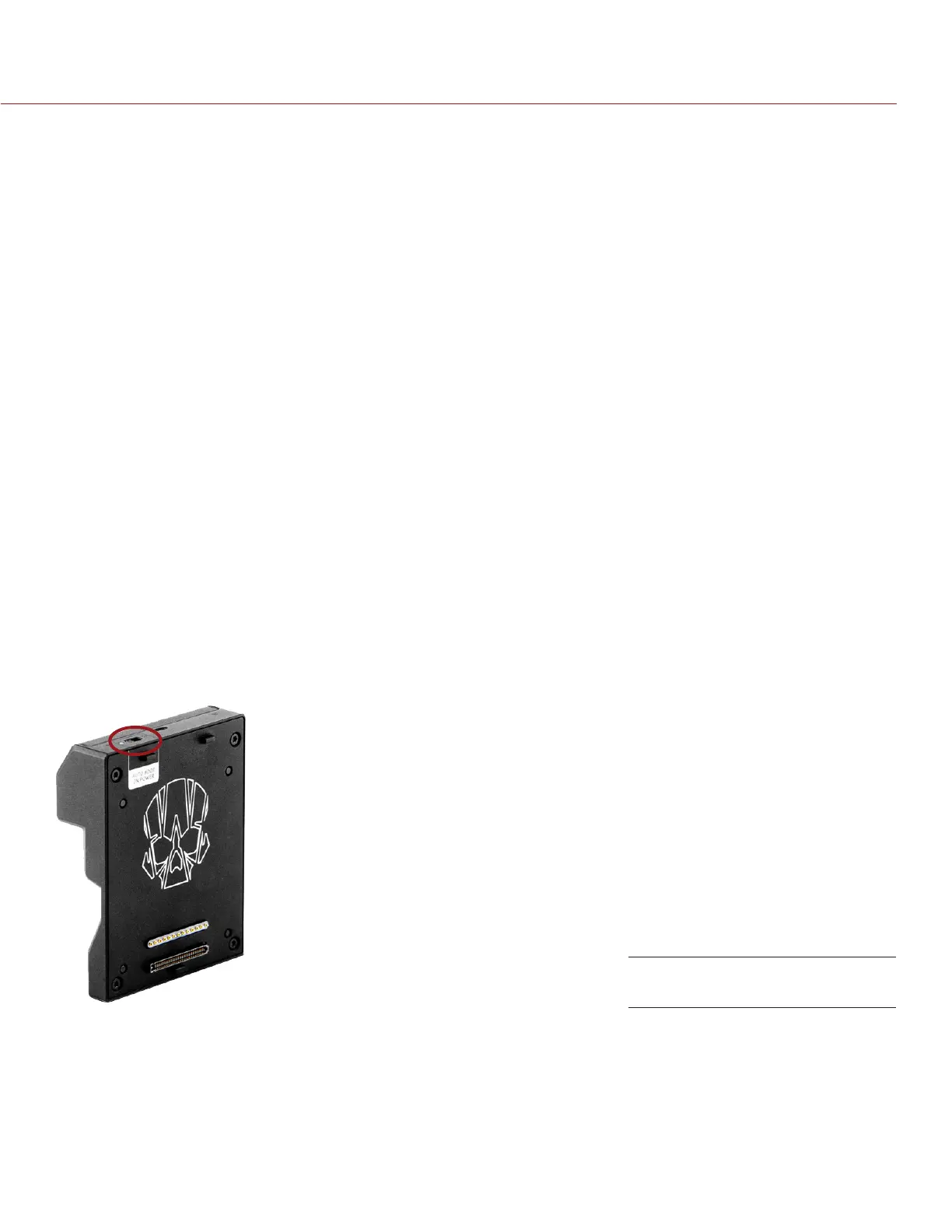
AUTO BOOT ON POWER
The DSMC
2
Jetpack Expander, DSMC
2
REDVOLT Expander, and the DSMC
2
Base I/O V-Lock Expander feature a
selector switch that enables the camera to automatically boot when power is provided via the DC IN connector
on the expander. The Auto Boot on Power switch (identified by a white star) is located on top of the expander.
Auto Boot on Power Switch



 To Next Page