RED DSMC OPERATION GUIDE: WEAPON/SCARLET-W
COPYRIGHT © 2016 RED.COM, INC 955-0116_V6.1, REV-U | 13
BRAIN
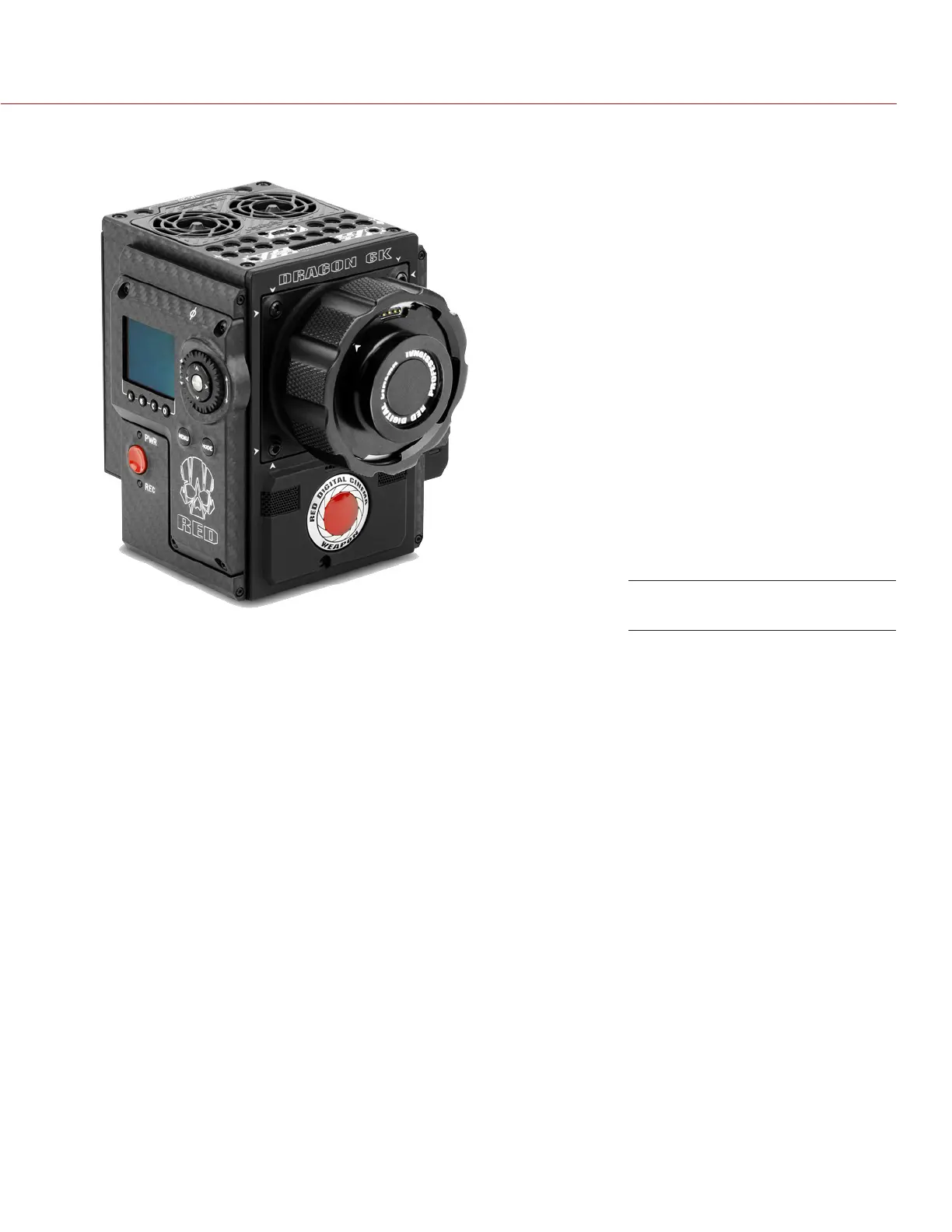
The DSMC BRAIN
®
is the image processing center of the camera system and supports power, media, and other
modules.
The only ports on the BRAIN are the DSMC
2™
Top Handle port and EVF/LCD ports. A port expander or power
module is required to power the camera. All other input/ouput (I/O) ports are available only via expanders and
other modules. This modular approach allows you to customize your camera and make use of the ports that
are most applicable to your needs.
The RED
®
Tactical Hand Controller (T.H.C.) cannot pair directly to the camera. To use the T.H.C. with the
camera, the T.H.C. needs to be connected to the W.M.D. (either wired or wirelessly). For more information
about the T.H.C., see the RED 3-Axis System Operation Guide at www.red.com/downloads.
BRAIN CONTROL: PWR/REC KEY
Fully press and hold the PWR/REC key for two (2) seconds to turn on/off.
When the camera is on, fully press and then release the PWR/REC key to toggle record start/stop.
WEAPON (Carbon Fiber)



 To Next Page