RED DSMC OPERATION GUIDE: WEAPON/SCARLET-W
COPYRIGHT © 2016 RED.COM, INC 955-0116_V6.1, REV-U | 61
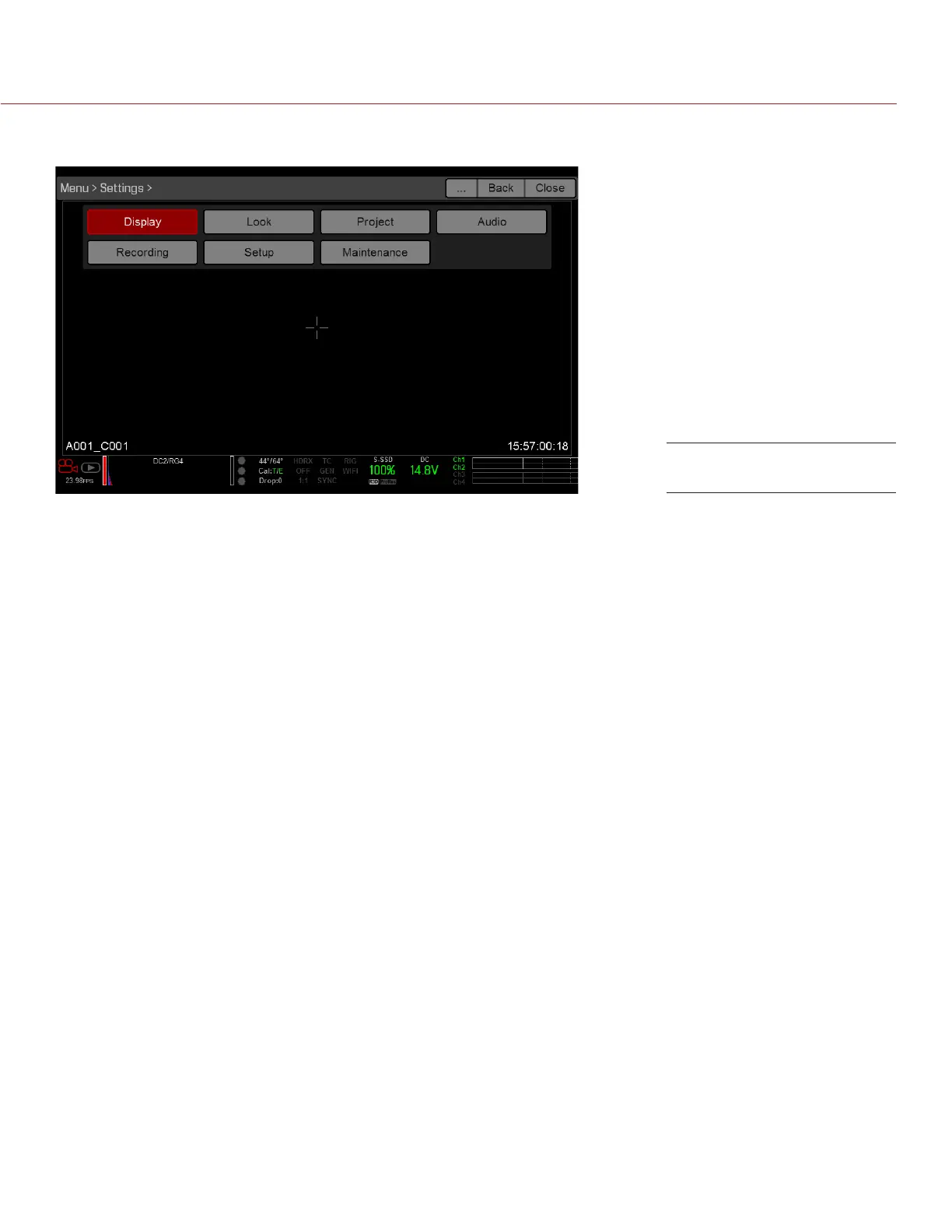
SETTINGS MENU
The Settings menu includes: Display, Look, Project, Audio, Recording, Setup, and Maintenance.
DISPLAY
The Display menu includes: Tools, Zebra, Monitor Control, Modes, Guides, and Test Signal.
TOOLS
The Tools menu provides access to false color and display modes.
For more information, see the Exposure with RED Cameras: False Color & Zebra Tools article, available at www.
red.com/learn/red-101/exposure-false-color-zebra-tools.
FALSE COLOR MODES
False color modes include: Off, Exposure, Video, Focus, Edge, and Gio Scope.
NOTE: Only monitors with the Tools check box selected in the Monitor Control menu show the false colors. For
more information, go to “Motor Control” on page 108.
NOTE: False color modes affect video recorded through HDMI
®
or HD-SDI to an external recorder if the Tools
check box is selected in the Monitor Control menu. When recording through HDMI or HD-SDI, use false color
modes only to help configure project settings, and then disable the mode before recording.
NOTE: Since the 3D LUT modifes the data displayed for the exposure tools, you cannot use the exposure tools
with a 3D LUT.
OFF
Disables all false color modes.
EXPOSURE
Displays color overlay on top of a desaturated image that allows you to check for proper exposure. When
enabled, the “E√” indicator displays in the Lower Status Row.
The Exposure meter colors indicate the following information:
Purple: Underexposed; indicates sensor exposure levels that may be noisy if gained up in post production.
Green: IRE 41–48; based on the RGB levels of the video out signal and not the RAW data.
Red: Overexposed; indicates sensor exposure levels that are clipping.
Settings Menu



 To Next Page