RED DSMC OPERATION GUIDE: WEAPON/SCARLET-W
COPYRIGHT © 2016 RED.COM, INC 955-0116_V6.1, REV-U | 39
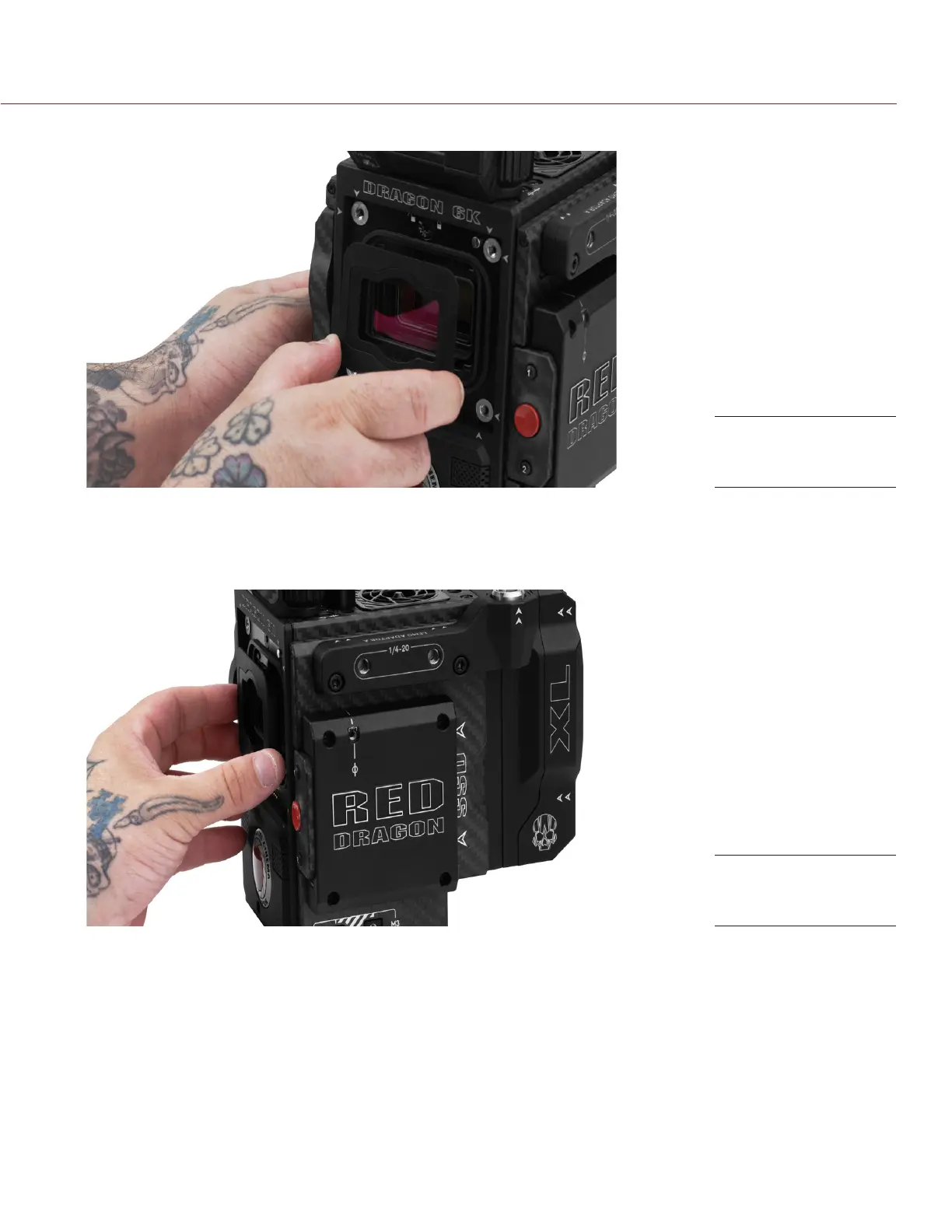
7. Remove the OLPF module and place it in its protective case.
8. Use an LED light to ensure that the optical cavity is clean and free from dust or debris.
9. Ensure the new OLPF module is clean and free of debris.
10. Install the new OLPF module straight into the optical cavity, keeping the front face of the OLPF module
parallel to the front of the camera.
NOTE: Inserting the OLPF module at an angle may cause it to not seat properly.
Remove the OLPF
Module
Install the New OLPF
Module



 To Next Page