RED DSMC OPERATION GUIDE: WEAPON/SCARLET-W
COPYRIGHT © 2016 RED.COM, INC 955-0116_V6.1, REV-U | 75
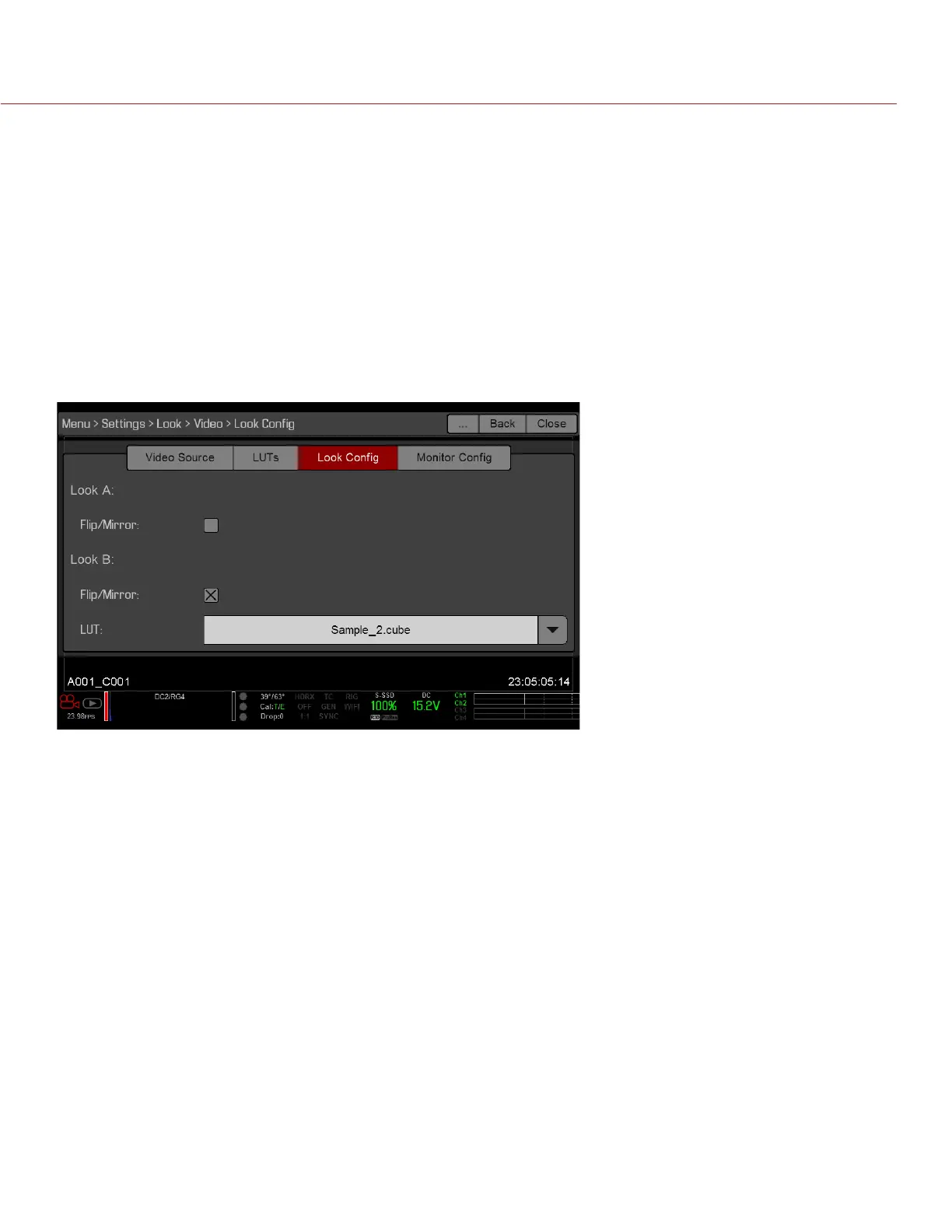
LOOK CONFIG (LOOK CONFIGURATION)
Use the Look Config menu to set up Look A and Look B. In the Look Config menu, you can rotate the image
or apply a 3D LUT.
To apply Looks to monitors, go to “Monitor Config (Monitor Configuration)” on page 76.
FLIP/MIRROR
Mirror and flip (invert) the graphical user interface (GUI) and footage, effectively rotating the entire displayed
image 180°. Use this setting when mounting a monitor or the entire camera rig upside down. This setting only
affects the monitor, and does not affect captured footage.
LUT
Assign a 3D LUT to Look B. LUTs are loaded to the camera in the LUTs menu. For more information, go to
“LUTs” on page 74.



 To Next Page