WIPER
2
Getting to know your vehicle - 171
menu,youcanopttoactivateordeac
tivatethisfunction.Refertothemulti
media instructions.
For vehicles not fitted with a settings
customisation menu, you can have this
function deactivated by an authorised
dealer.
In the event of obstacles present on
the rear window (dirt, snow, etc.), the
wiperwilltrytosweepawayalltheob
stacles.
If an obstacle prevents the blade from
moving, it can be stopped. Remove
theobstacle,waitforaround30sec
onds and reactivate the wiper using
the wiper stalk.
Precautions
– If the weather is icy, check that the
blade is not stuck to the windscreen
beforeoperatingthewipers.Ifyouacti
vate the wiper while the blade is
blocked by ice, you risk damaging both
the blade and the wiping motor.
– Do not operate the wipers on a dry
screen. This will lead to the premature
wear or damage to the blades.
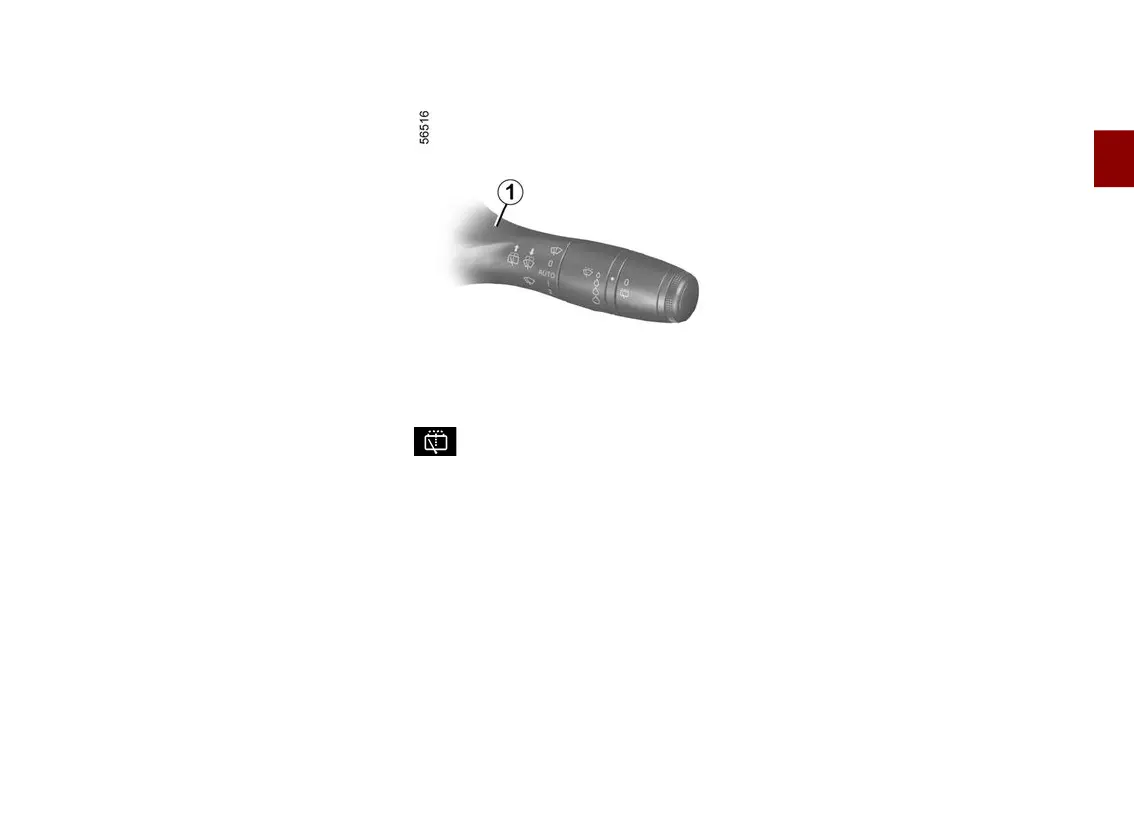
Rear screen washer, wiper
With the ignition on, push and hold the
stalk
1
then release it.
Holding for longer will trigger three
sweeps of the wipers followed, a few
seconds later, by a fourth, in addition
to the windscreen washer.











 To Next Page