DOORS AND OPENING ELEMENTS
2
50 - Getting to know your vehicle
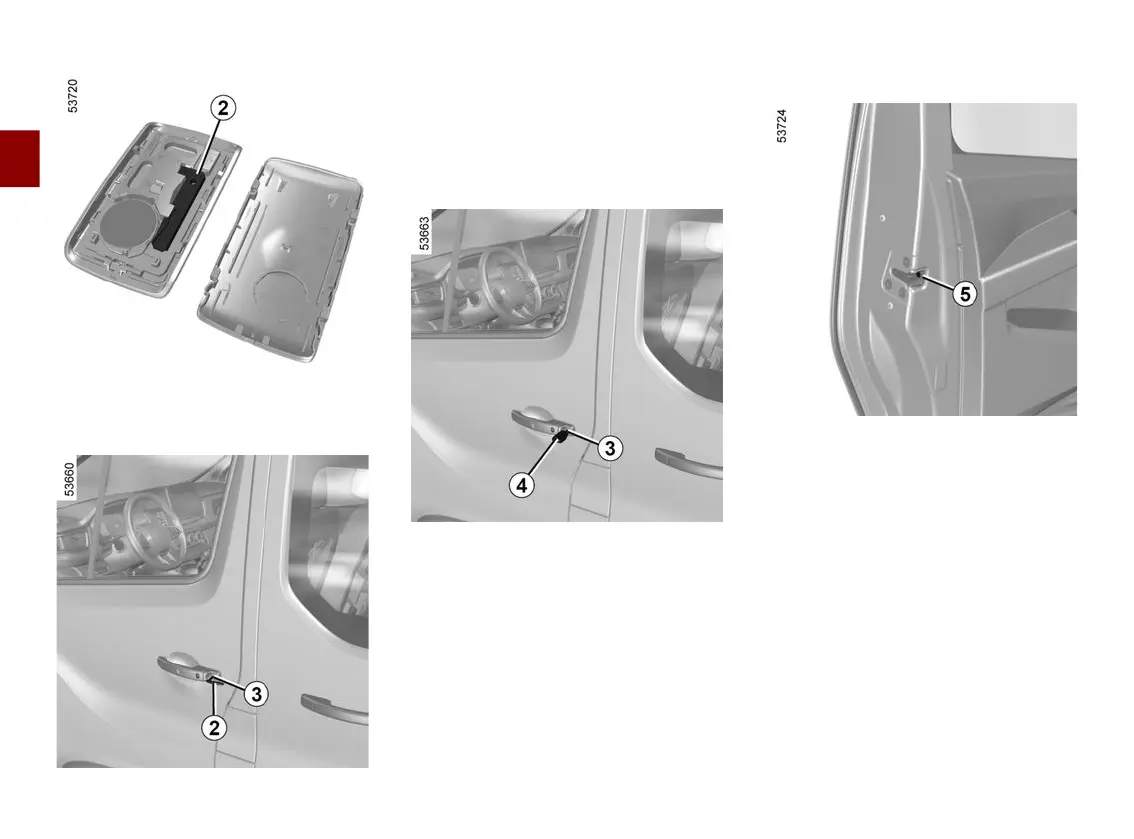
Using the key integrated in the
card
Insert the key
2
into the lock
3
then
lock or unlock the driver's door.
Once you are inside the vehicle, put
the key back in its casing in the card.
Vehicles with key, remote control
Using the key
Insert the key
4
into the lock of the
driver's door, then lock or unlock.
Locking the doors manually
With the door open, turn the screw
5
(using the end of the key) and close
the door.
This means that the door is then
locked from the outside.
The doors may then only be opened
from the inside or by using the key in
the driver's door.











 To Next Page