Store emergency SMS numbers
Emergency SMS numbers are the numbers that will receive texts when the alarm is
activated. Text ‘6’ to to the Control Panel to receive the current settings.
19
20
Store emergency telephone numbers
Emergency numbers are the telephone numbers which will be called when the
alarm is activated. Text ‘5’ to the Control Panel to receive the current settings.
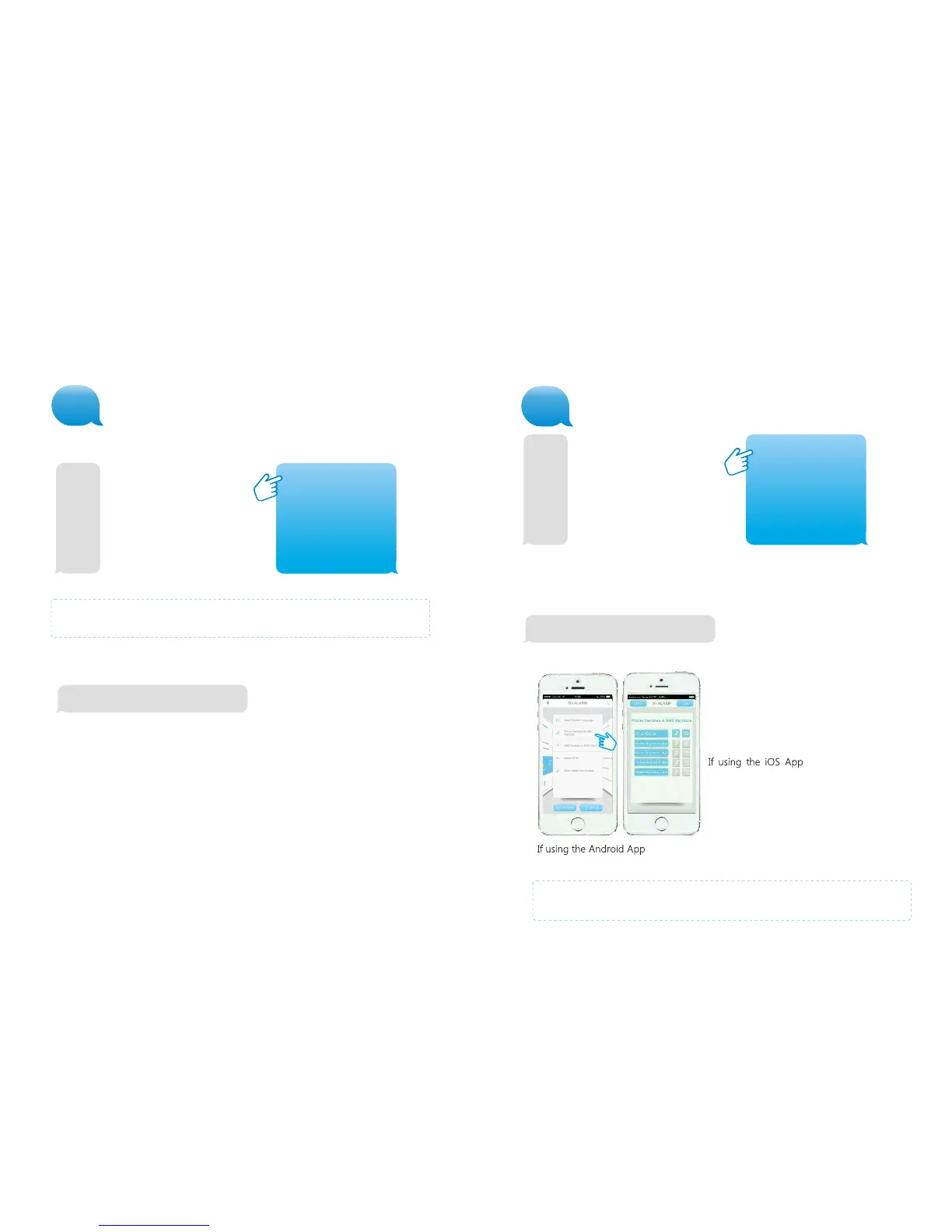
With the G5 Alarm App this setting can be made as follows:
Enter up to 5 phone numbers and select either
or both the phone and SMS icons to the right
of each phone number. When you have
completed entering the phone numbers press
‘done’.
from the next screen
headed ‘Tel’ press ‘send’ to set the phone
numbers, when sent another screen will
appear headed ‘SMS’ - press ‘send’ to set the
SMS numbers.
TEL:
1.
2.
3.
4.
5.
TEL:
1. 00447917123456
2. 00447917234567
3. 00447917345678
4. 00447917456789
5. 00447917567890
Store alarm phone No. successfully.
After sending the message you will receive the following message back from the
Control Panel to confirm the new settings:
Copy the received SMS message
entirely and paste it into a new
text message.
You can enter multiple phone
numbers in the same text message.
When you have finished the entry
send the text.
Note: It is recommended to enter your country area code (e.g. 0044 for the UK)
which will allow you to operate the alarm system abroad)
5
You will receive the SMS message shown below left:
6
Store alarm SMS No. successfully.
SMS:
1. 00447917123456
2. 00447917234567
3. 00447917345678
4. 00447917456789
5. 00447917567890
SMS:
1.
2.
3.
4.
5.
You will receive the SMS message shown below left:
Copy the received SMS message
entirely and paste it into a new
text message. You can enter
multiple phone numbers in the
same text message. When you
have finished the entry send the
text.
After sending the message you will receive the following message from the
Control Panel to confirm the new settings:
IMPORTANT: Only phone numbers stored in the alarm system can make
changes and modify the system.
pressing ‘send’ will set both the telephone numbers
and SMS numbers in one action.
Note: Enter the System Administrator’s Telephone Number into SMS 1.



 To Next Page