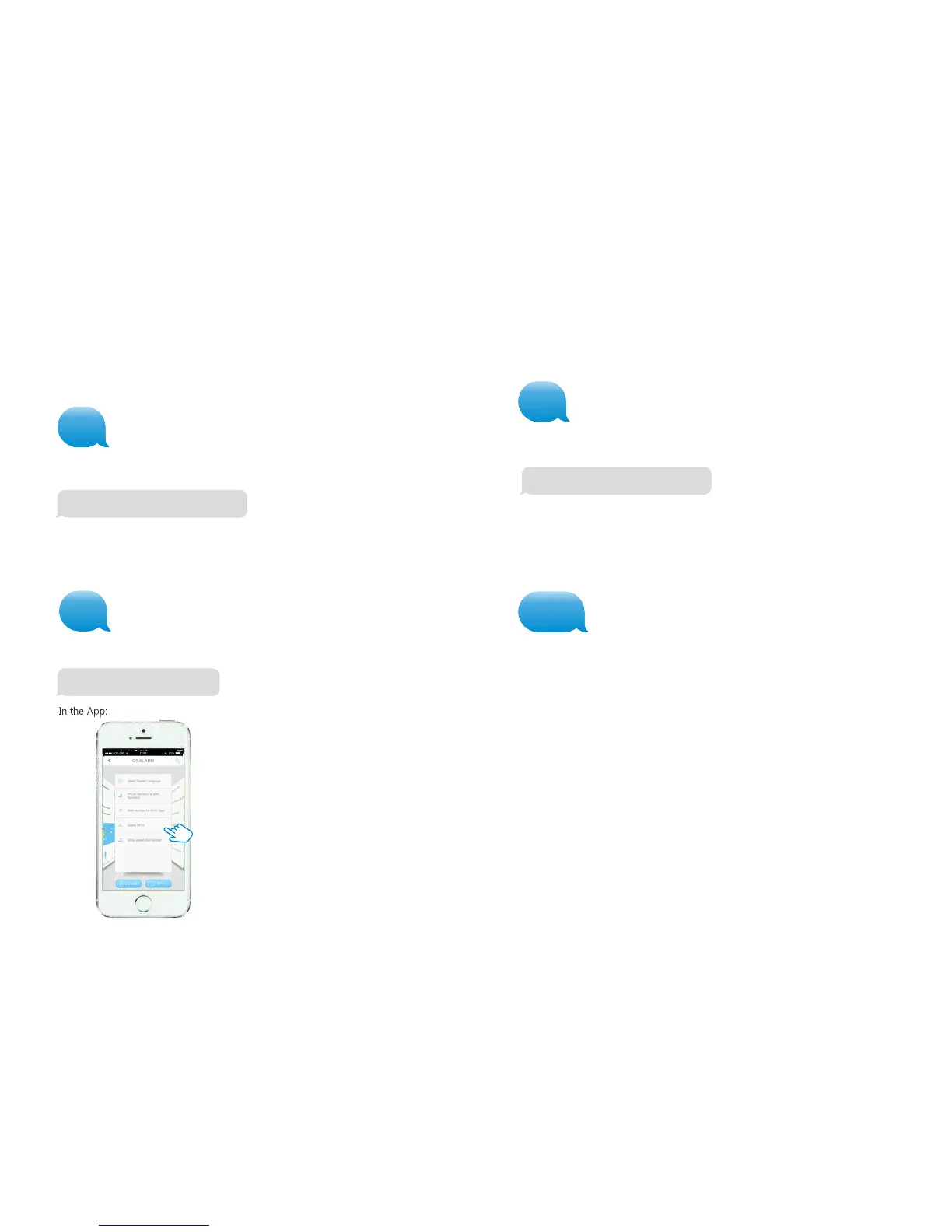
Delete wireless sensors successfully
29
30
21
Delete Wireless Accessories
All Accessories (Wireless Sensors, RFID Tags and Remote Controls) can be deleted
from the system by entering the user code on the Control Panel and holding down
the Full Arm button until two beeps are heard (3 seconds). Accessories can also be
removed by texting ‘21’.
Delete all RFID Tags by SMS & App
All RFID Tags can be deleted by texting ‘22’ to the SIM card number in the Control
Panel.
Delete all Remote Controls by SMS
All Remote Controls can be deleted by texting ‘23’ to the SIM card number in the Control
Panel.
Delete RFID tags successfully
After sending the message you will receive the following message from the Control
Panel to confirm the new settings:
After sending the message you will receive the following message from the Control Panel to
confirm the new settings:
22
After sending the message you will receive the following message from the Control Panel to
confirm the new settings:
23
Restore system to default setting
Also called a ‘hard reset’. The system can be restored to factory settings by texting ‘0000’
to the SIM card number in the Control Panel.
0
SMS low batter y notification (Sensors)
Note: The administrator receives an SMS message when a Sensor battery is low. The
message contains the Sensor name (for Sensors on zones 1 to 9) and the message ‘low
battery’. The message for Sensors on zone 10 and above will be the Sensor number and
the ‘low battery’ message.
SMS tamper notification (Sensors)
Note: this feature applies to Sensors with a built-in tamper switch. You will receive a
message if a Sensor is sabotaged. The message for Sensors on zones 1-9 shows the
Sensor name and the message ‘tamper alarm’. The message for Sensors on zones
10 and above show the Sensor number and the ‘tamper alarm’ message.
Delete remote controls successfully
0000


 To Next Page