27
28
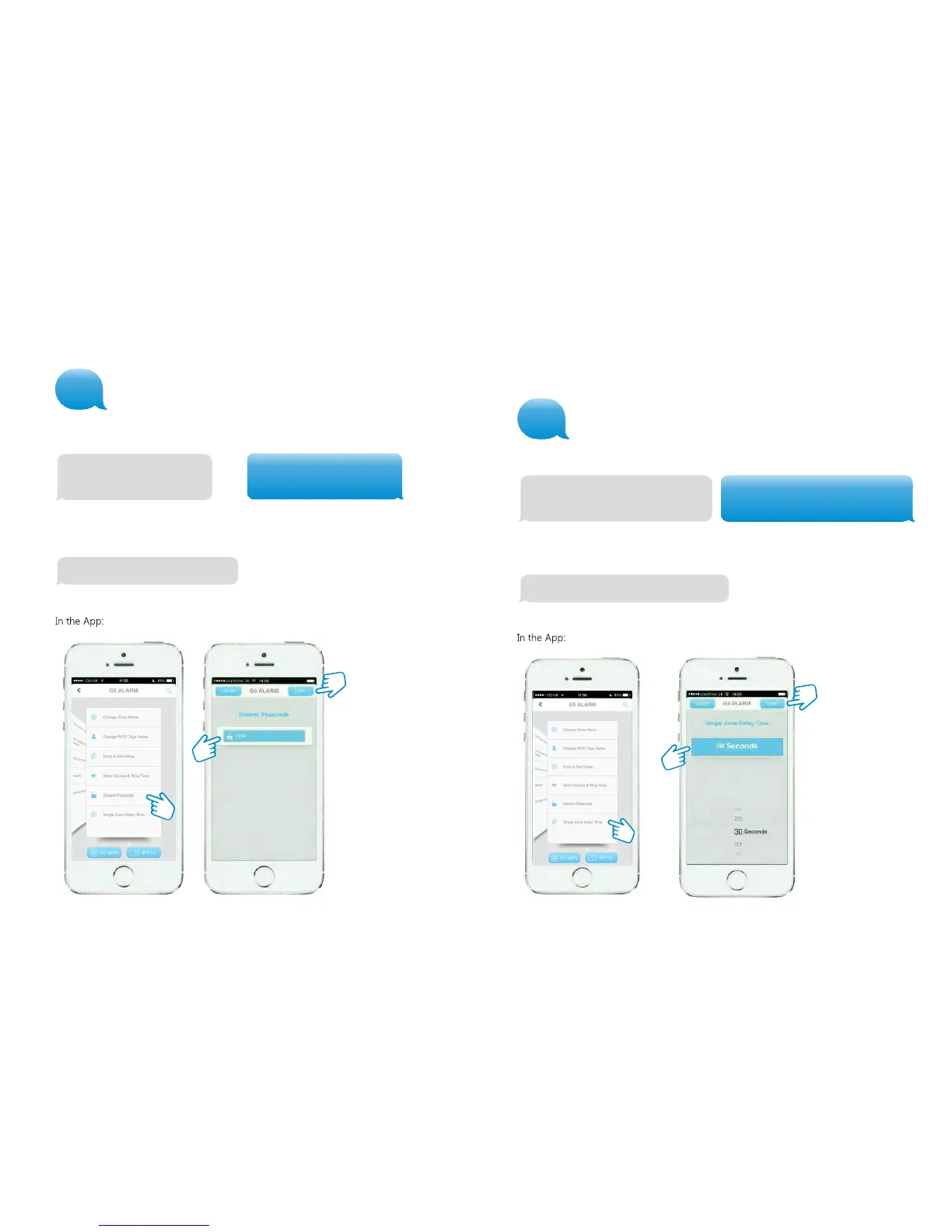
Setting Single Zone delay time
Single zone delay time (0-300 sec.):
30
Single zone delay time (0-300 sec.):
15
Set single zone delay time successfully
Any Sensor can be set to ‘Single Zone Delay’.
Text ‘14’ to the Control Panel.
Copy the message: adjust the delay time as example below:
Change disarm password
13
Set disarm password successfully
Text ‘13’ to the Control Panel.
After sending the message you will receive the following message from the Control
Panel to confirm the new settings:
After sending the message you will receive the following message from the Control
Panel to confirm the new settings:
Disarm password(4-6 digits):
1234
Disarm password(4-6 digits):
8888
Copy the message enter your new password as example below
14


 To Next Page