Rotating function II)
• Rotate the operating button to change numerical values and decisions in the menu items.
Press I)
• Press the operating button to open selected menu items.
Press II)
• Press the operating button to confirm settings.
Press III)
• Keeping the operating button pressed for longer takes you back to the basic screen
(Level 1).
5.11.2 Navigating between operating modes
• Rotate the operating button in a clockwise direction until the dark line cursor
is in the navigation menu (C1).
• Press the operating button (F).
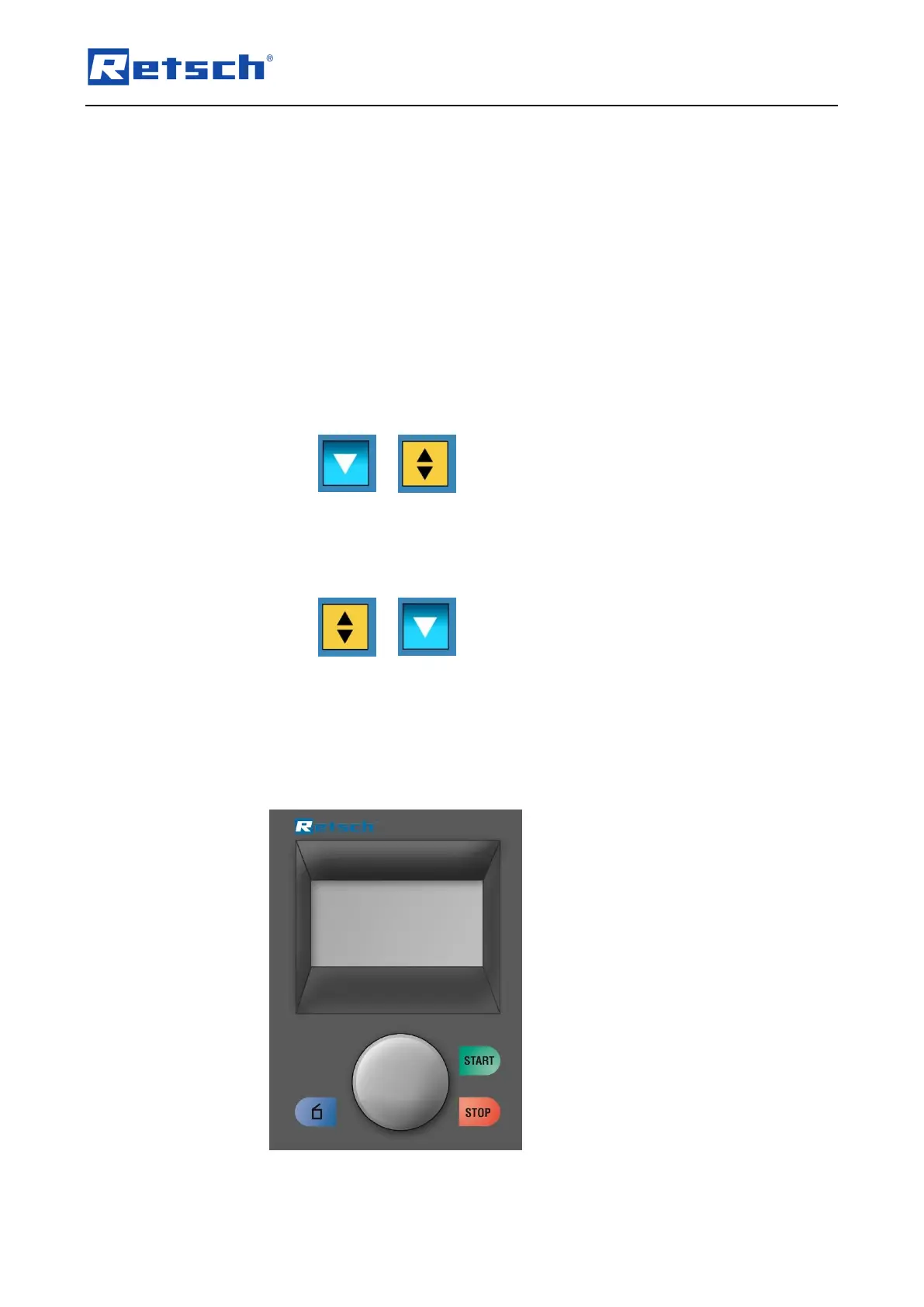
– The icon for the scrolling direction (C4) changes from
• By pressing the operating button, navigate between manual operation,
Programs 01 to 10 and the basic settings operating modes.
• Press the operating button (F) to activate the selected operating mode.
– The icon for the scrolling direction (C4) changes from
• By rotating the operating button, switch to the sub-items of the selected
menu item.
5.12 Direct access to the language menu
If you have unintentionally set the wrong language, you can go straight to the language menu
by following the steps below.
• Switch the device off at the main switch.



 To Next Page