In Memory Channel Mode
(1) Press €D| button for 2 seconds until Q is flashing then
press
\fjmm]
button to enter tag memory channel mode.
(2) Press (3)/t?) button to select active channel or type
memory channel number on keypad.
(3) Press
C*±)/(3£)
button to select stand-by channel or type
memory channel number on keypad.
(4) Press €D button then press ISi^ button, and LCD
shows |5w). Both active and stand-by memory channel
are swapped scanning each per 0.5 second.
(5) Type the new desired memory channel number to replace
the stand-by channel during dual watch.
(6) Press Q5p button to swap the active channel and stand-
by channel.
(7) Press ^3D button to quit dual watch mode.
I^NOTE: During dual watch mode : active frequency and
stand-by frequency can be swapped while pressing
(5P button.
g^lMOTE: Long press the Qjp button for 2 seconds, and it
goes into memory mode.
9.
VOR Operation
We assumes users understand the terminology and theory
associated with VOR navigation.
The RHP-530E Nav/Com VOR navigation information should
not be used as your primary means of navigation.
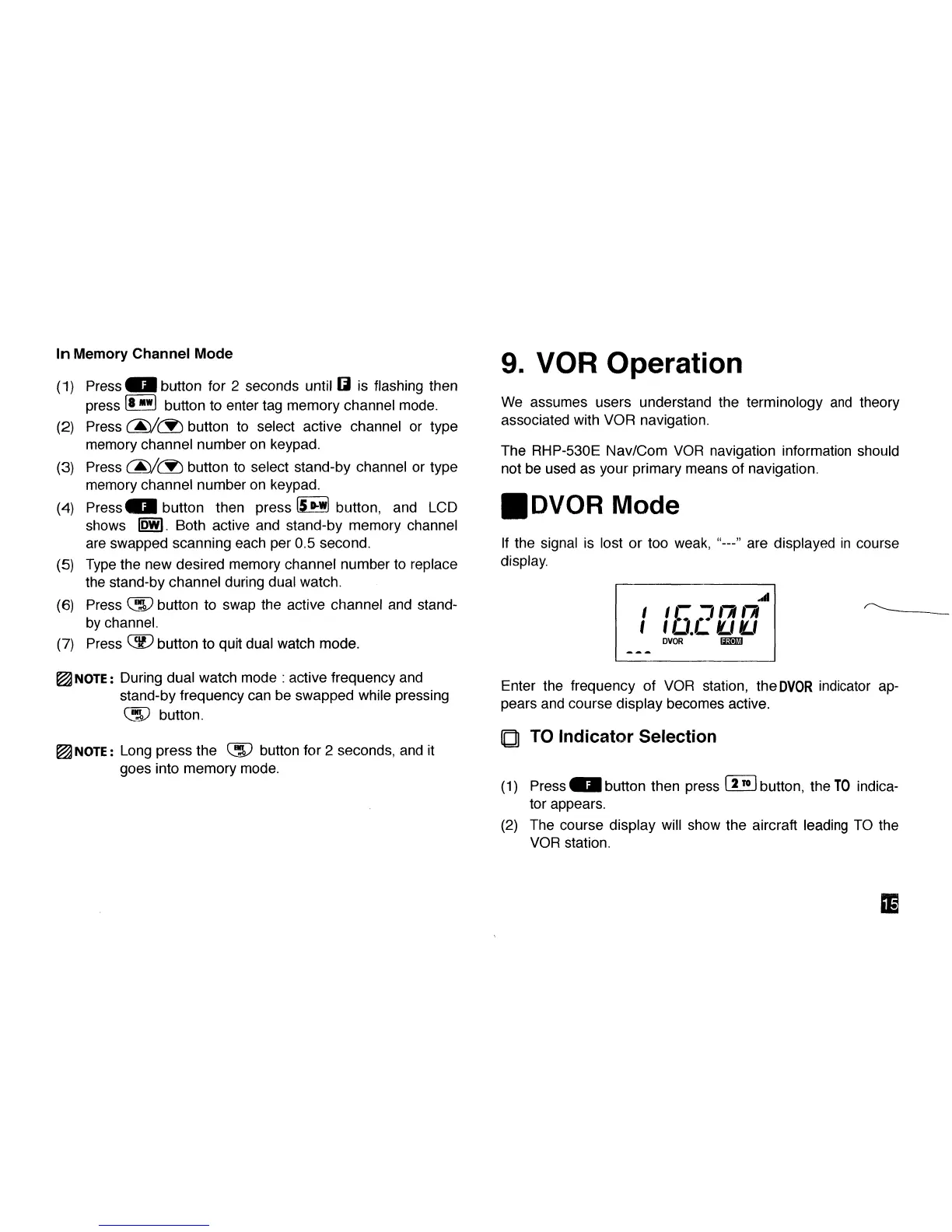
• DVOR Mode
If the signal is lost or too weak,
display.
-" are displayed in course
i
i
C D
ra
m
I IU.LUIU
Enter the frequency of VOR station, the
DVOR
indicator ap-
pears and course display becomes active.
Q TO Indicator Selection
(1) Press €D button then press 5™]
button,
the
TO
indica-
tor appears.
(2) The course display will show the aircraft leading TO the
VOR station.
01



 To Next Page