EasyManua.ls Logo

Rhymebus RM6F5 series - User Manual

Rhymebus RM6F5 series
195 pages
Print Icon
To Next Page IconTo Next Page
Loading...
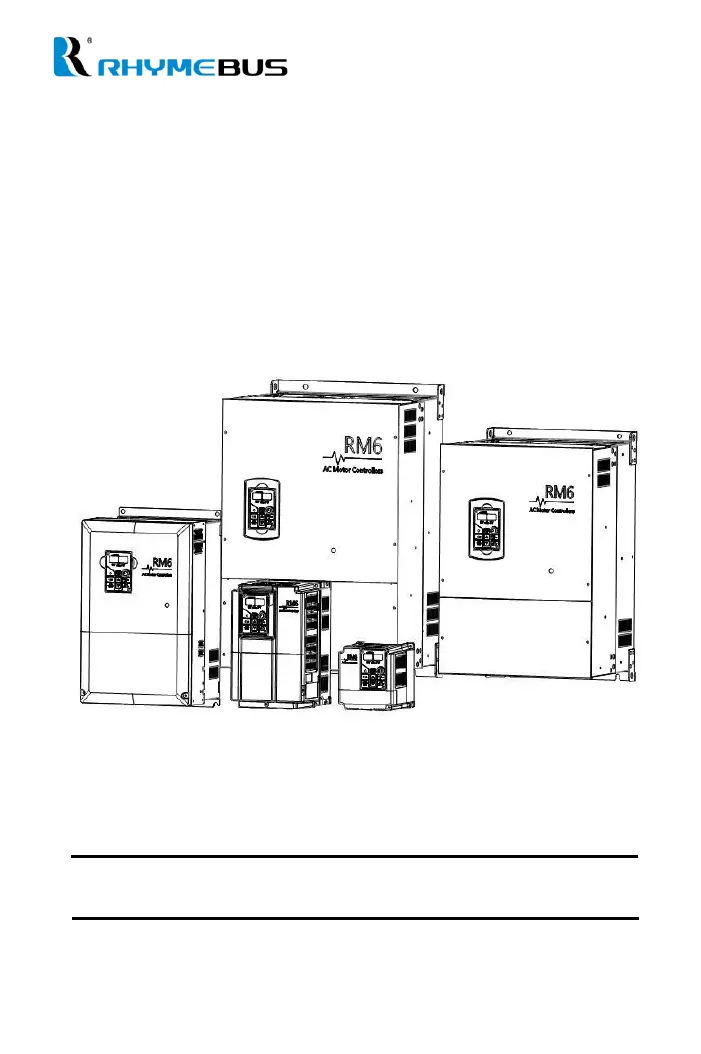
AC MOTOR DRIVE
Operation Manual
RM6F5 series

Table of Contents

Questions and Answers

Summary

Safety Precaution

Wiring

Chapter 2 Installation and Confirmation

2-2 Installing the Drive

Guidelines for safe drive installation, location, arrangement, and environmental considerations.

2-3 Descriptions of Terminal and Wiring Diagram

Details on drive terminals, wiring diagrams, and connections for various models.

2-4 Wiring Diagram and Setting for Single-pump and Multi-pump Applications

Wiring diagrams and settings for single and multi-pump control applications (E, F, M, S modes).

Chapter 3 The Setting of Keypad

3-2 The Operation of Keypad(KP-605) and Monitor Mode

How to navigate and use the keypad for operation, setting modes, and monitoring.

Chapter 4 Parameter List

F_015 Control Mode Selection (Pump Parallel)

Settings for selecting pump control modes: single, multi-pump (E, F, M, S modes).

Chapter 5 Parameter Setting Description

Chapter 6 Parameter Description of Pump

6-2 Sequential Operation and Parallel Control of Multi-pump

Configuration for sequential and parallel operation of multiple pumps, including shift times and modes.

6-3 Constant Pressure Control Mode and ON; OFF Mode

Settings for constant pressure and ON/OFF control modes for pumps, including water usage detection.

6-4 PID Control Functions

Details and block diagrams for PID control loop tuning, including compensation and mode selection.

Chapter 7 Communication Description

Chapter 8 Operation Procedures and Fault Protection

8-2 Fault Protection Display and Troubleshooting

List of drive fault messages, their causes, and recommended troubleshooting steps.

Attachment 2 Default Value List

Attachment 4 Fault Display

Rhymebus RM6F5 series Specifications

General IconGeneral
BrandRhymebus
ModelRM6F5 series
CategoryController
LanguageEnglish

Related product manuals