14
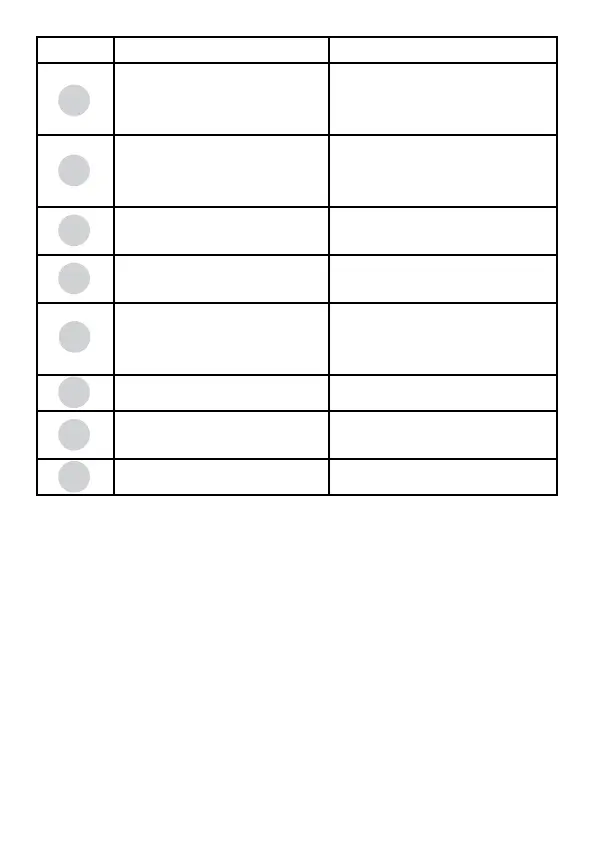
Button Remark
Waveform
Mode
Choose between therapeutic modes:
Electrical stimulation, Ultrasound thera-
peutic or Combo therapeutic
Program
CC —Constant Current output mode
CV—Constant voltage output mode
Choose the therapeutic program, select
the [CC/CV] or switch program types
(Common or professional)
F.M.—Frequency Modulation Vector
Burst—Burst Frequency
Choose the parameter F.M/Vector/Burst
Freq.—Frequency
C.F.—Carrier Frequency
Press to adjust Freq. and Carrier Freq.
Duty—Duty Cycle for Russian Waveform
Beat H. Sweep High Beat Frequency
A.M.—Amplitude Modulation
Press to adjust Duty/Beat H./A.M.
Beat L.—Sweep Low Beat Frequency
P. Dur—Pulse Duration
Press to adjust Beat L./P. Dur
Time Treat.—Treatment Time
Cycle—Cycle time
Ramp—Ramp Time
Press to adjust Treat./Cycle/Ramp
Freq.—Frequency for Ultrasound
Duty—Duty Cycle for Ultrasound
Choose the parameter Freq./Duty for
ultrasound
Beat H.
A.M.
Duty
Waveform
Mode
Program
CC/CV
F.M.
Vector
Burst
C.F.
Freq.
Beat L.
P. Dur
Time
Treat.
Cycle
Ramp
Freq.
Duty



 To Next Page