Catalog Explorer User Manual
______________________________________________________________________________
________________________________________________________________________________
Page 34 of 36
Visit our knowledgebase at: http://www.ricoh-usa.com/support/knowledgebase.asp
Copyright 2008 Ricoh Americas Corporation
10.3 Viewing the Harness Modification History
10.3.1 Displaying a Tabled Overview
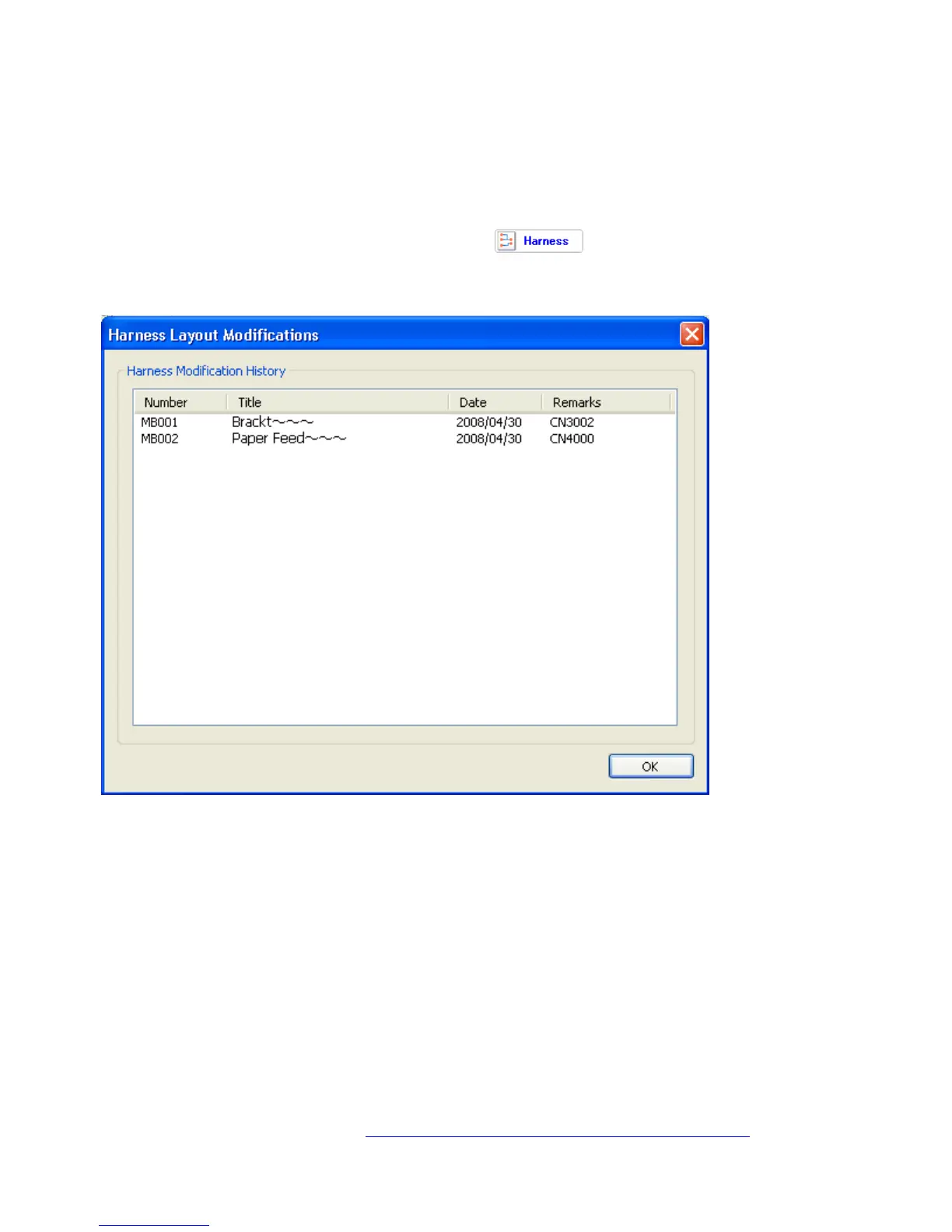
If the catalog file being viewed contains harness diagram changes, the Harness Modification
History screen can be displayed by clicking on
. To display the contents in
numerical or chronological order, click on the corresponding header (“Number” or “Date”,
respectively).



 To Next Page