Catalog Explorer User Manual
______________________________________________________________________________
________________________________________________________________________________
Page 29 of 36
Visit our knowledgebase at: http://www.ricoh-usa.com/support/knowledgebase.asp
Copyright 2008 Ricoh Americas Corporation
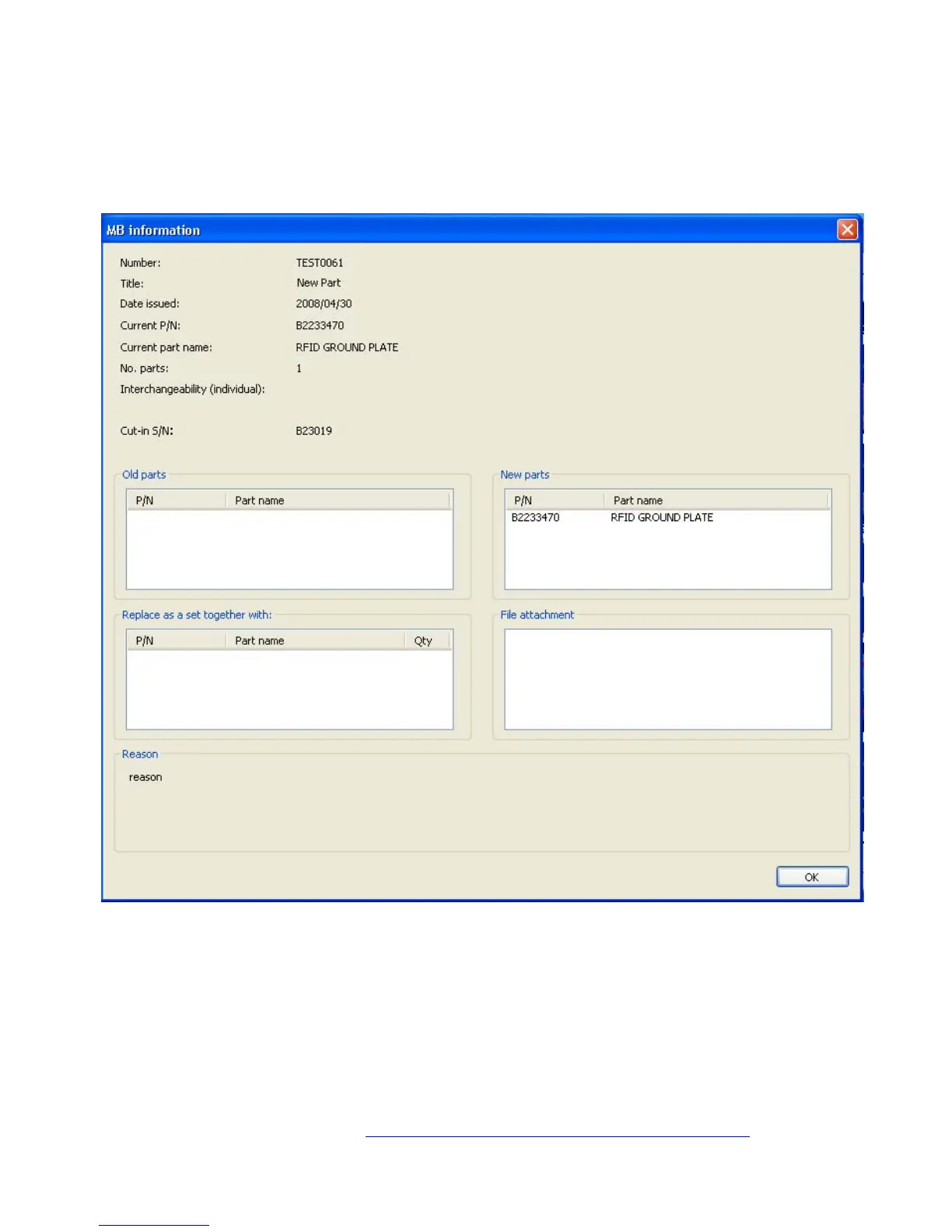
9.8.2 Modification Details
To display the details of a specific modified article in the list, double click on the number or
title. The “Modification details” screen is displayed, which contains details such as the cut-
in serial numbers, old part number(s), and a PDF file.



 To Next Page