Appendix
60
3
Supplementary Information
The following describes the detailed specifications of the respective functions.
❖ Bypass Tray Copy
• The following paper sizes can be selected.
A3L, A4KL, A5KL, B4 JISL, B5 JISKL, B6 JISL , 11" × 17"L,
8
1
/
2
" × 14"L, 8
1
/
2
" × 13"L, 8
1
/
4
" × 13"L, 8" × 13"L, 8
1
/
2
" × 11"KL,
7
1
/
4
" × 10
1
/
2
"KL, 5
1
/
2
" × 8
1
/
2
"L, 8KL, 16KKL, C6 EnvelopeL,
C5 EnvelopeL, DL EnvelopeL, 4
1
/
8
" × 9
1
/
2
"L, 3
7
/
8
" × 7
1
/
2
"L
• When the beeper is turned off, it will not sound if you insert paper into the
bypass tray.
❖ Preset Reduce/Enlarge
• You can select one of seven preset ratios (three enlargement ratios, four re-
duction ratios). To change a ratio assigned to Preset Reduce/Enlarge, use
Copier Features in User Tools.
• Copies can be reduced or enlarged as follows:
❖ Metric version
*1
Default settings
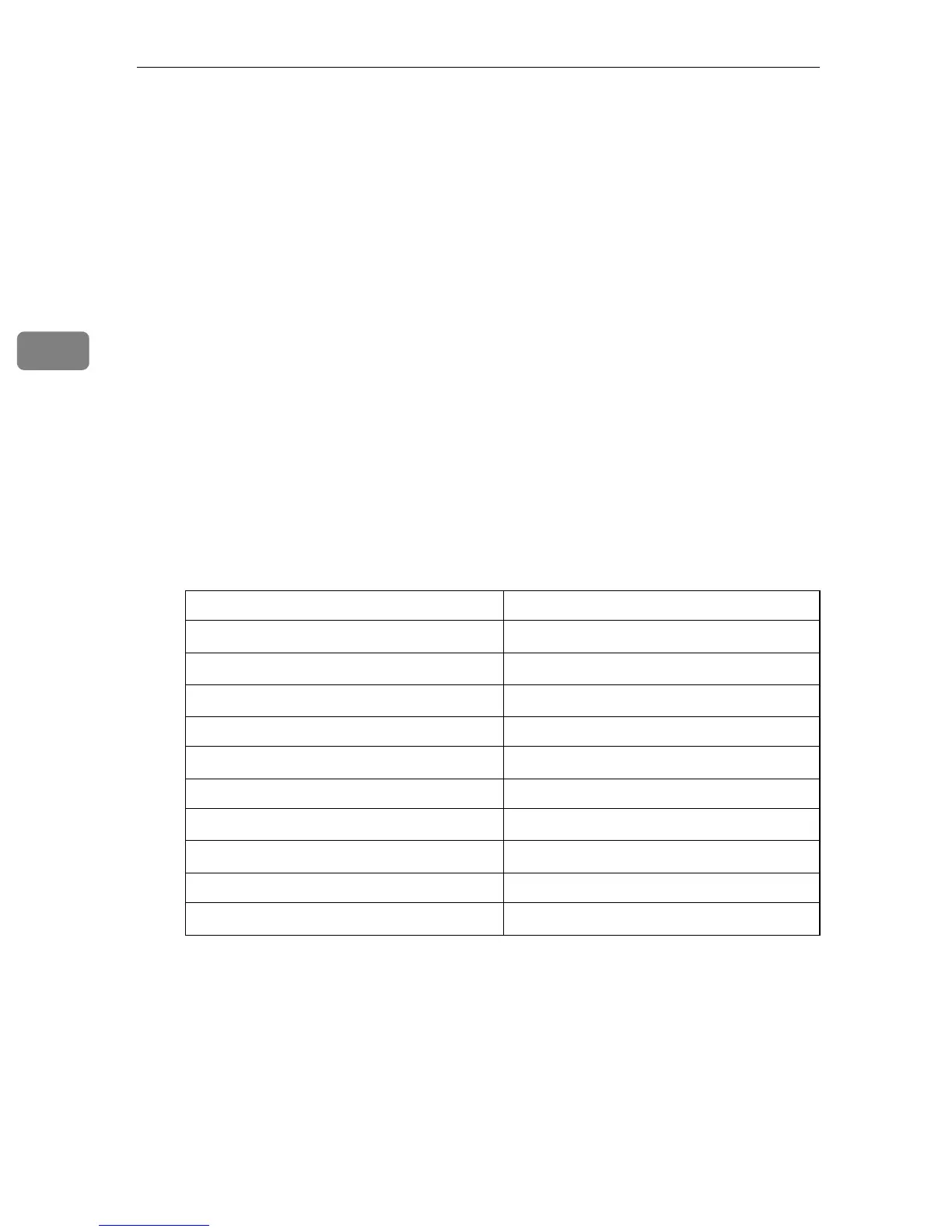
Ratio (%) Original → Paper size
200
*1
(enlarge area by 4)
A5 → A3
141
*1
(enlarge area by 2)
A4 → A3, A5 → A4
122
*1
8" × 13" → A3, A4 → B4 JIS
115 B4 JIS→A3
93
*1
--
87 --
82
*1
8" × 13" → A4, B4 JIS → A4
71
*1
(reduce area by
1
/
2
)
A3 → A4, A4 → A5
65 A3 → 8" × 13"
50
*1
(reduce area by
1
/
4
)
A3 → A5, 8" × 13" → A5



 To Next Page