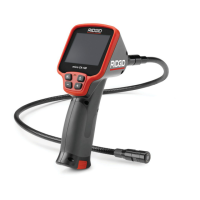
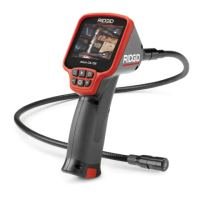
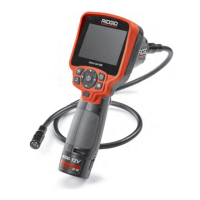
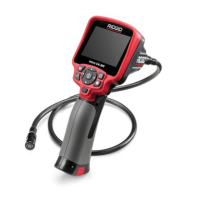
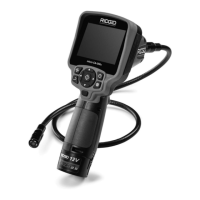
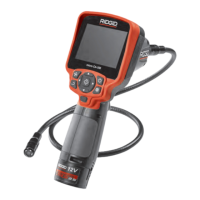
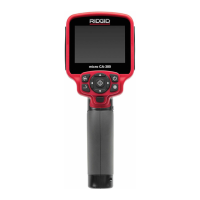
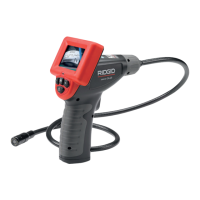
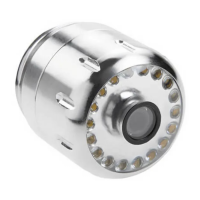
micro CA-100 Inspection Camera
11
Troubleshooting
SYMPTOM POSSIBLE REASON SOLUTION
Display turns ON, but does not
show image.
Loose cable connections. Check cable connections, clean if re-
quired. Re-attach.
Imager is broken. Replace batteries.
LEDs on imager head are dim at
max brightness, display switches
between black and white, color
display turns itself OFF after a
brief period.
Battery low on power. Replace the Imager.
Unit will not turn ON. Dead batteries. Unit need to be reset.
Replace batteries. Reset unit. See “Maintenance” Sec-
tion.
Disposal
Parts of the RIDGID micro CA-100 Inspection
Camera contain valuable materials and can
be recycled. There are companies that spe-
cialize in recycling that may be found locally.
Dispose of the components in compliance
with all applicable regulations. Contact your
local waste management authority for more
information.
For EC Countries: Do not dis-
pose of electrical equipment with
household waste!
According to the European Guide-
line 2002/96/EC for Waste Electri-
cal and Electronic Equipment an-
dits implementation into national legislation,
electrical equipment that is no longer usable
must be collected separately and disposed
of in an environmentally correct manner.
Battery Disposal
For EC countries: Defective or used batteries
must be recycled according to the guideline
2006/66/EEC.


 To Next Page
 Loading...