5010e_513.doc / 22.01.10
4.4 Utility programs
Utility programs are necessary for the adjust-
ment and maintenance of Photometers 5010.
Further information:
Chapter: 7 - UTILITY PROGRAMS
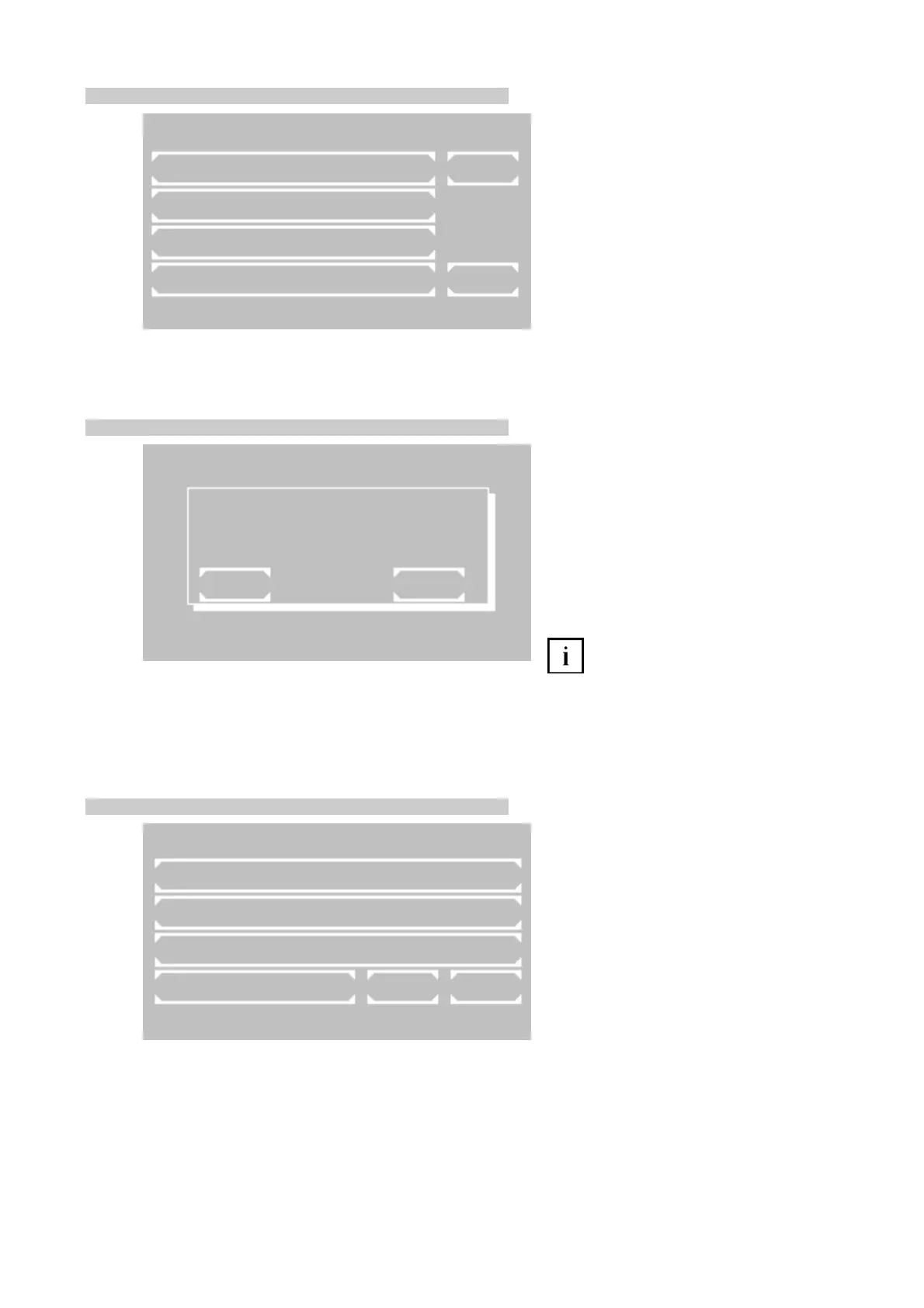
4.5 Lamp protection [LAMP]
By [LAMP] in the main menu the halogen lamp
can be switched off temporarily to extend the
lifetime.
Activate the lamp protection by [ON].
Deactivate the lamp protection by [OFF]. After
60 s Photometer 5010 is again ready for
measuring.
Leave the function by [EXIT].
A zero adjustment should be repeated
by bringing in a zero solution and pressing
[ZERO].
4.6 Line feed [LF]
Pressing [LF] in the main menu triggers a line
feed in the case of activated printer. Several
lines can be advanced by continuous pressure
on [LF].
UTILITIES PAGE 1/5
DARK ADJUSTMENT PAGE
MULTI-STANDARD
PRINTER
PUMP / BUBBLE DETECT EXIT
37.05C 09/08/09 11:39
37.05C 09/08/09 11:39
37.05C 09/08/09 11:39
MAIN MENU
MEASURE WITH PROGR. METHODS
MEASURE WITH BASIC METHODS
METHODS NEW / CHANGE / COPY
UTILITIES LAMP LF
MAIN MENU
LAMP PROTECTION
EXIT ON
ROBERT RIELE GmbH & Co KG Page 16 4 - PROGRAM SELECTION



 To Next Page