5010e_513.doc / 22.01.10
7.2.4 Pump menu 7.2.4 Pump menu
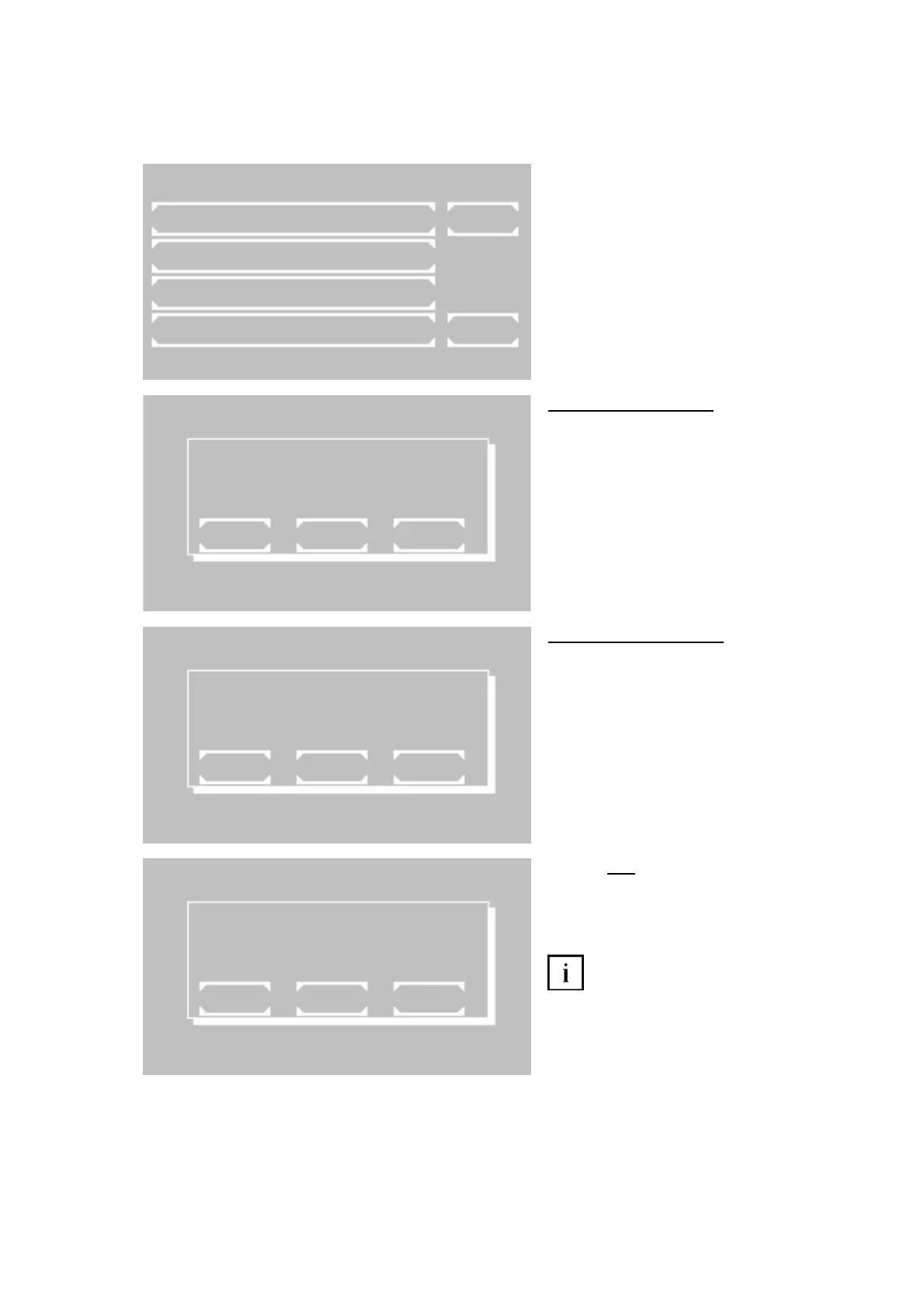
With these functions the pump and the bubble detector can be checked and adjusted. The check and adjust-
ment is possible only with inserted flow-through cuvette adaptor.
With these functions the pump and the bubble detector can be checked and adjusted. The check and adjust-
ment is possible only with inserted flow-through cuvette adaptor.
The menu offers following functions:
• Activation and deactivation of pump
• Calibration of pump volume
• Activation and deactivation of bubble
detector and of the volume optimized
mode.
• Media test: check and adjustment of
bubble detector.
7.2.4.1 Pump ON / OFF
The current status of the pump is indicated in
the first line by OFF or ON.
Change setting by [SELECT]
Save setting permanently by [OK]
Save setting temporarily up to next switch-off
of the device by [EXIT]
7.2.4.2 Pump calibration
The pump calibration can be executed with or
without bubble detector. So set bubble detec-
tor ON or OFF.
Empty aspiration tube by [WASH].
Put 1000 µl distilled water into a sample cup.
Dip aspiration tube into the sample cup up to
the base.
The volume of 1000 µl is sucked in by
[Sipping lever P].
Behavior
with bubble detector:
After stoppage of the pump values for air and
water are indicated which correspond to the
delivered volumes.
Save setting permanently by [OK]
If the calibration is not possible,
although the pump tube is connected and
1000 µl were sucked in, execute a media test
(see 7.2.4.4). Afterwards the pump calibration
can be repeated.
UTILITIES SUB MENU
PUMP ON/OFF
PUMP CALIBRATION
PUMP SETTINGS
MEDIA TEST EXIT
37.05C 09/08/09 11:39
PUMP ON
EXIT OK SELECT
PUMP CALIBRATION
EXIT WASH
PUMP CALIBRATION
AIR 159
WATER 1096
MS/50µl
EXIT OK WASH
ROBERT RIELE GmbH & Co KG Page 47 7- UTILITY PROGRAMS Y PROGRAMS



 To Next Page