5010e_513.doc / 22.01.10
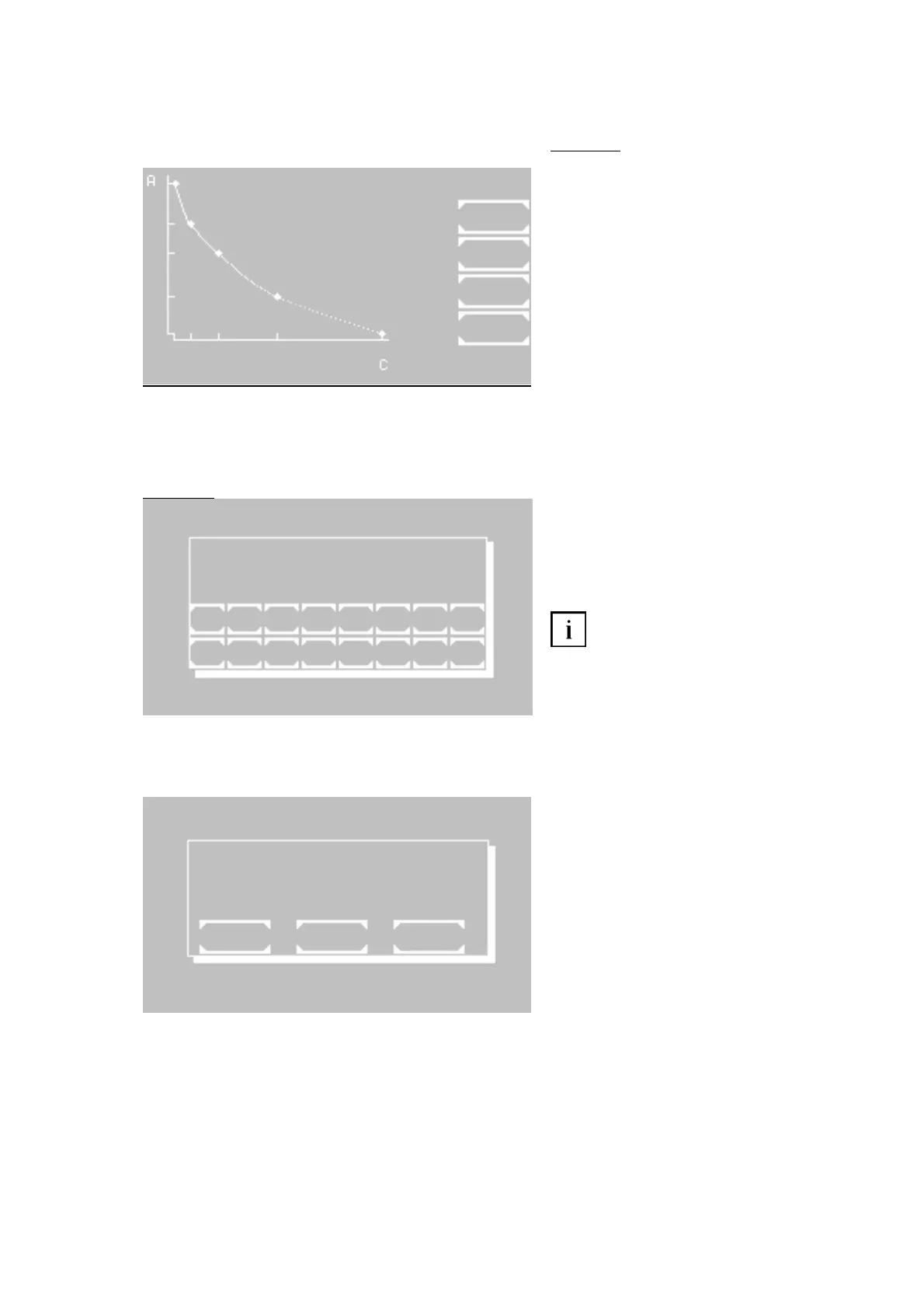
[EDIT CURVE] After inquiry of the curve
number all curve bases can be edited (see
fig. 7.2.2.2)
[EDIT CURVE] After inquiry of the curve
number all curve bases can be edited (see
fig. 7.2.2.2).
[SHOW CURVE] After inquiry of the curve
number the function will be shown.
[LIST] The method number and the date of
preparation of all current curves are shown.
[EXIT] Return to the utilities
Fig. 7.2.2.2
[P+] and [P-] Consecutive numbering of the
current bases
[A/C] Switch input between A for absorbance
and C for concentration
[E] Accept the edited value
Input and confirmation of a single “0” at
A lead to the deletion of the current pair of
points. In order to set the value to zero enter
e.g. “0.0”.
[ESC] End input and save curve data. The
bases are sorted in ascending order
according to their A value.
CURVE
NO. 20
EXIT
CURVE NO. xx
P 1 A -00000 NEW A
C -00000
1 2 3 4 5 6 7 8
ESC 9 0 . P+ P-A/C E
7.2.3 Printer ON / OFF
The current status of the internal printer is
indicated in the first line by OFF or ON.
Change setting by [SELECT]
Save setting permanently by [OK]
Save setting temporarily up to next switch-off
of the device by [EXIT]
PRINTER OFF
EXIT OK SELECT
ROBERT RIELE GmbH & Co KG Page 46 7- UTILITY PROGRAMS Y PROGRAMS



 To Next Page