5010e_513.doc / 22.01.10
7.2.5 Serial interface 7.2.5 Serial interface
A PC or an external printer can be connected to Photometer 5010 via the RS 232 serial interface at the back. A
suitable data cable can be supplied (REF 501-002). The connected device must comply with safety standard
EN 60950.
A PC or an external printer can be connected to Photometer 5010 via the RS 232 serial interface at the back. A
suitable data cable can be supplied (REF 501-002). The connected device must comply with safety standard
EN 60950.
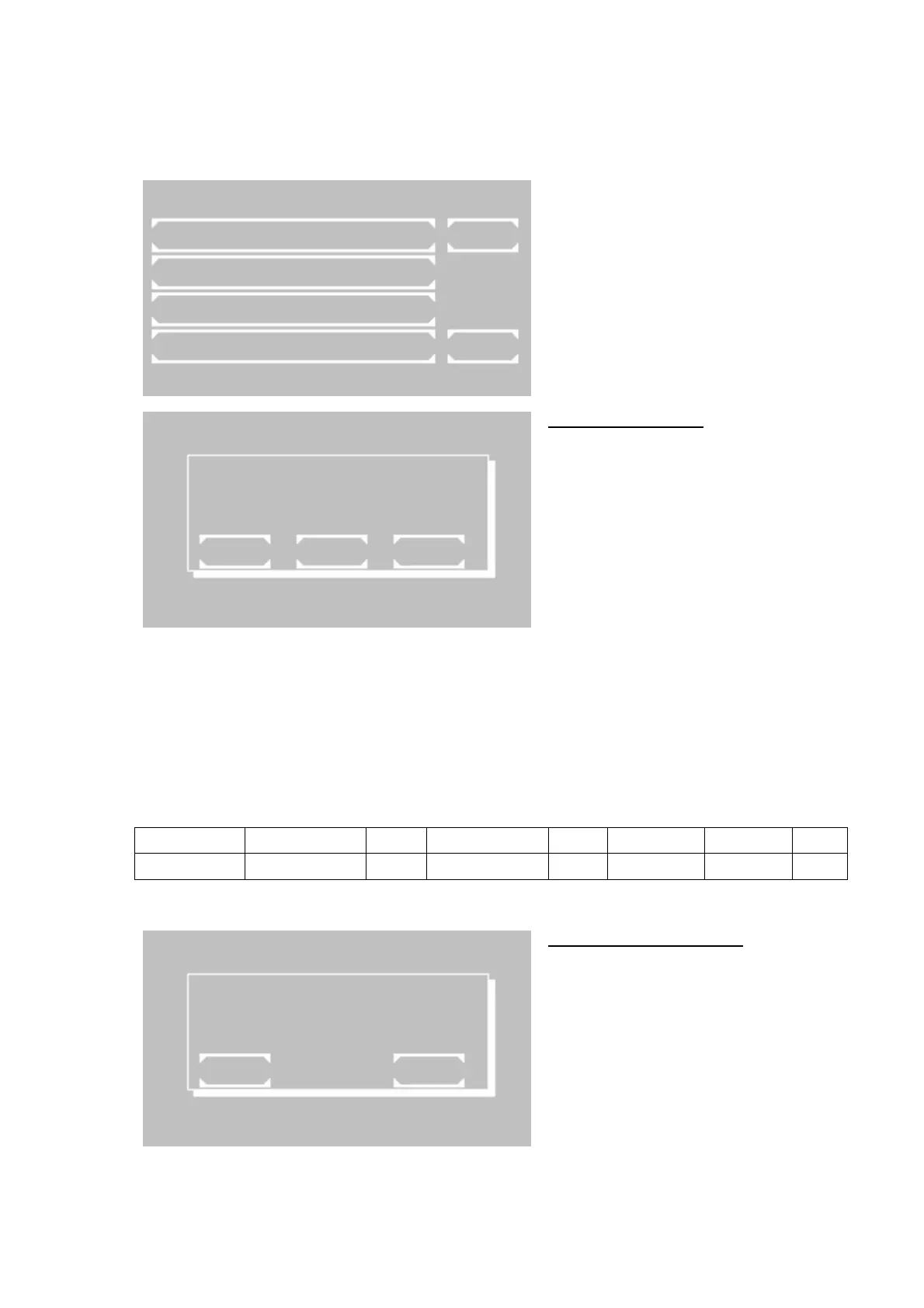
The menu offers following functions:
• Activation and deactivation of EDP
• Activation of remote control
• Activation or deactivation of external
printer with serial interface
• Activation of download function of oper-
ating system
7.2.5.1 EDP ON / OFF
The current status of the EDP (Electronic Data
Processing) interface is indicated in the first
line by OFF or ON.
Change setting by [SELECT]:
• EDP OFF: no output,
• EDP ON (CR-LF): system output through
serial port with CR-LF protocol,
• EDP ON (STX-ETX-BCC): system output
through serial port with STX-ETX-BCC
protocol,
• EDP ON (CR-LF-LOG): after each
measurement a formatted string will be
output through the serial port. (e.g. see
table. 7.2.5.1)
Save setting permanently by [OK]
Save setting temporarily up to next switch-off
of the device by [EXIT]
UTILITIES SUB MENU
EDP ON / OFF
REMOTE MODE
SERIAL PRINTER
DOWNLOAD EXIT
37.05C 09/08/09 11:39
EDP OFF
EXIT OK SELECT
Table 7.2.5.1
Serial number Method number ID-NO. Sample number Result User Date Time
7000 20 12345 1 15.5 [user name] 09/08/09 09:30
7.2.5.2 REMOTE CONTROL
Activate remote control by [START].
When activated, Photometer 5010 can be
remote-controlled by a PC and a suitable
program.
Deactivate remote control by sipping lever [P].
By [EXIT] the program returns to the
superordinate menu item.
REMOTE MODE
EXIT START
ROBERT RIELE GmbH & Co KG Page 50 7- UTILITY PROGRAMS Y PROGRAMS



 To Next Page