5010e_513.doc / 22.01.10
UTILITY PROGRAMS
7 UTILITY PROGRAMS
7.1 SELECTION OF UTILITY PROGRAMS
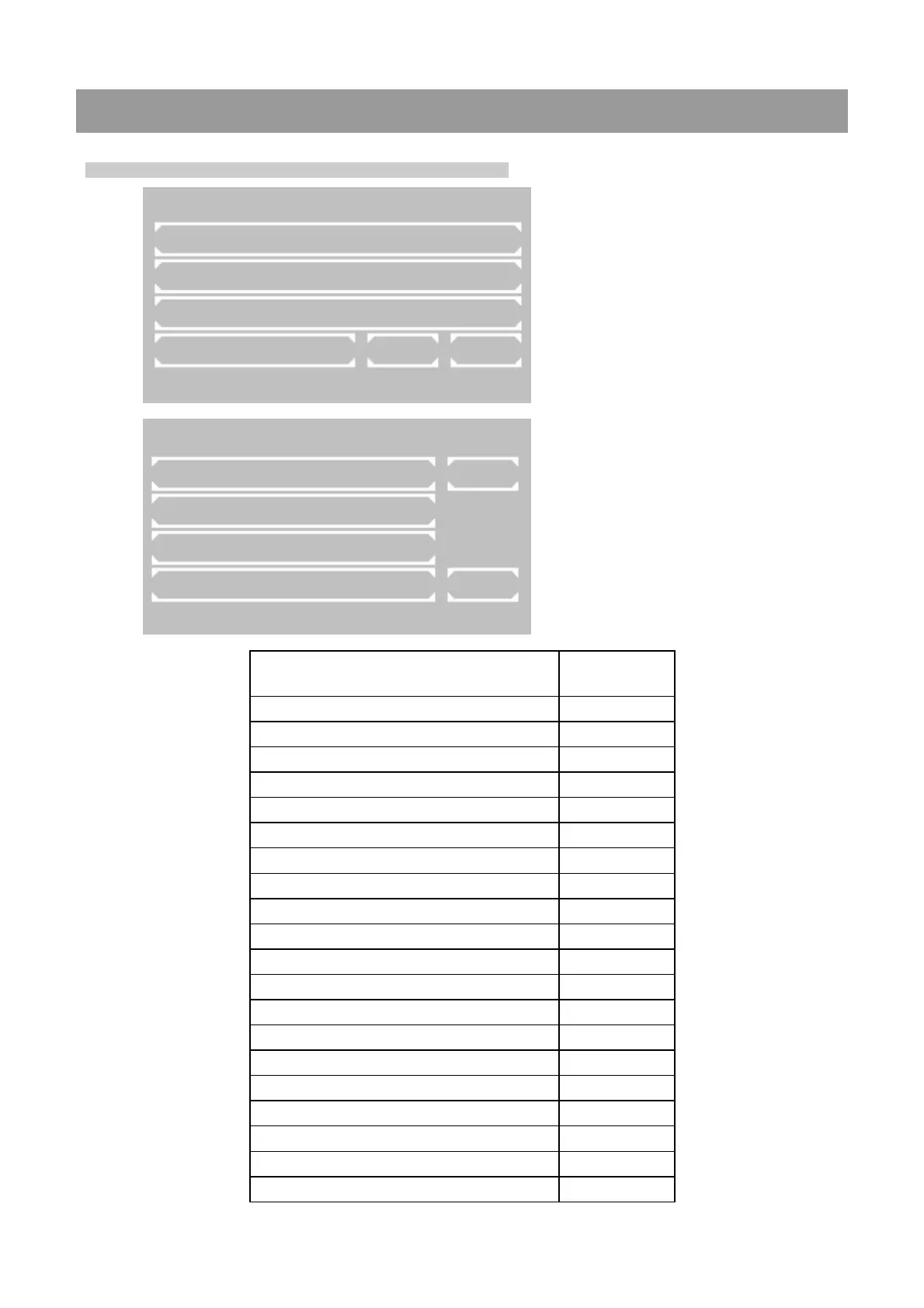
Main menu:
Utility programs are necessary for the adjust-
ment and maintenance of the photometer.
Page 1 of utility programs:
Scrolling through all utility programs is possi-
ble by [PAGE]. The current page is shown at
the right upper screen corner. By [EXIT] the
program returns to the main menu.
A utility program is selected by pressing the
relating key.
MAIN MENU
MEASURE WITH PROGR. METHODS
MEASURE WITH BASIC METHODS
MEASURE NEW / CHANGE / COPY
UTILITIES LAMP LF
37.05C 09/08/09 11:39
37.05C 09/08/09 11:39
UTILITIES PAGE 1/5
DARK ADJUSTMENT PAGE
MULTI-STANDARD
PRINTER
PUMP MENU EXIT
Utilities Description in
chapter
Dark adjustment 7.2.1
Multi-standard functions 7.2.2
Printer ON / OFF 7.2.3
Pump menu 7.2.4
Serial interface 7.2.5
Quality control 7.2.6
Settings printout 7.2.7
Data logging 7.2.8
Temperature ON / OFF 7.2.9
Temperature adjustment 7.2.10
Laboratory name 7.2.11
User name 7.2.12
Error list 7.2.13
Key signal ON / OFF 7.2.14
Touchscreen adjustment 7.2.15
Date / Time 7.2.16
Language 7.2.17
ADC counts (Optic) 7.2.18
Send results 7.2.19
Service tools 7.2.20
ROBERT RIELE GmbH & Co KG Page 43 7-



 To Next Page