5010e_513.doc / 22.01.10
After around 15 minutes the device is heated
up and ready for measurement
.
First the tempering is switched off. If working
with tempered material is required later, switch
on the tempering already now either directly
by the utility program (chapter 7.2.9 -
Temperature ON / OFF) or indirectly by selec-
tion of a method with programmed tempering
(chapter 5.1 -
GENERAL NOTES).
MAIN MENU
MEASURE WITH PROGR. METHODS
MEASURE WITH BASIC METHODS
METHODS NEW / CHANGE / COPY
UTILITIES LAMP LF
37.05C 09/08/09 11:39
If errors appeared during operation, first of all they have to be confirmed with [E] before remedy (chapter 9 -
ERROR MESSAGE / CORRECTION).
2.4 LOADING PRINTER PAPER
With initial operation or if the colored end of the paper roll appears, printer paper must be inserted:
• Open the printer cover and remove the rest of paper.
• Put printer paper axis into the new printer paper reel.
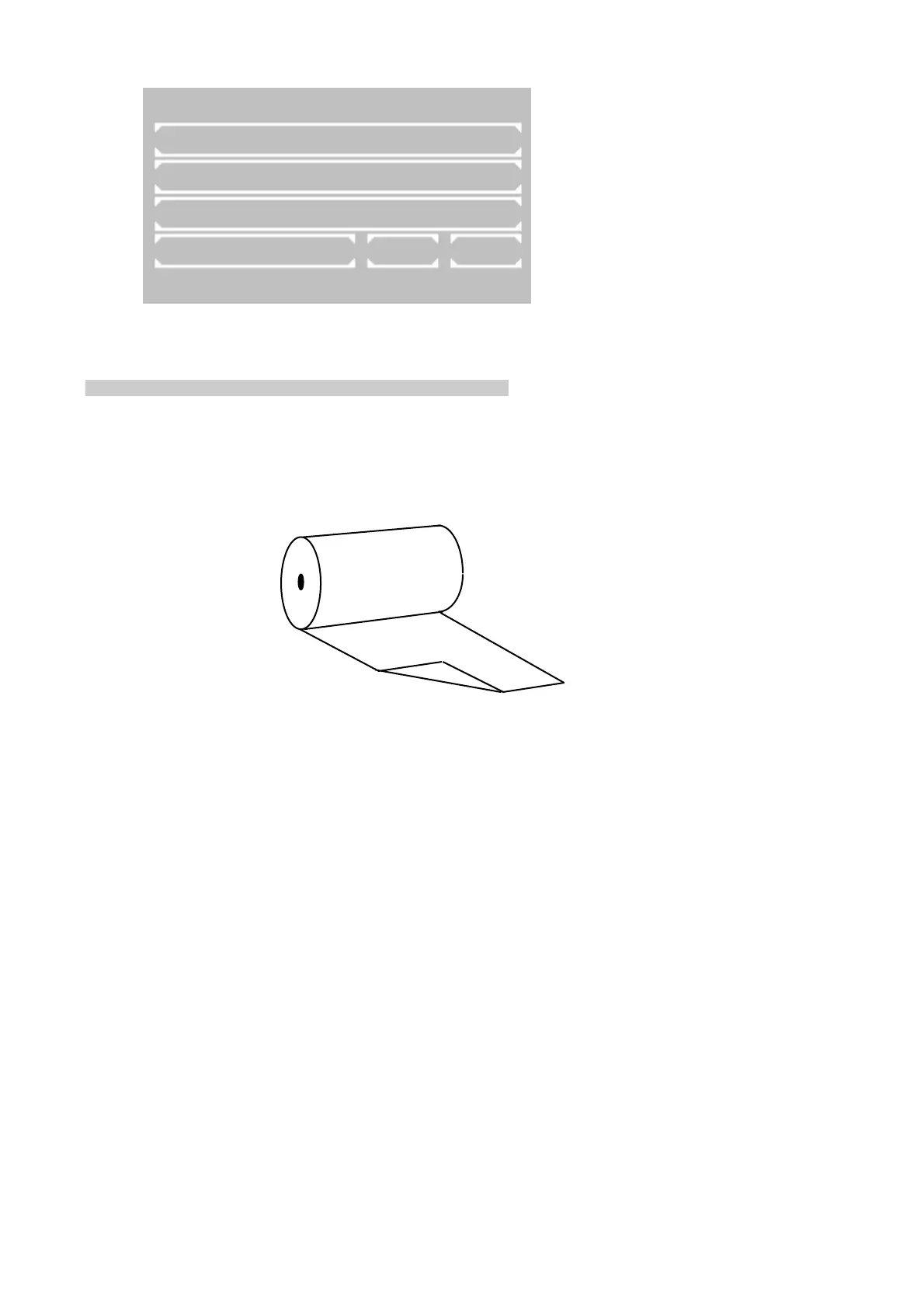
• Fold the beginning of paper over the corner to an angle of 90° (as shown below).
• Insert the bent paper underneath the ribbon cartridge.
• Press [LF] several times for line-feed until the paper has a length of about 5 cm.
• Insert printer paper reel into the axis guide.
• Push the printer paper through the slot in the printer cover and close the printer with the cover.
ROBERT RIELE GmbH & Co KG Page 9 2 - INSTALLATION



 To Next Page