EasyManua.ls Logo

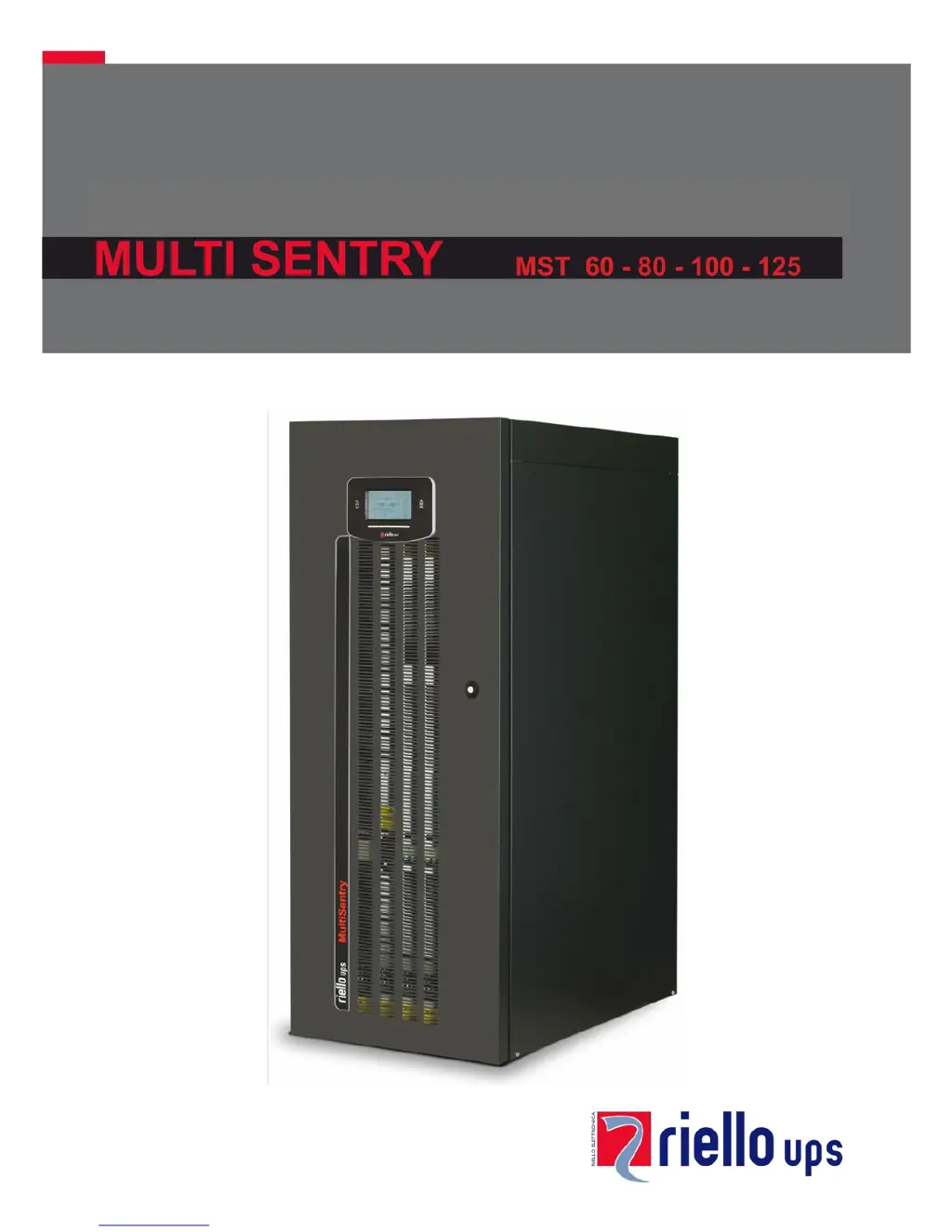
Riello MULTI SENTRY MST 60 - User Manual

Riello MULTI SENTRY MST 60
56 pages
Print Icon
To Next Page IconTo Next Page
Loading...

Table of Contents

Questions and Answers

  • J
    John MasonAug 27, 2025
    What does code S07 mean on my Riello MULTI SENTRY MST 60 UPS?
    • B
      Breanna AllenAug 27, 2025
      If your Riello UPS displays code S07, it indicates that the batteries are flat and the UPS is waiting for the battery voltage to exceed the set threshold. You can either wait for the batteries to recharge or manually force power-on via the “ON” menu.
  • C
    Chelsea GarnerAug 27, 2025
    What does it mean when my Riello MULTI SENTRY MST 60 UPS shows codes A39, A40 and the replace batteries LED is on?
    • C
      Cindy LevineAug 27, 2025
      If your Riello UPS displays codes A39 or A40 and the red "Replace Batteries" LED is on, it means the batteries haven't passed their periodic efficiency test. It's recommended to replace the batteries, as they may no longer provide sufficient autonomy. Battery replacement must be performed by qualified personnel.
  • J
    Jennifer WaltersAug 25, 2025
    What to do if there is no load voltage arriving from my Riello UPS?
    • P
      Peter ParkerAug 26, 2025
      If there is no load voltage from your Riello UPS, consider these possibilities: 1. Check that the load is properly connected to the output terminals. 2. Ensure that the switch behind the door (SWOUT) is closed. 3. Verify that the UPS is not in standby mode. If it is, perform the startup sequence. 4. Confirm that the Stand-by OFF mode is not selected, as this mode only powers loads during blackouts. 5. If the UPS has malfunctioned and the automatic bypass isn't working, insert the manual bypass (SWMB) and contact the nearest service center.
  • E
    Emily AllenAug 25, 2025
    What to do if Riello MULTI SENTRY MST 60 UPS does not go into standby mode with mains power?
    • K
      Kelly HamiltonAug 25, 2025
      If your Riello UPS doesn't enter standby mode despite mains power, check the following: * Ensure the mains are correctly connected to the input terminals as per the installation instructions. * Verify the neutral connection is present, as the UPS requires it to operate. Failure to connect the neutral can damage the UPS or the load. * Confirm the switch behind the door (SWIN) is closed. * Check for a blackout; verify the presence of mains voltage. If there is no mains voltage, switch on via batteries to power the load. * Check for upstream protection intervention and reset the protection, ensuring there is no output overload or short to the UPS.

Summary

UPS Component Views

Control Panel Explanation

Explains the control panel layout, LEDs, and function keys.

UPS Connection Points

Installation Procedures

Installation Setup Essentials

Details the initial steps and requirements for setting up the UPS.

Electrical Connection Guide

Connection Cable Sizing

Provides tables for selecting appropriate cable sizes for different UPS models.

Pre-Connection Operations

Outlines essential safety checks and preparatory steps before making electrical connections.

Hookup Instructions

Provides step-by-step guidance for connecting the UPS power cables.

Electrical System Connection Diagrams

Protection Devices

Short-Circuit Protection

Explains how the UPS handles output short circuits.

Input Line Thermal Magnetic Switches

Recommends external AC protection devices for the input line.

Battery Line Protection

Specifies surge protectors and fuses for the external battery line.

Differential Protection

Addresses the use and configuration of differential switches for safety.

Output Line Fuses;Switches

Recommends output protection devices for selectivity.

Remote Maintenance Bypass Installation

UPS Usage and Description

UPS Functional Description

Explains the UPS's primary function and block diagram components.

First Start-up Procedures

Guides on initial power-up, switch operations, and basic settings.

Switching On from Mains

Step-by-step guide to powering on the UPS from the mains.

Switching On from Battery (Cold Start)

Step-by-step guide to powering on the UPS using battery power (cold start).

UPS Shutdown Procedure

Instructions for safely shutting down the UPS.

Operating Mode Selection

Describes different UPS operating modes like ON LINE, ECO, and SMART ACTIVE.

Manual Bypass (SWMB) Operation

Explains the procedure for using the manual bypass switch.

UPS Configuration Settings

Detailed UPS Configuration Parameters

Provides detailed default and configurable settings for UPS operation.

Communication Ports

Acoustic Signal (Buzzer) Meanings

Software for UPS Management

Troubleshooting Common Issues

Status and Alarm Codes

UPS Fault Codes

Lists critical problems that can cause the UPS to lock quickly.

UPS Lock Codes

Explains UPS or component inhibits caused by failures.

Technical Data Specifications

Riello MULTI SENTRY MST 60 Specifications

General IconGeneral
Power Rating60 kVA
Frequency50/60 Hz
Phase3-phase
Form FactorTower
Operating Temperature0 to 40 °C
Rated Power (W)60000 W
Output Power Capacity60 kVA
Input Voltage400 V
Output Voltage400 V
Battery TypeValve-regulated lead-acid (VRLA)
Communication InterfaceRS232, USB
TopologyOn-line double conversion

Related product manuals