WatchOUT DT Installation Manual 17
English
Diagnostics
The ProSYS enables you to test parameters that reflect the operation of the detector.
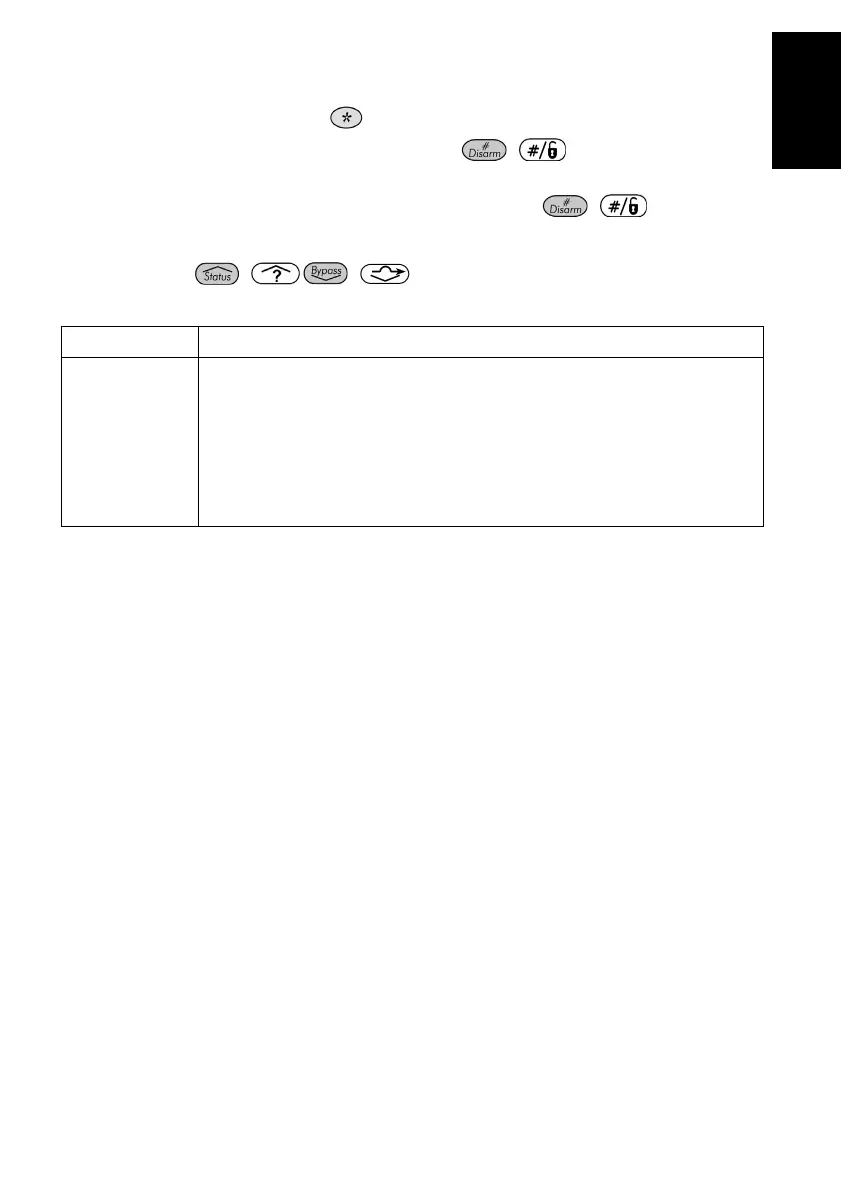
1. From the main user menu press
[4] to access the Maintenance menu.
2. Enter the Installer code (or sub-installer) and press
/ .
3. Press [9] [1] to for the BUS Zones diagnostic menu.
4. Enter the digit of the zone that you want to test and then press
/ . The system will
perform the diagnostics test and a list of test parameters will appear, as indicated in the table
below.
5. Use the keys
/ / to view the diagnostics test results.
User Menu: 4) Maintenance → 9) Diagnostic → 1) BUS Zone
Quick Keys Parameter
[4][9][1][zzz]
Detector Input Voltage: Display the input voltage of the detector.
PIR 1 Level: PIR channel 1 DC level. Range 0.1v - 4v
PIR 1 Noise Level: PIR channel 1 AC level. Range 0VAC (No noise) - 4VA
PIR 2 Level: PIR channel 2 DC level. Range 0.1v - 4v
PIR 2 Noise Level: PIR channel 2 AC level. Range 0VAC (No noise) - 4VA
MW 1 Level: MW channel 1 DC level Range 0.1v - 4v
MW 1 Noise Level
: MW channel 1 AC level (0VAC (No noise) - 4VAC)
MW 2 Level: MW channel 2 DC level Range 0.1v - 4v
MW 2 Noise Level: MW channel 2 AC level (0VAC (No noise) - 4VAC



 To Next Page