1: Getting Started
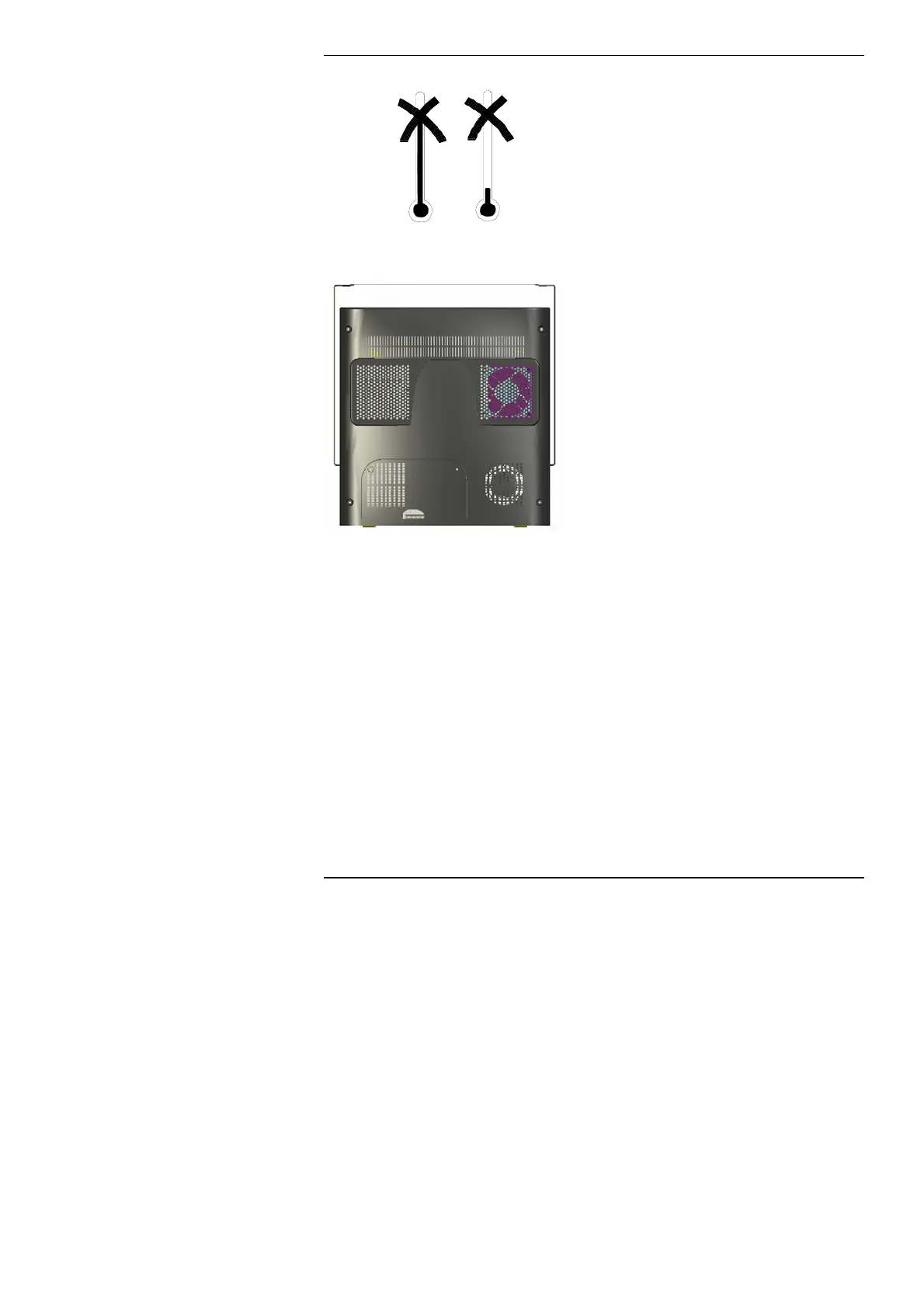
Avoid extremes of temperature (below
5°C and above 35°C). If you move your
computer from a cold place into a
warm room, allow some time for it to
warm up before you switch it on so
that it is at the correct operating
temperature.
RM recommend keeping the room less
than 25°C for optimal operation of the
RM One system
Always make sure that all ventilation
outlets are not obstructed, to prevent
overheating. Do not place your
computer where warm air might blow
into the ventilation outlets. You should
leave about 10cm (4 inches) between
the rear cover of the RM One and any
other vertical surface
14



 To Next Page