3: Fitting Hardware Options
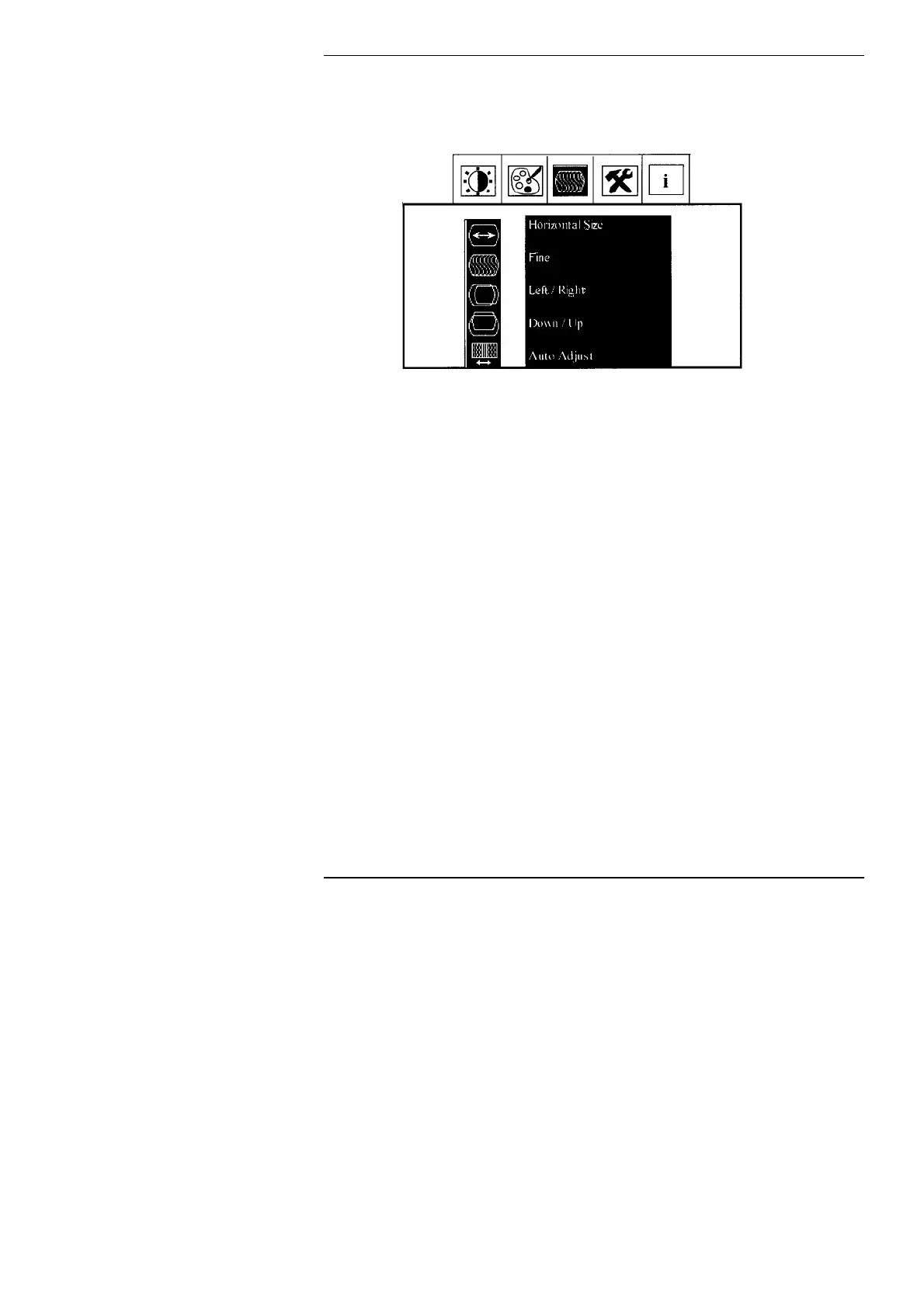
Image Menu
Horizontal Size: Adjusts the horizontal size of the image
Fine: Adjusts the phase of the display. Use this if you experience
wavy lines of blurring of the picture.
Left/Right: Moves the image to the left or right
Down/Up: Moves the image down or up
Auto Adjust: Automatically adjusts the image to the optimum settings.
26



 To Next Page