2: System Description
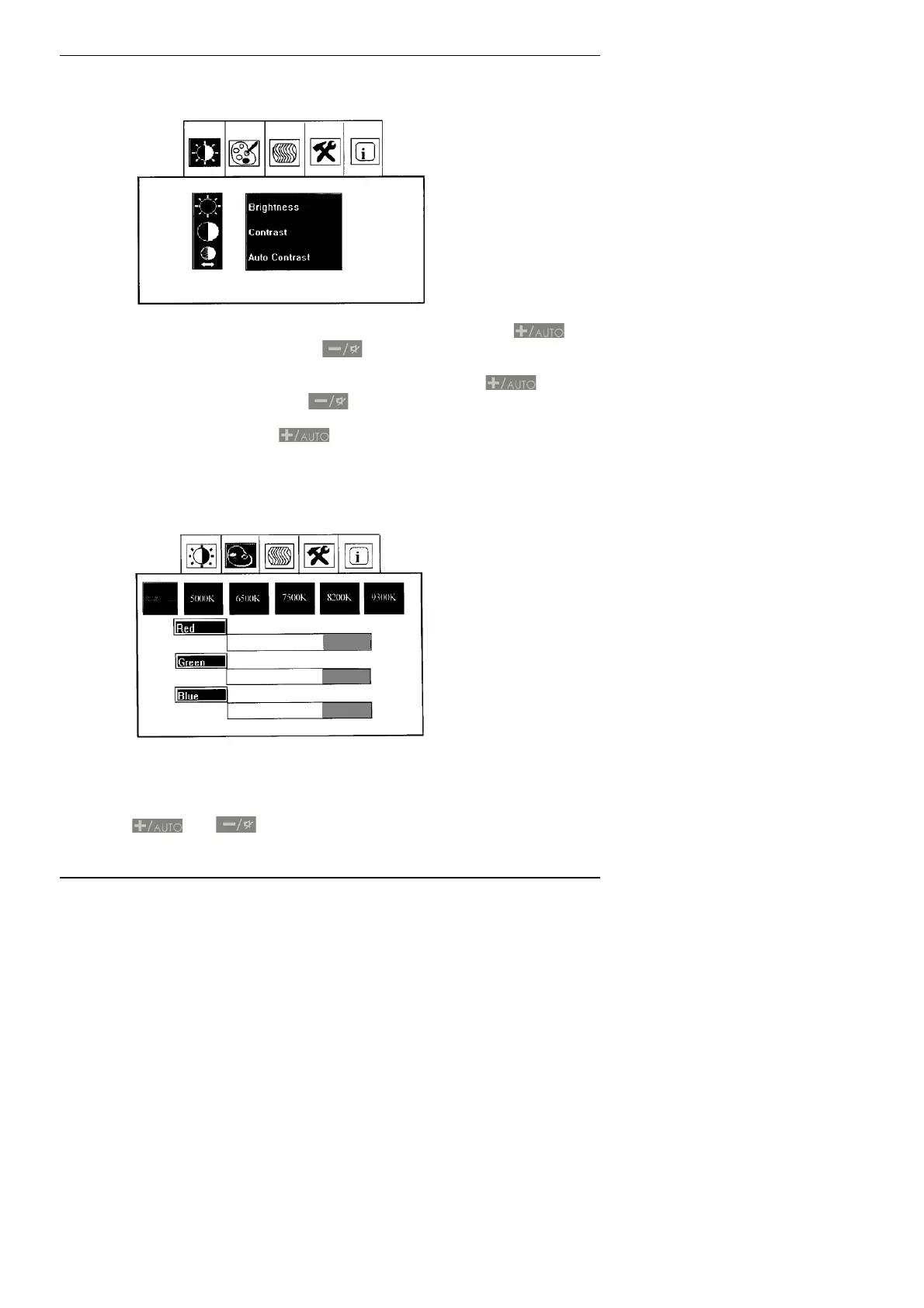
Visual Menu
Brightness: Adjusts the brightness of the screen. Press
to
increase the brightness and
to decrease the brightness.
Contrast: Adjusts the contrast of the screen. Press
to
increase the contrast and
to decrease the contrast.
Auto Contrast: Press
to automatically set brightness and
contrast levels.
Colour Temperature Menu
Presets: You can choose 4 different colour temperatures to suit the
ambient light in the room. Alternatively you can edit these as
required by adjusting the red, green and blue elements with the
and buttons
25



 To Next Page