3: Fitting Hardware Options
The Monitor On Screen Display (OSD)
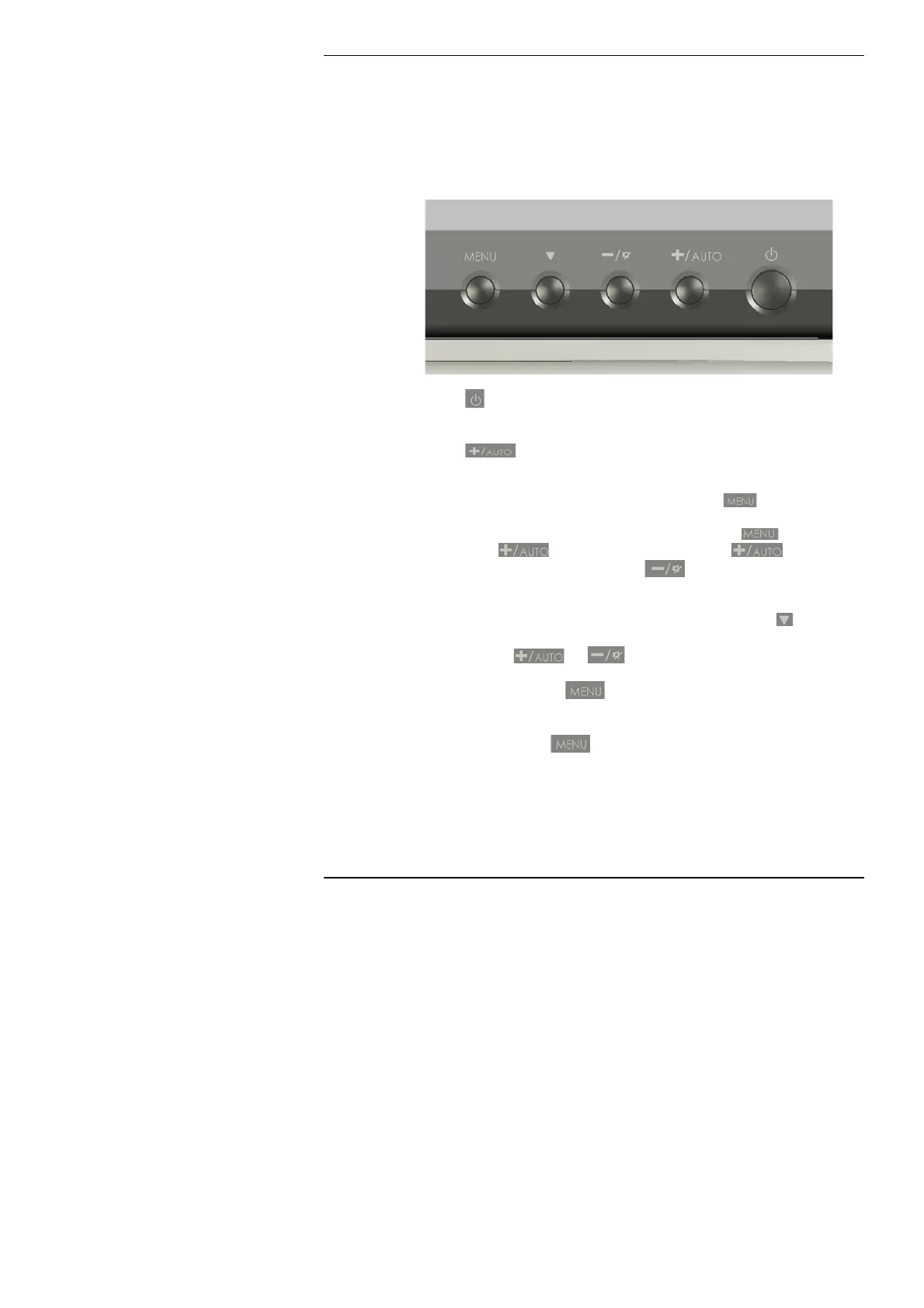
The RM One screen is fitted with a versatile menu system that allows
the user to set the colour and geometry to their personal
preferences.
Press the
button to switch the monitor on and off independently of
the main system power.
Press the
button to automatically set the best colour and
geometry settings.
To access the on screen display (OSD) press the button.
To cycle through the settings pages, first press the
button,
followed by the
button. Each press of the button
advances the page by one. Pressing
will reverse a page at a
time.
To access the individual settings on each page press the
button to
cycle through the settings. To increase or decrease a particular
setting press the
or respectively.
To close the menu press
again.
The next pages guide you through the settings that can be modified
within the OSD. Press
to display the first screen.
24



 To Next Page