36
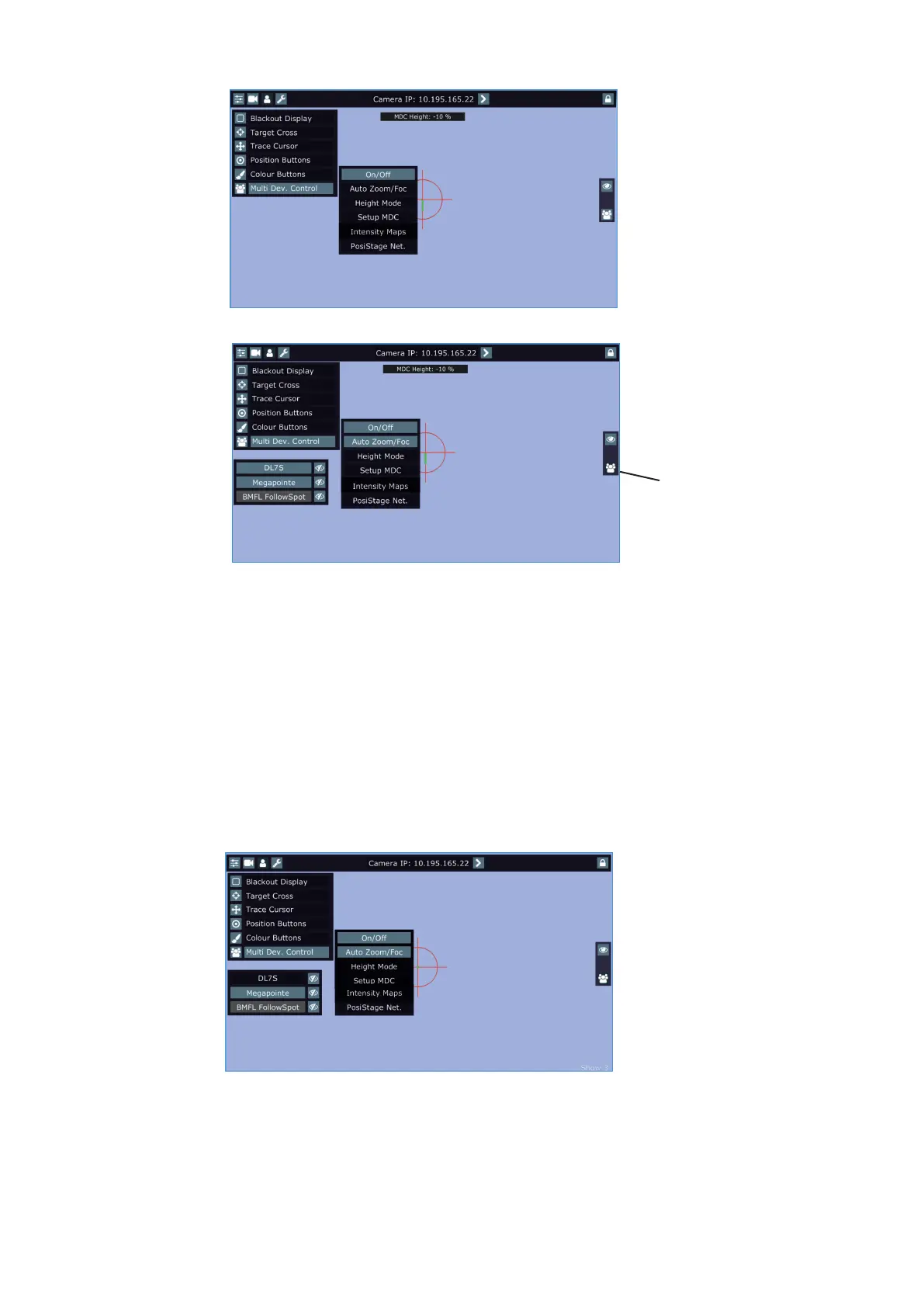
To activate the multi device control, touch the button "On/O.
If the item "Auto Zoom/Foc." is active, the zoom and focus of xtures used in the follow spot operation
will be carried out automatically (in a range as was adjusted in "1st point" and "2nd point") during moving of
the light image on the stage. If the item "Auto Zoom/Foc." is deactivated, zooming and focusing of xtures has
to be done manually.
If the item "Auto Zoom/Foc." is active, neither static gobos nor rotating gobos can be changed at the Robin
Pointe/MegaPointe/iPointe (gobos are set to the specic positions). If the item "Auto Zoom/Foc." is deactivated,
the gobos can be changed as you need.
During the follow spot operation you can deactivate any device (except the reference device). The deactivated
device remains in the original position and the rest of devices will continue in the follow spot operation. When
you activate this device back, the device "jumps" to the follow spot operation.
Example: Robin DL7S is deactivated (by touching the button DL7S).
The icon shows fixtures
used in the multi device
control















 To Next Page