35
x,y,z - relative coordinates of the device in relation to the reference device
Rx,Ry,Rz - rotation of the device in x, y and z axes
SRx, SRy - rotation of the stage towards to reference device
Rs - rotation of the stage towards to working space
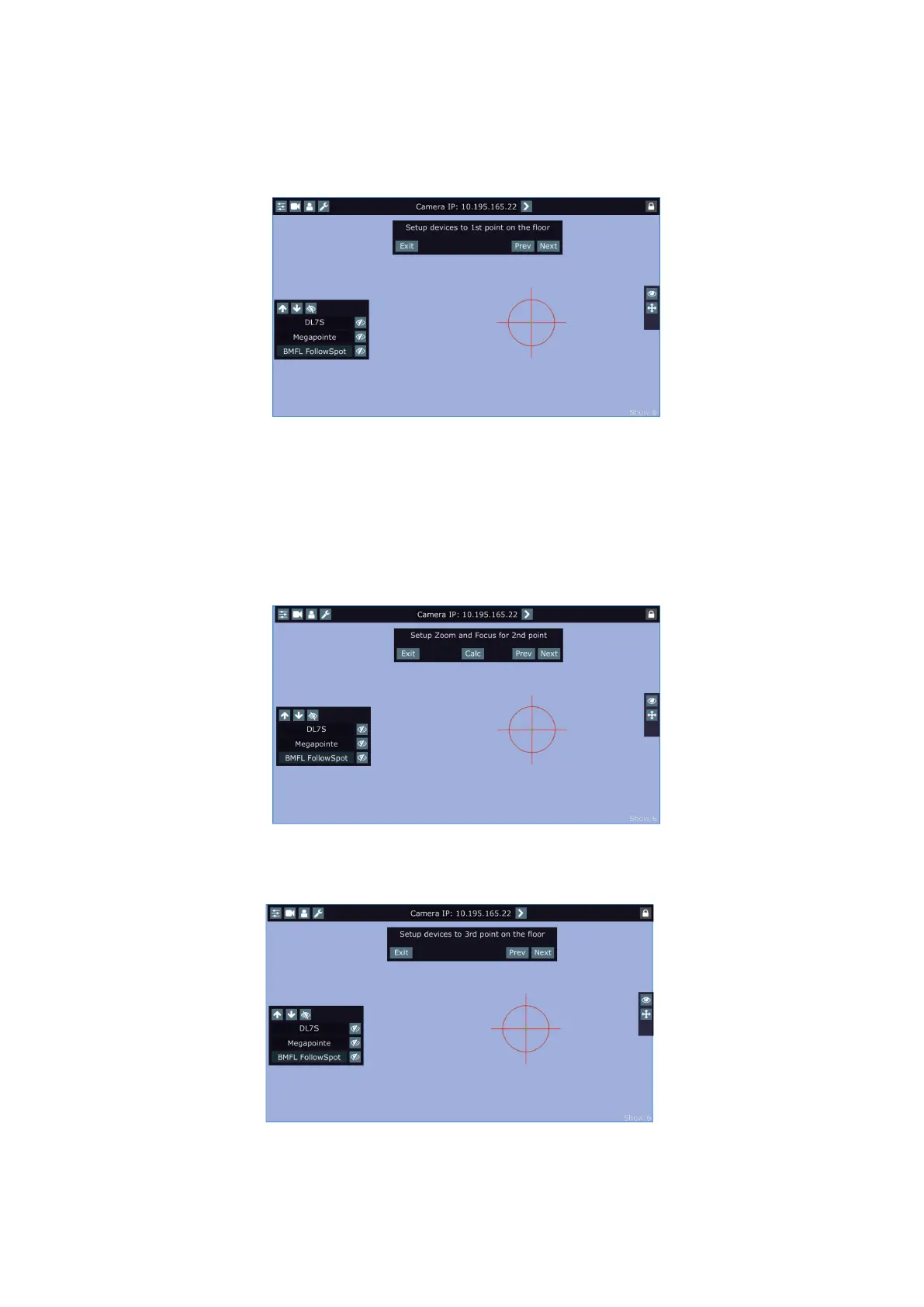
The button "Adj." allows you to go back in the setting procedure and correct settings of devices in the rst and
all following points. The following screen will appear.
Note:
If the plane of xture´s hanging and the plane of the stage is parallel in relation to each other, two position
points should be enough.
If the plane of xture´s hanging and the plane of the stage is not parallel in relation to each other or the result
of MDC is not satisfactory, you will need to set another position point (or points).
The MDC setup allows you to set up 5 position points.
To move to the third position point setting, touch the "Next" button.
The following message will appear on the screen:
Do settings for the third position point as you did for the second point and check that MDC works correctly.
If you use 3, 4 or 5 position points, they should be placed suciently apart on the oor and situated inside the
eld which is intended for the follow spot operation. They must not be placed too close each other and must be
in the same level on the stage (because of correct operation of the function Height mode).















 To Next Page