46
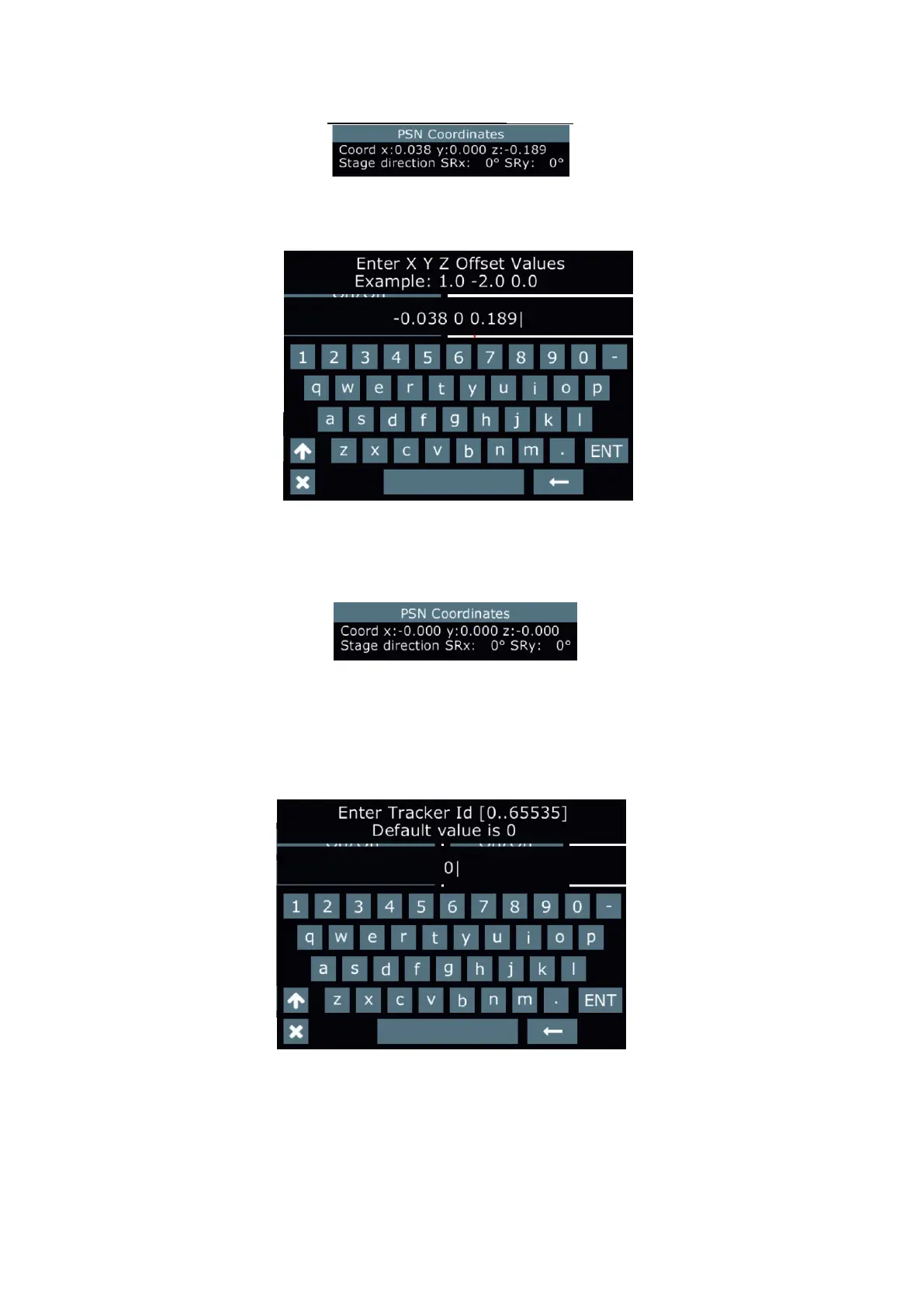
3. Aim the beam of reference xture from point P0 to Point P1. Current coordinates of the point P1 will be dis-
played in the PSN Coordinates window.
Example:
4. Select the option "Set Oset" and type the values from the PSN Coordinates window (with opposite signs)
into the eld XYZ Oset Values.
Example:
5. After pressing the ENT button, new origin of coordinates will be saved and the XYZ coordinates in the PSN
Coordinates window will be set to 0.
Example:
Last three items in the PosiStage Net menu allows you to set Tracker ID, PSN port and PSN Address.
x: 0.038
y: 0.000
z:-0.189
x:-0.038
y: 0.000
z: 0.189
Values xyz have
to be separated
by a space!















 To Next Page