7
Controls and connections cont.
The best way to control your speaker is by using the UNDOK app. However
you could also use the buttons on your S1/S2 for the following functions.
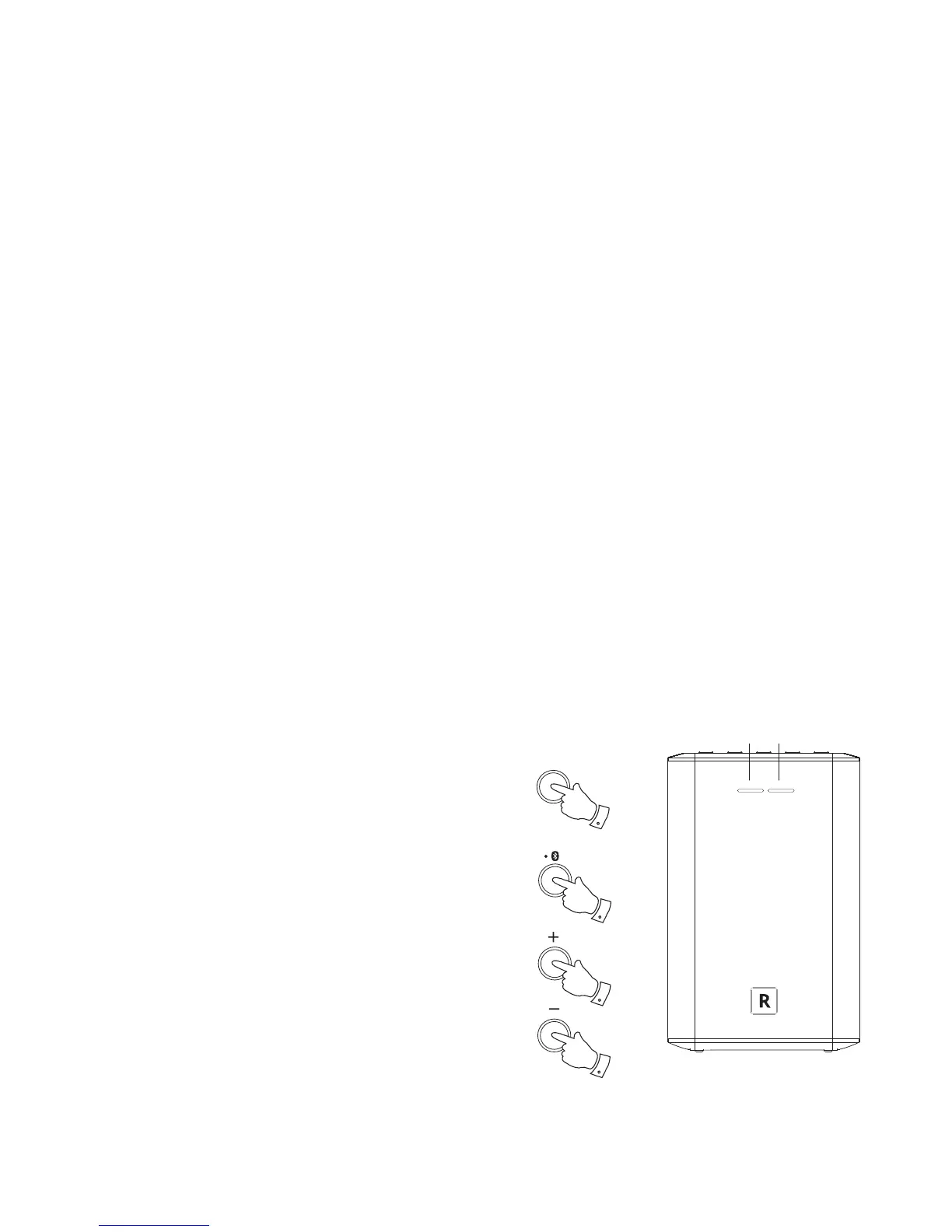
1. Pressing the Power/Standby button brings your speaker out of Standby
mode.
Pressing the Power/Standby button while the speaker is in use will
cause it to return to the Standby mode. The Power/Standby indicator
will light white.
2. Press and release the Mode button to select the desired operating
mode, Internet Radio, Spotify, Music Player, Bluetooth or Auxiliary Input.
The Mode indicator will change colour according to the source selected
(see page 33).
Instructions for each operating mode are given in the later sections
of this book.
3. You can control the volume using the Up and Down Volume buttons
on your speaker.
Note: You will need to use the UNDOK app to select your choice
of content for most operating modes.
Power
1
Mode indicator
Mode
2
3
3
Power/Standby indicator



 To Next Page