39
Software update
From time to time, new software features may be made available for your
speaker. This will be indicated via the 'Settings' screen in the UNDOK app
which may then be used to update the product.
If you download a software upgrade to your product, additional license
terms may apply and these are available http://www.frontier-silicon.com/
audio/eula.htm
1
2
Software version display
The software version display is provided for reference and customer
support purposes.
1. To view your software version select the 'Settings' screen in the UNDOK
app.
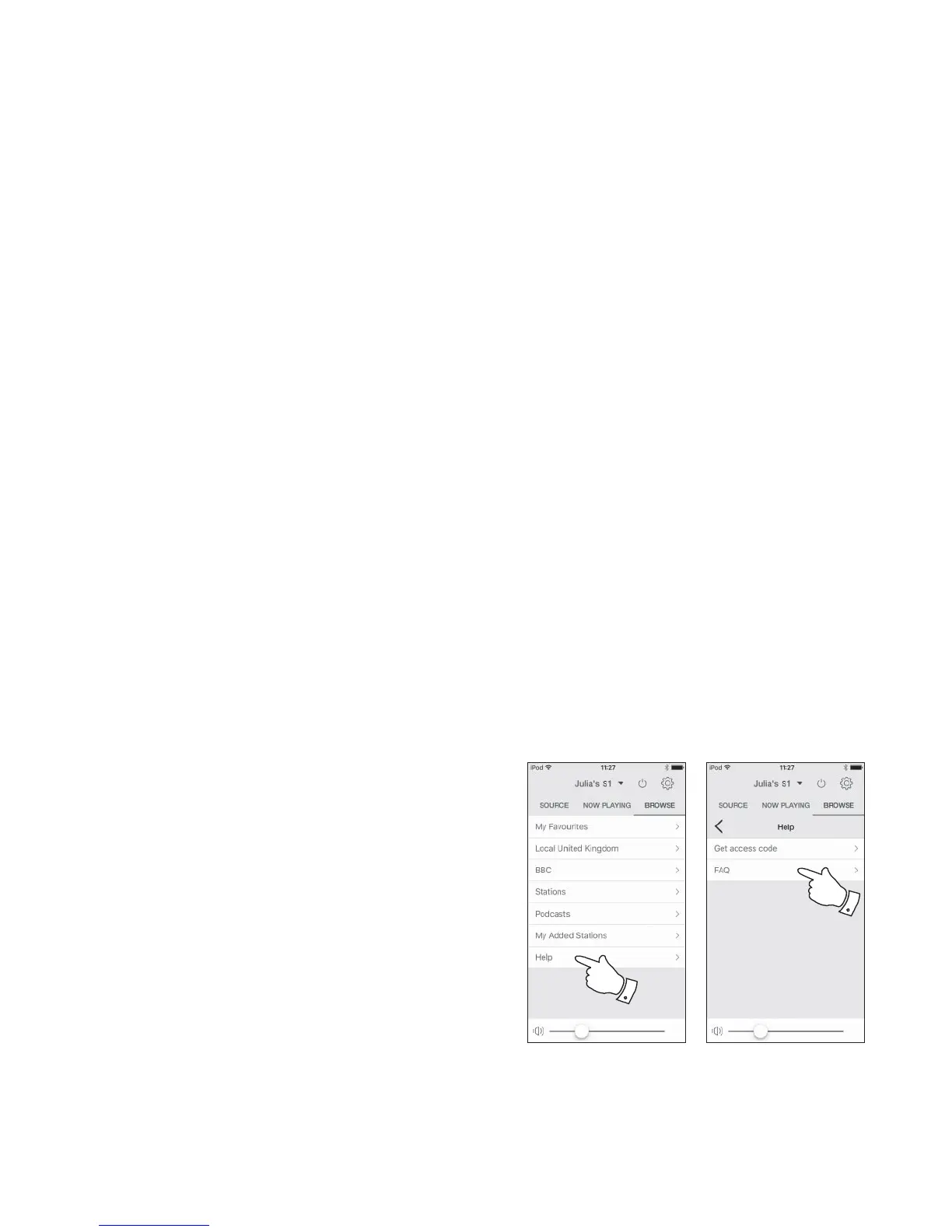
Audio FAQ
Your speaker can access some audio help for Internet Radio use.
1. With your speaker switched on and in the Internet Radio mode, select
'Browse' and then the 'Help' option from the app.
2. Select the 'FAQ' option to display some frequently asked questions.
3. Choose the question that suits your requirements and select to listen
to the answer.
Adjust the volume as needed.



 To Next Page